View channel analytics
Channel insights include text message, push notification, and form insights.
Text message insights
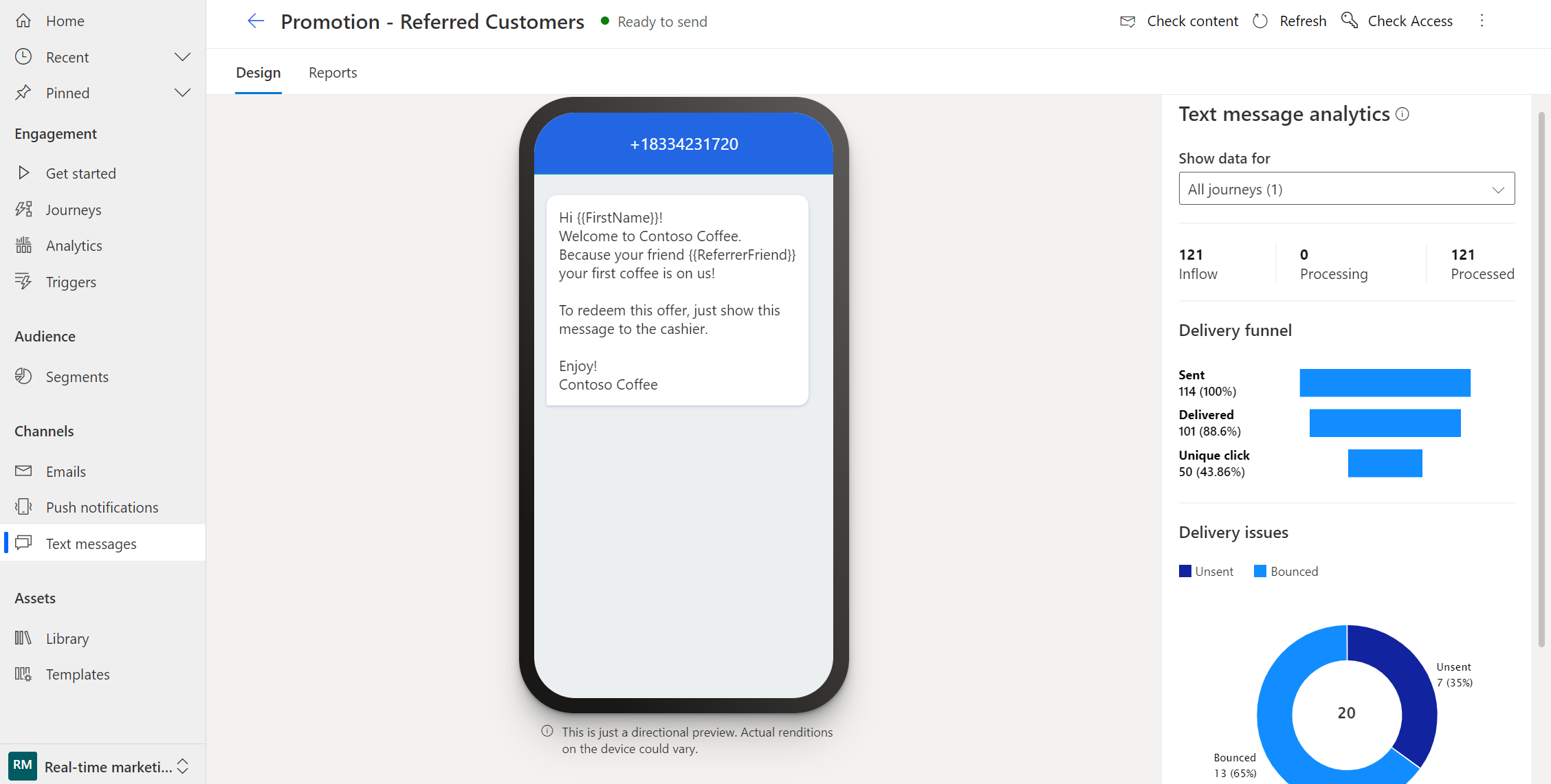
You can see how customers reacted to your text messages by checking the text messages analytics in the message itself.
To view text message insights, go to Real-time journeys > Channels > Text messages, and select a text message.
If you navigate to the Reports tab, you can view delivery trends over time.
Note
Delivery reports for text messages are received from different carriers in every country or region. This might result in false positives or negatives at times, depending on the carrier. Consider this when you check the delivery reports of your text messages.
Push notification insights
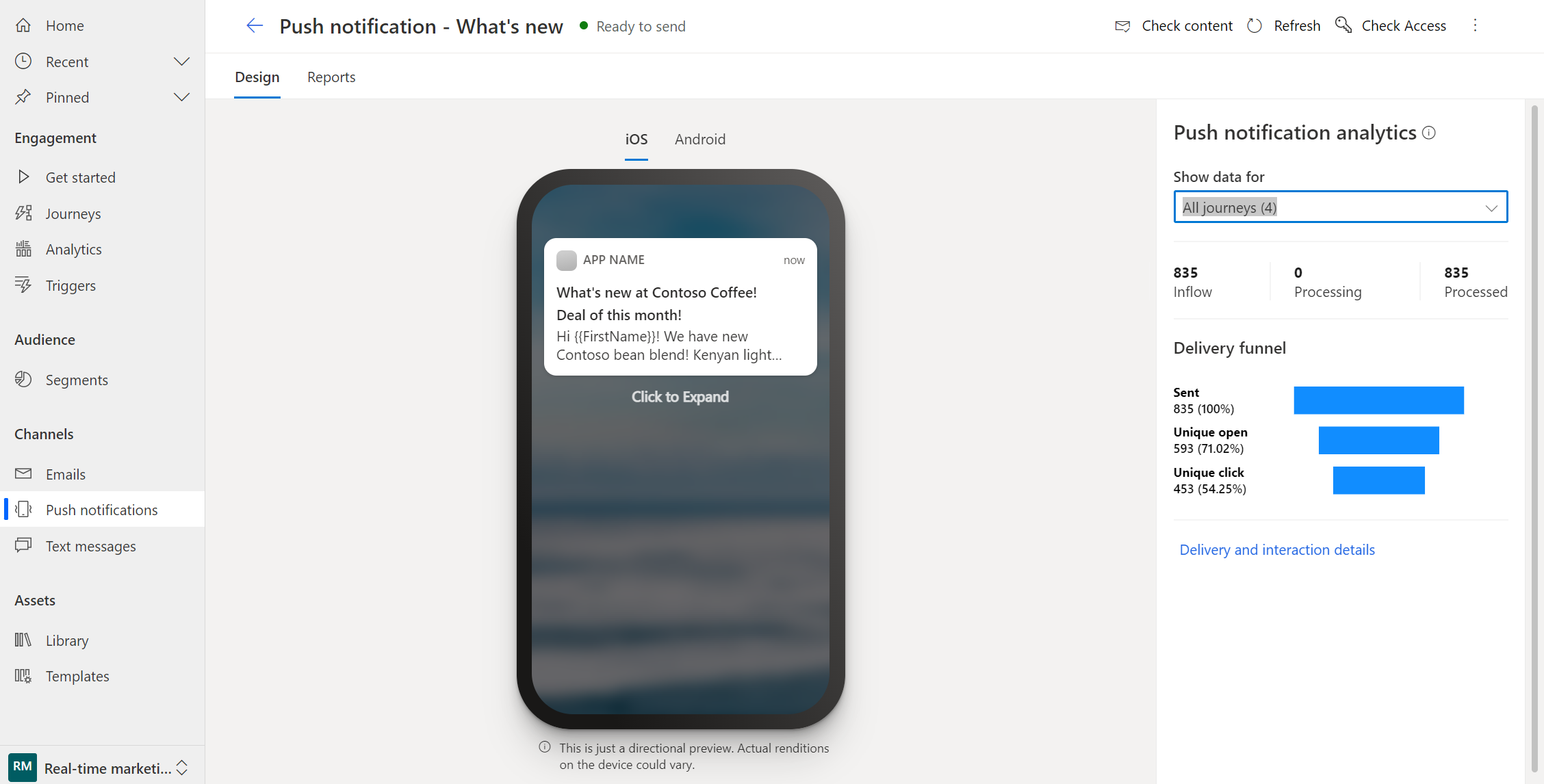
You can see how customers reacted to your push messages by checking the push notification analytics in the message itself.
To view push notification insights, go to Real-time journeys > Channels > Push notifications, and select a push notification.
The Push notification analytics section provides a snapshot of metrics such as sent, opened, and clicked. You can also use the filter to display analytics for a specific journey.
If you navigate to the Reports tab, you can view delivery trends over time.
View marketing form insights
You can find a history of how various contacts and leads have interacted with a form and the submissions. Although you can use each form on multiple marketing pages and in multiple journeys, all form insights combine data from all usages.
To view marketing form insights, go to Real-time journeys > Channels > Forms, and select a form.
The Form analytics section provides a snapshot of metrics such as conversion rate, submissions, and views.
If you navigate to the Submissions tab, you can see all the submissions that have come in for this form.