File sharing: Increase collaboration and creativity
Microsoft Edge has a great feature built in called Collections that really helps increase productivity on the web. Use Collections to:
- Build a library of data research
- Plan for a unit of study
- Collect professional development resources
- Create "go-to" classroom website collections
- Build a list of kid-safe searches
… and so much more!
Save websites, pictures, text, and more with Collections
File sharing is a technology concept that helps educators and learners increase their productivity and creativity by:
- Saving time through simultaneous editing
- Eliminating confusion of multiple file versions
- Saving money by enhancing efficiency
- Preventing lost data
- Allowing everyone to share ideas
Microsoft 365 applications offer easy ways for learners and educators to share files. Some of the most used Microsoft 365 apps allowing file sharing are:
- Excel
- OneNote
- PowerPoint
- Stream
- Sway
- Whiteboard
- Word
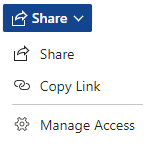
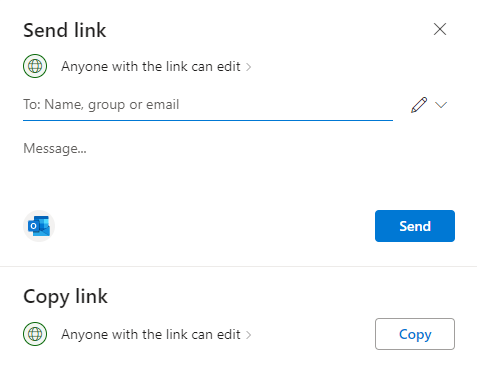
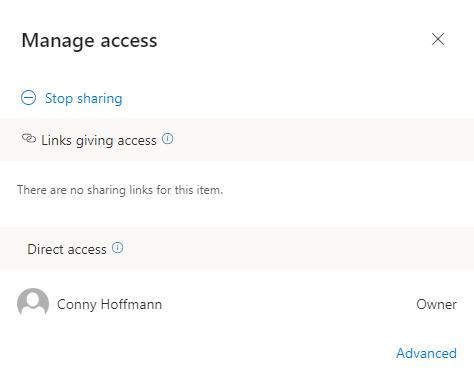
All these Microsoft 365 applications include a Share button that, when selected, provides options to send a link to others immediately, copy a link to email or post in a Teams chat later and Manage Access. Manage Access allows the file's owner to manage who has access to the file and what type of access others have.