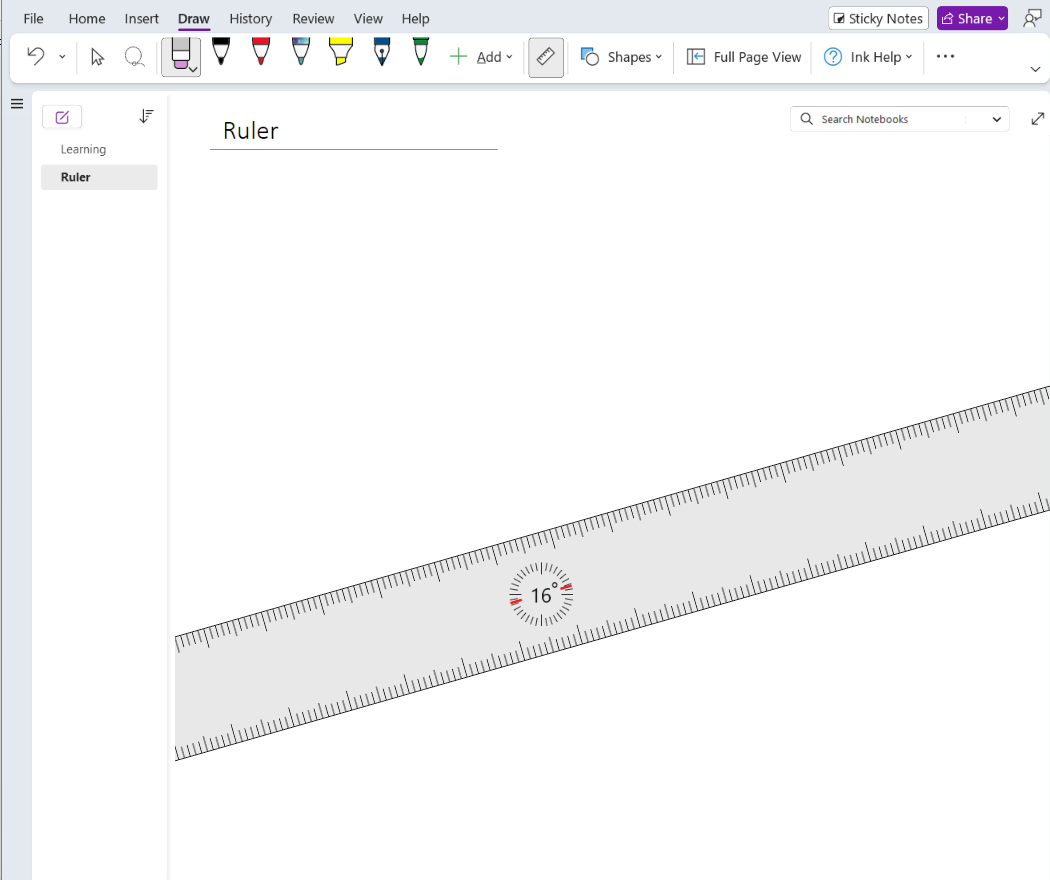
Digital ruler at your fingertips
When teaching about scale, drawing diagrams, or just drawing a line, give the ruler a try. On the Draw tab select Ruler.
On a touch device:
- Use one finger to move the ruler up, down, left, or right
- Use two fingers to rotate the ruler to an angle
- Use three fingers to rotate the ruler in increments of five
Using a mouse:
- With the cursor, select and hold to move the ruler
- Select the ruler then use the scroll wheel to change the ruler angle