Azure IoT Hub
An Azure service that enables bidirectional communication between internet of things (IoT) devices and applications.
This browser is no longer supported.
Upgrade to Microsoft Edge to take advantage of the latest features, security updates, and technical support.
' cx='32' cy='32' r='32' /%3E%3Ctext x='50%25' y='55%25' dominant-baseline='middle' text-anchor='middle' fill='%23FFF' %3EPM%3C/text%3E%3C/svg%3E)
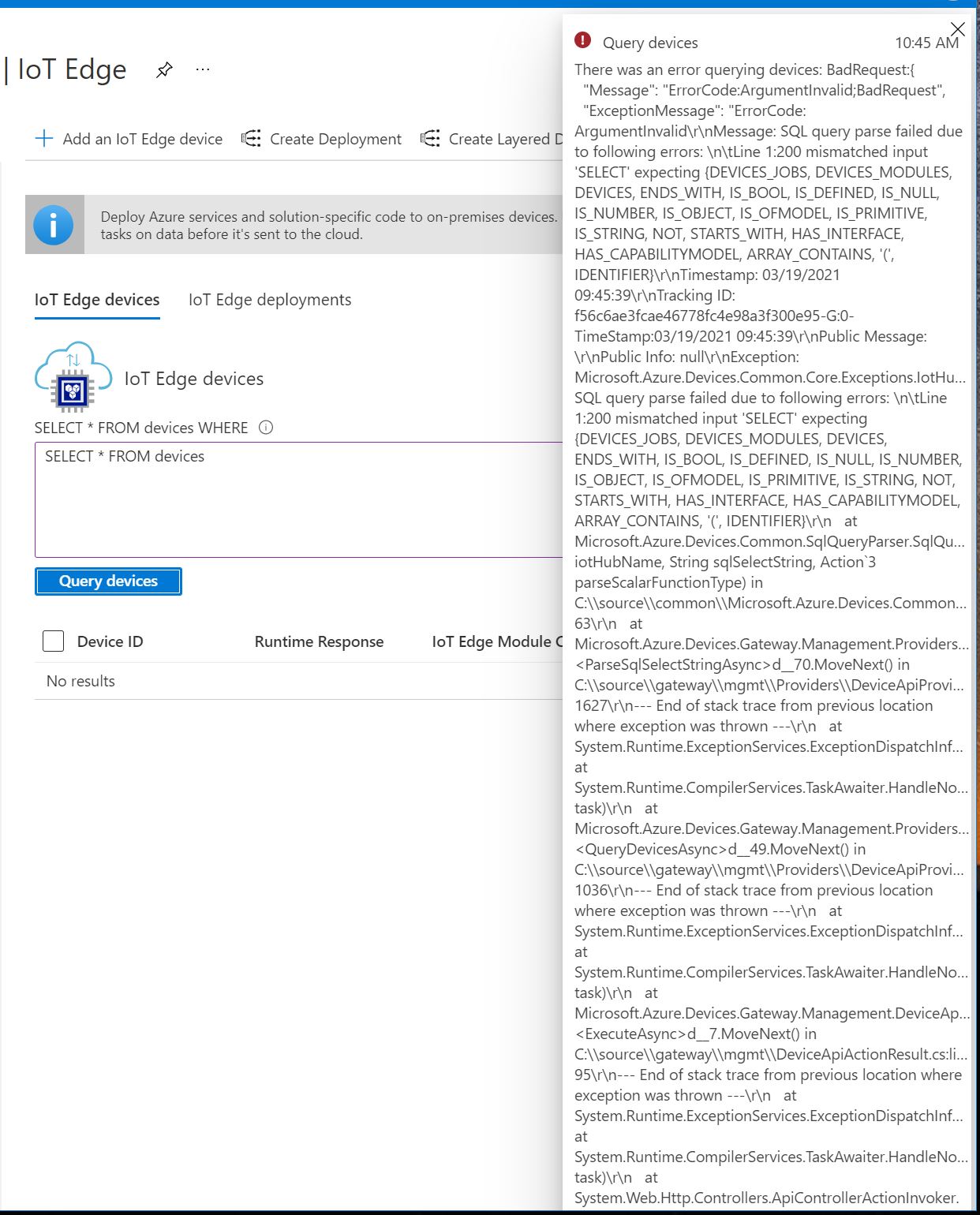
How should query looks like in order to get all edge devices?
An Azure service that enables bidirectional communication between internet of things (IoT) devices and applications.
Answer accepted by question author

Hello @Petr Maslak
In this page, you can only fill in the WHERE clause. And it is paged to protect both the Azure service and the user in case there are a million users.
If you fill in:
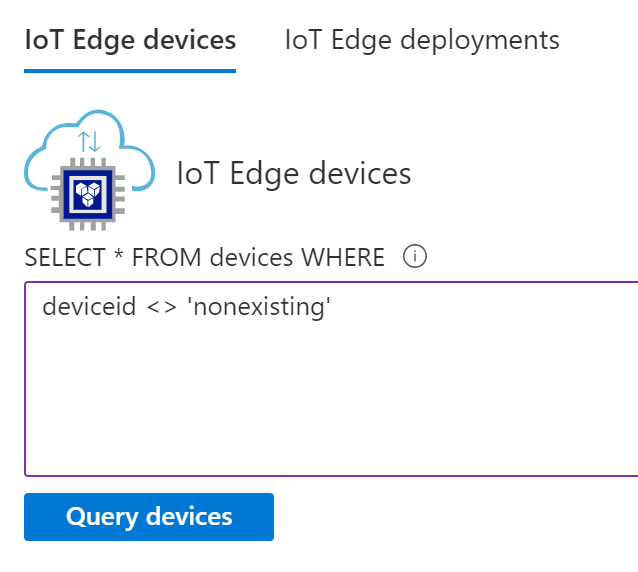
You get (the same) page list of all edge devices.
An alternative is the Query Explorer, seen in the main menu of the IoT Hub :
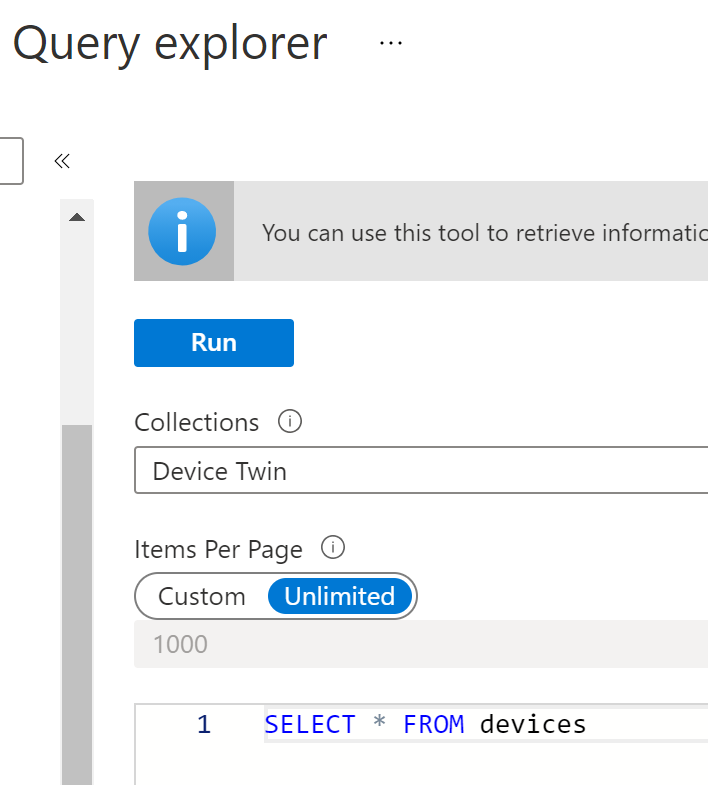
Notice the 'unlimited' option... This only shows the device twin of edge devices, not the module twins.
You can also check out the underlying IoT Hub Rest API eg. 'Get Devices'.
Thank you,
it would be great if 'query editor' would take and convert data from 'query builder'. Then it would be more clear at first view.