Microsoft Security | Intune | Configuration Manager | Other
Other Configuration Manager-related features and issues

This browser is no longer supported.
Upgrade to Microsoft Edge to take advantage of the latest features, security updates, and technical support.
' cx='32' cy='32' r='32' /%3E%3Ctext x='50%25' y='55%25' dominant-baseline='middle' text-anchor='middle' fill='%23FFF' %3EAD%3C/text%3E%3C/svg%3E)
Dears ,
I have issue with Automatic Deployment Rules the windows updates downloaded by WSUS in SCCM, but my problem the updates didn't push to Device Collections:
As I Checked the distribution point status it's Distributed Successfully, But the Device Collections it's not getting the windows updates as I checked the logs AppEnforce.log not updating showing some errors 0x87d00213 and appdescovery.log as well.

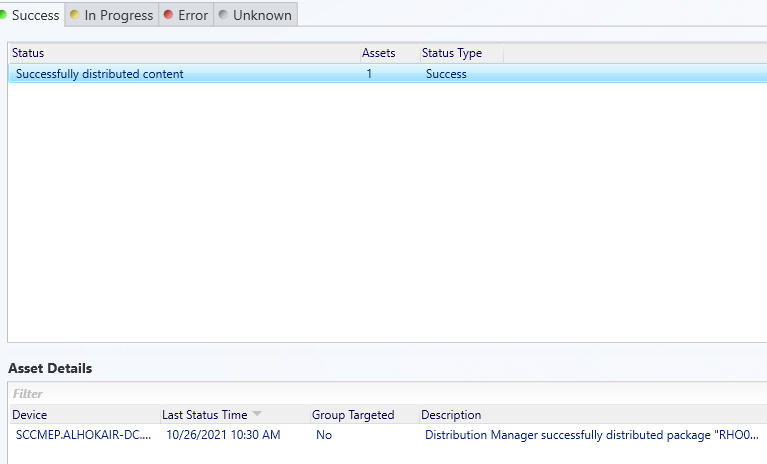
Please anyone can support me in this problem and how to troubleshoot and check the errors for the collections side ..
I appreciate your support ..
Thanks
Other Configuration Manager-related features and issues
Advanced system utilities to manage, troubleshoot, and diagnose Windows and Linux systems and applications.

Thanks for your support, But I think there unusual problem with Automatic Deployment Rules as I checked your mentioned Logs:
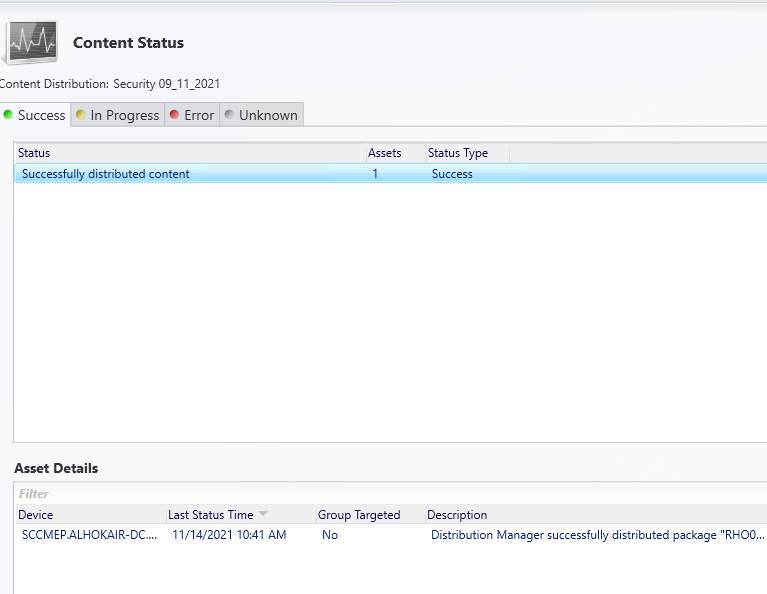
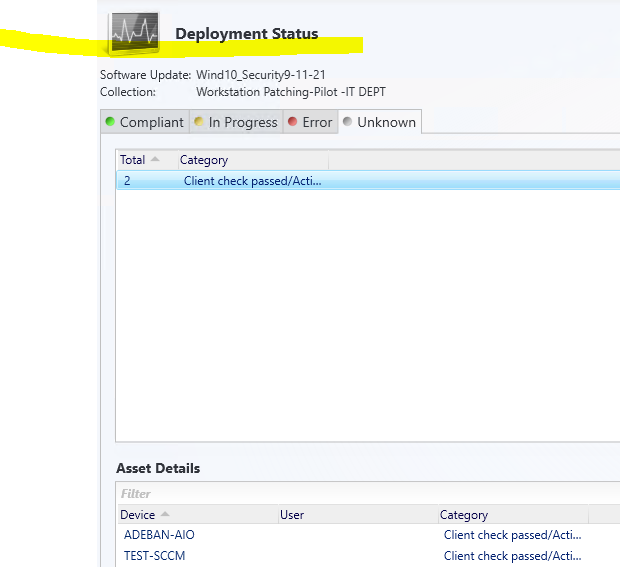
The Distribution Point Success and Compliant but not updating in the clients : which Logs and traffic related Distribution Point → Pushing Client to rectify the issue I will try to uploading the logs for you if possible ;
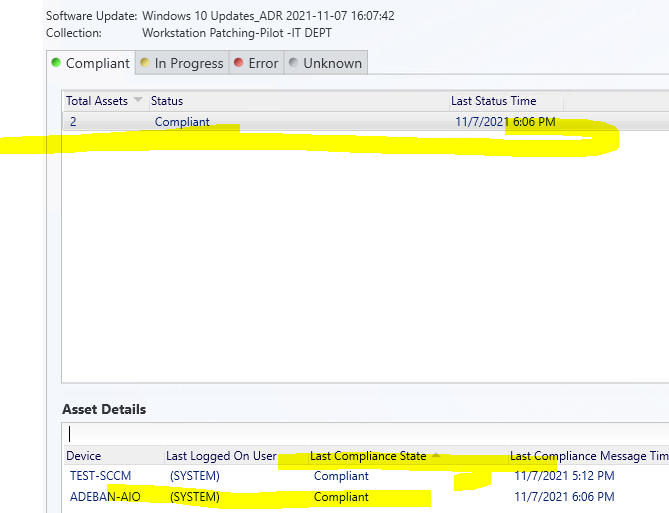
-


Hi,
Thanks for your reply.
Please check UpdatesDeploymentAgent.log on the side of client to see if the update is downloaded from DP and installed.
According to your information, on the side of site sever, the content is distributed successfully, so we could check ContentTransferManager.log to see if the client has obtained the content from the DP.
Best regards,
Amanda
Hi,
May we know the current status of the question? If there is any other assistance we can provide, please feel free to let us know, we will do our best to help you.
Thanks and regards,
Amanda
Hi @Ahmed Deban ,
After deploying the software update, there might be seven steps to troubleshoot the common issues.
Step 1: We could check Policyagent.log. When policy is received, the following entry is logged in PolicyAgent.log:
Step 2: Software update would be checked if it is required by client , kindly check UpdatesStore.log. UpdateStore.log would record updates as missing if they are required. If it is not required or has been installed by client, there is no record in this log.
Step 3: If the update is required, the content could be detected before downloading. We could refer to UpdatesDeploymentAgent.log.
Step 4: The content could be downloaded. we could refer to UpdatesHandler.log, CAS.log, and ContentTransferManager.log.
Step 5: After the download is completed, detection could be followed before installation. We could refer to UpdatesHandler.log,ScanAgent.log, UpdateStore.log, WindowsUpdate.log and WUAHandler.log.
Step 6: Software update could be installed. We could refer to Windowsupdate.log and UpdatesDeployment.log.
Step 7: After the updates are installed, Updates Deployment Agent checks whether any updates require a reboot, and then it notifies the user if client settings are configured to allow such notification. We could refer to UpdatesDeployment.log and UpdateStore.log.
Detailed information could be referred to this link:
https://learn.microsoft.com/en-us/troubleshoot/mem/configmgr/track-software-update-deployment-process#deployment-evaluation-and-update-installation-on-clients
If the answer is the right solution, please click "Accept Answer" and kindly upvote it. If you have extra questions about this answer, please click "Comment".
Note: Please follow the steps in our documentation to enable e-mail notifications if you want to receive the related email notification for this thread.