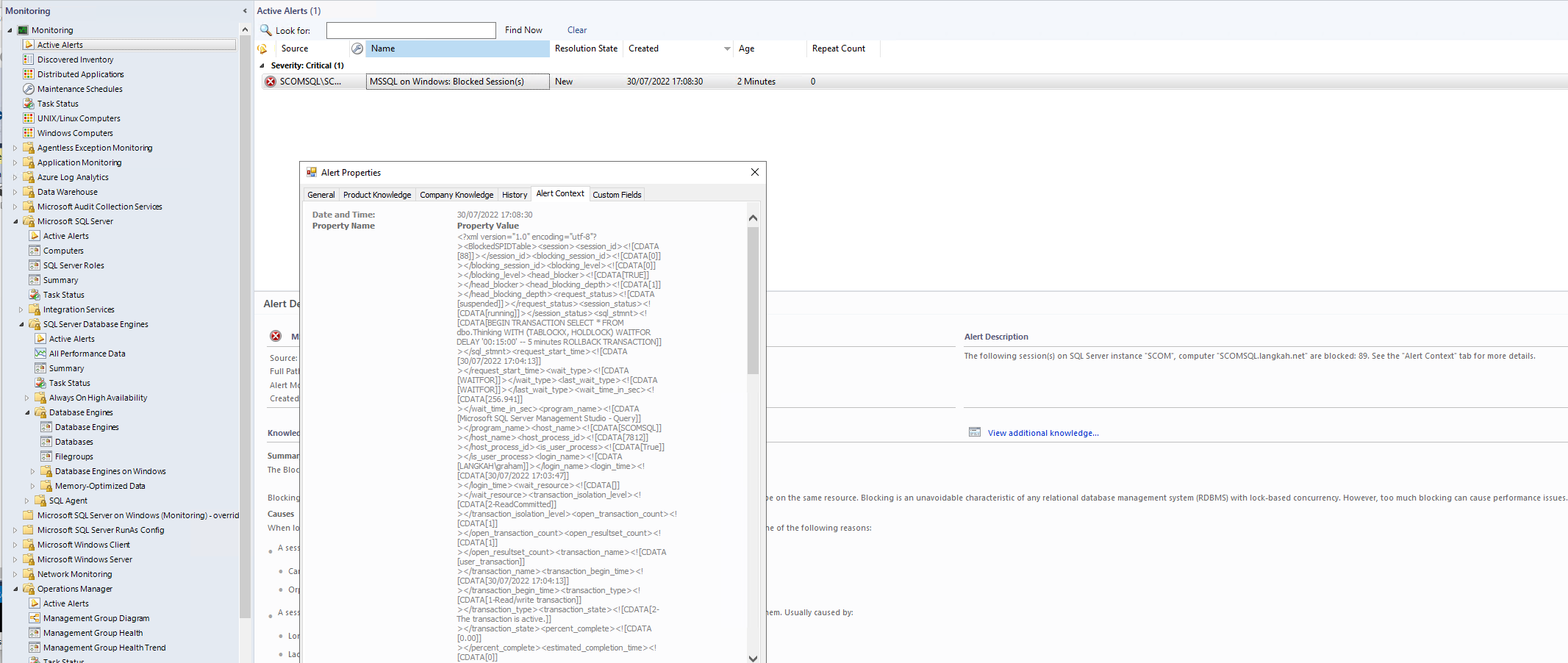
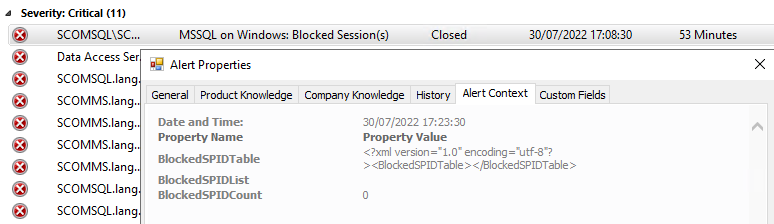
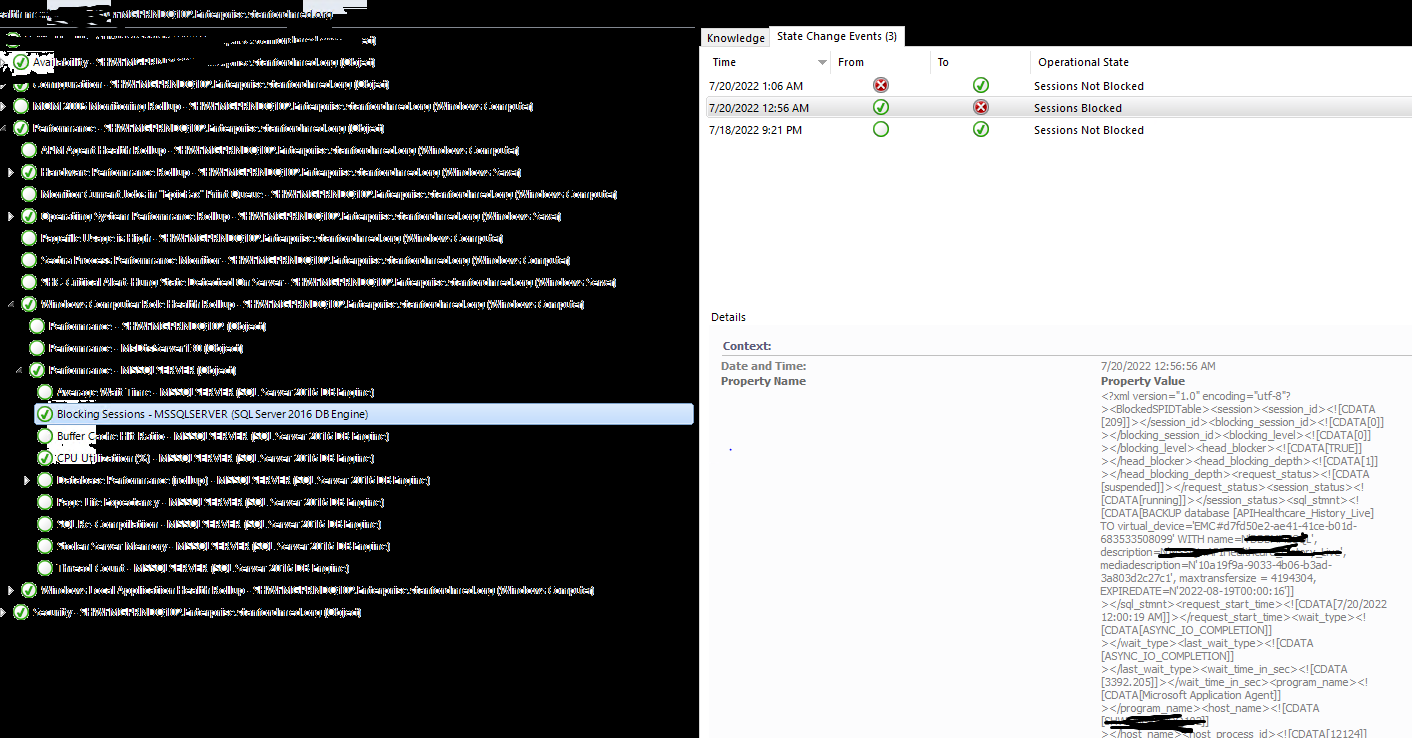
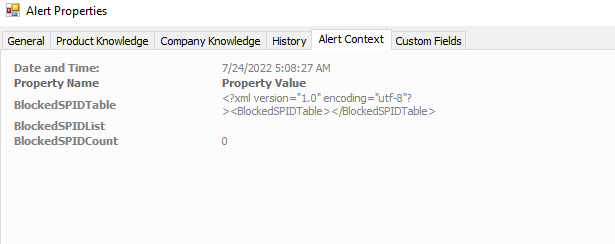
I may just have figured it out .... once the alert is closed; the alert context is updated ... and as there is no blocking, all the details are overwritten in the console with the latest information. In your orginal screenshot; if you look at the healthy state in health explorer then the details there are likely what are being displayed in the alert context for the alert (you'll notice it states blocked spid count = 0.
The best option is to ensure that the team look at the Health Explorer unhealthy status to see what the problem is. The original details are also overwritten in the Alert table in the OperationsManager database but they can be found in the AlertHistory table or it might be worth seeing if you can set up a notification to email out the details so that if the alert has cleared before someone looks at it then at least they knew what the issue actually was (without resorting to health explorer).
' cx='32' cy='32' r='32' /%3E%3Ctext x='50%25' y='55%25' dominant-baseline='middle' text-anchor='middle' fill='%23FFF' %3EAS%3C/text%3E%3C/svg%3E)
' cx='32' cy='32' r='32' /%3E%3Ctext x='50%25' y='55%25' dominant-baseline='middle' text-anchor='middle' fill='%23FFF' %3EXM%3C/text%3E%3C/svg%3E)