Set the timer
Each Build Battle world contains a timer that shows the time allocated and remaining for the match. This timer should be set before the match begins and can be adjusted during the match. Follow these steps to set the timer in preparation for the match:
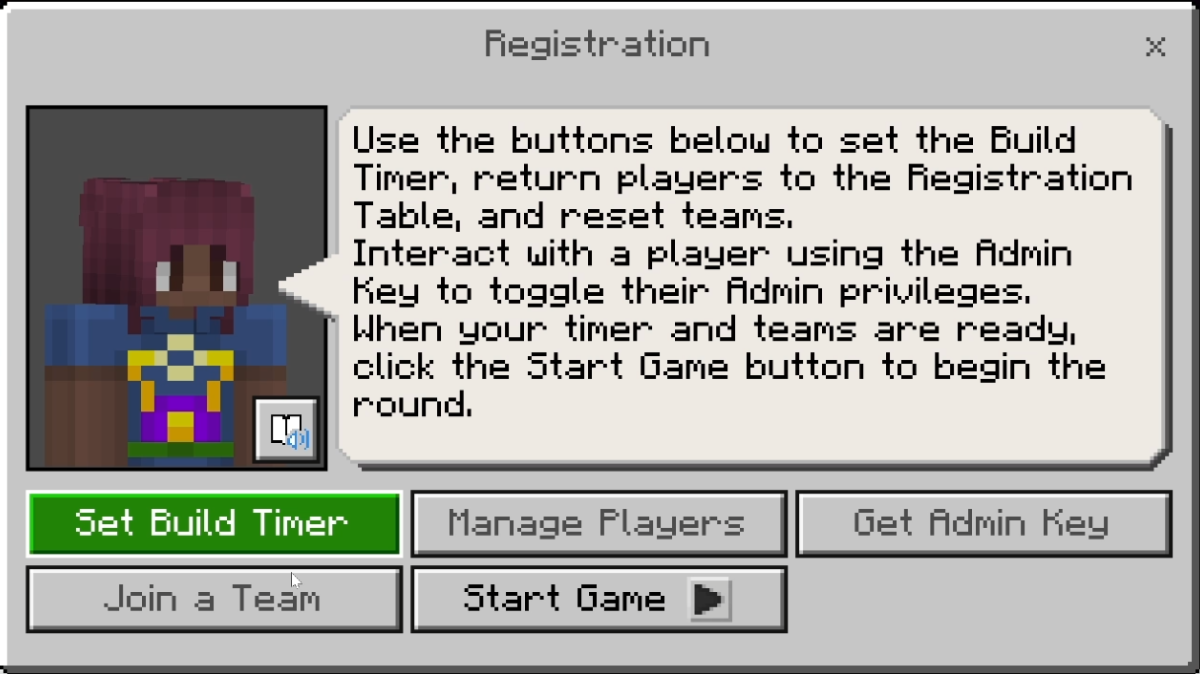
Select Set Time from the NPC at the registration desk.
Turnaround to face the large timer display in the world and look for the controls on the ground.
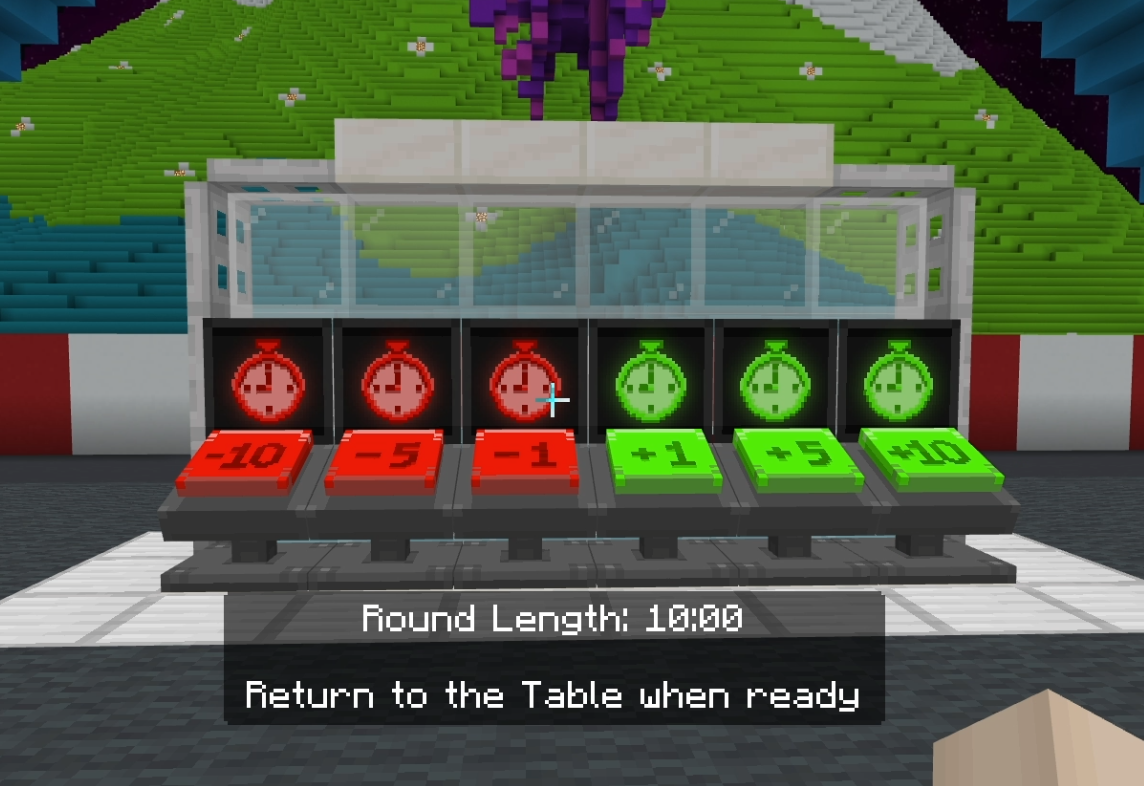
To adjust the time, select or interact with the timer control buttons to add or subject time in 1, 5, and 10-minute increments.
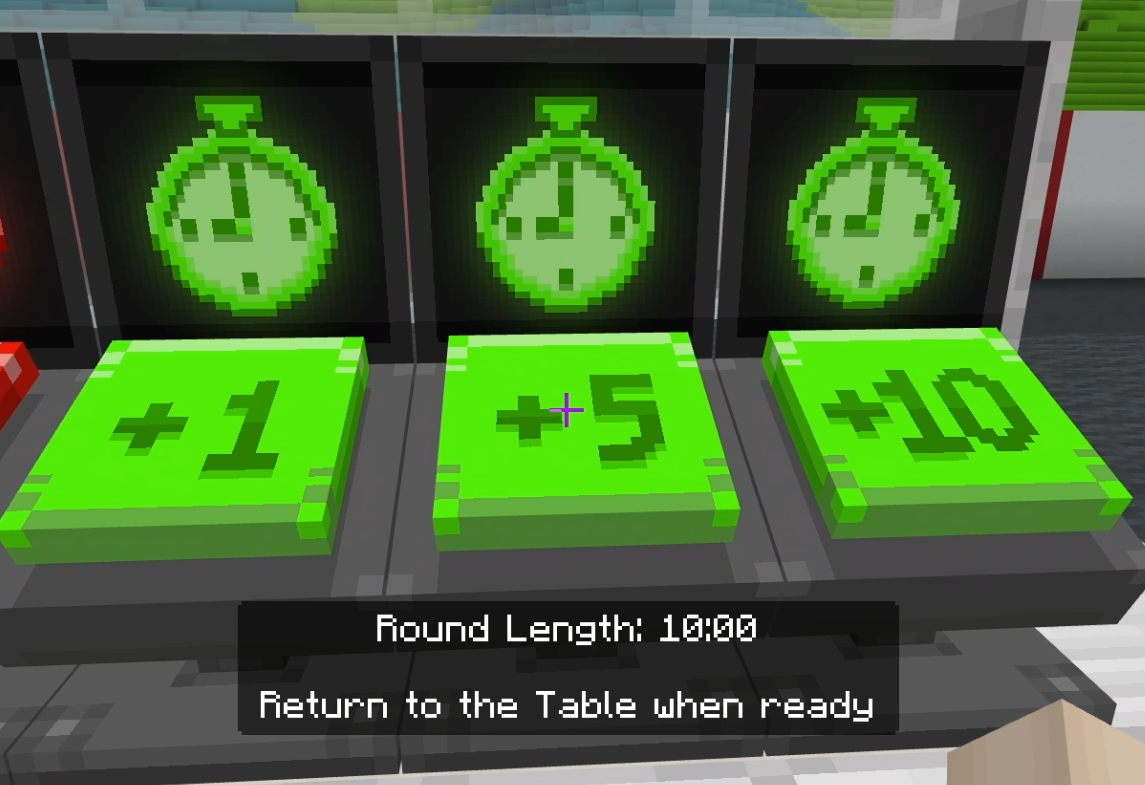
Once the timer is set and your teams are chosen, you're ready to Start Game.