Note
Access to this page requires authorization. You can try signing in or changing directories.
Access to this page requires authorization. You can try changing directories.
This article is part of a series to guide you in designing a solution for cloud security posture management (CSPM) and cloud workload protection platform (CWPP) across multicloud resources with Microsoft Defender for Cloud. It explains how to create AWS and GCP connectors programmatically so you can standardize deployment workflows.
Connector deployment automation goals
Connect AWS accounts and/or GCP projects programmatically.
Set up automated connector deployment
You can connect AWS accounts and GCP projects to Microsoft Defender for Cloud programmatically by using the Defender for Cloud REST API.
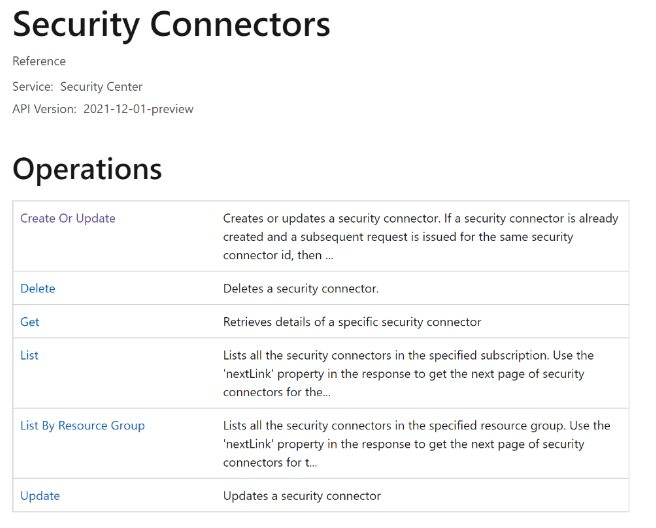
Review the Security Connectors REST API.
- When you use the REST API to create a connector, you also need the CloudFormation template or Cloud Shell script, depending on the environment you're onboarding.
- The easiest way to get the template or script is to download it from the Defender for Cloud portal.
- The template or script changes depending on which Defender for Cloud protection plans you're enabling.