Entity level calendars
When you have an entity with specific start and end dates, you can view the entity and their related records in a calendar view. This view also provides a system view selector. With it, you can filter the records shown. The entity records can be shown by a certain day, week, or month.
When you navigate to an entity, it will default to a list view. The list view shows all records for that entity (for example, all events and active customer journeys).
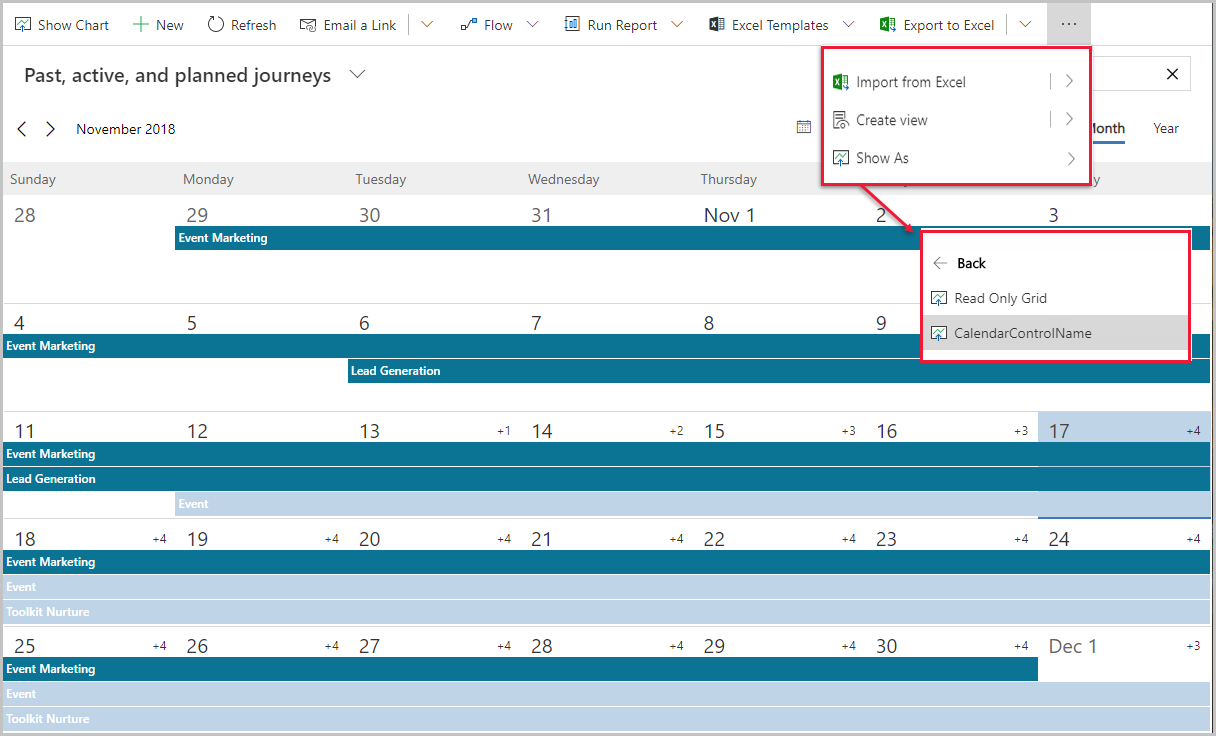
To view the marketing calendar, navigate to an entity, and select the Show As tab from the command bar and then select CalendarControlName. If you don't see the Show as tab, you may need to click the ellipses (…), select Show as, and then CalendarControlName.
You'll see relevant records plotted on the calendar according to their scheduled dates, and you can open any listed record from here.
For more information, see Types and locations of marketing calendars and Use the calendar.