Developer technologies | Windows Presentation Foundation
A part of the .NET Framework that provides a unified programming model for building line-of-business desktop applications on Windows.
This browser is no longer supported.
Upgrade to Microsoft Edge to take advantage of the latest features, security updates, and technical support.
' cx='32' cy='32' r='32' /%3E%3Ctext x='50%25' y='55%25' dominant-baseline='middle' text-anchor='middle' fill='%23FFF' %3EMF%3C/text%3E%3C/svg%3E)
Hello, How I can call a Init() function from my ViewModel?
<Grid DataContext="{StaticResource vm}">
What is different with StaticResource and without?
I need without static, then the list works not.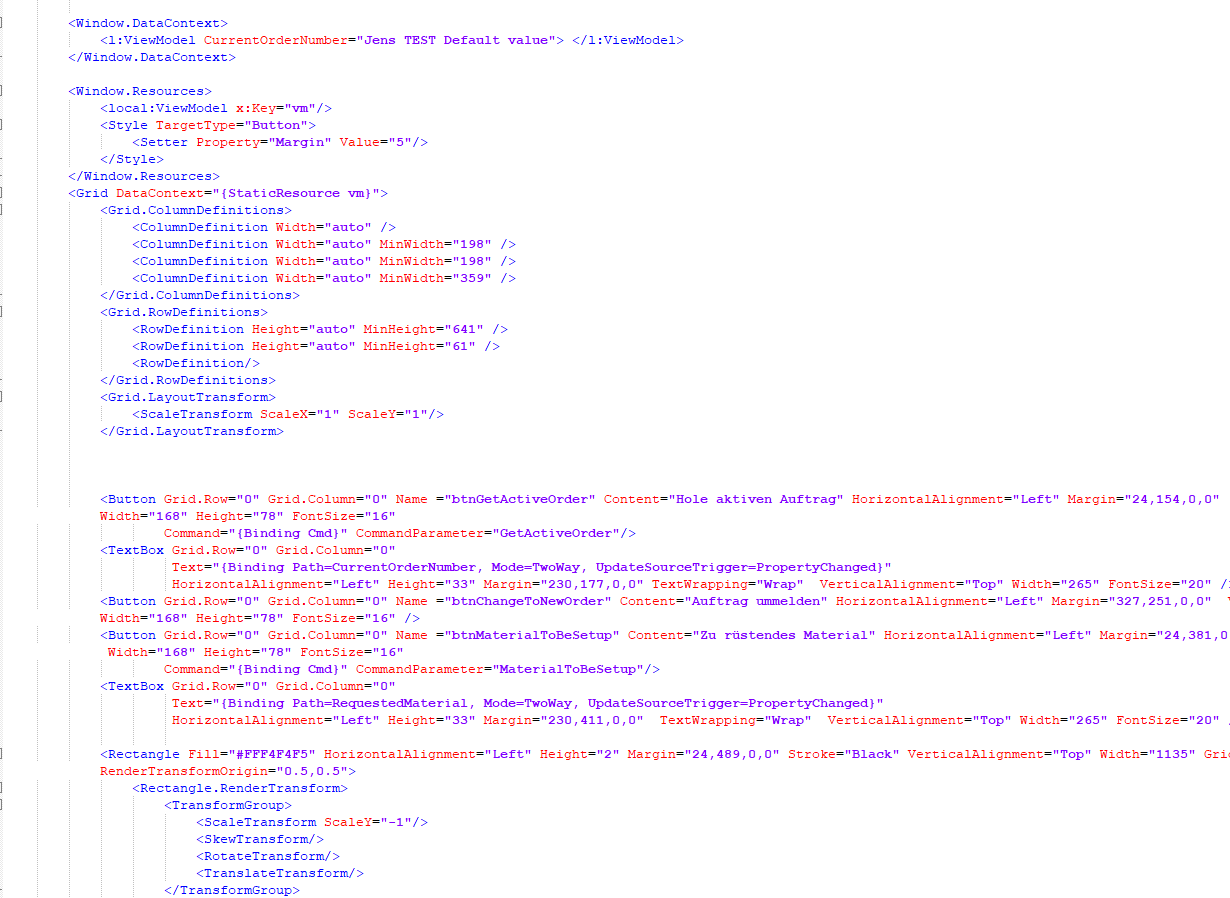
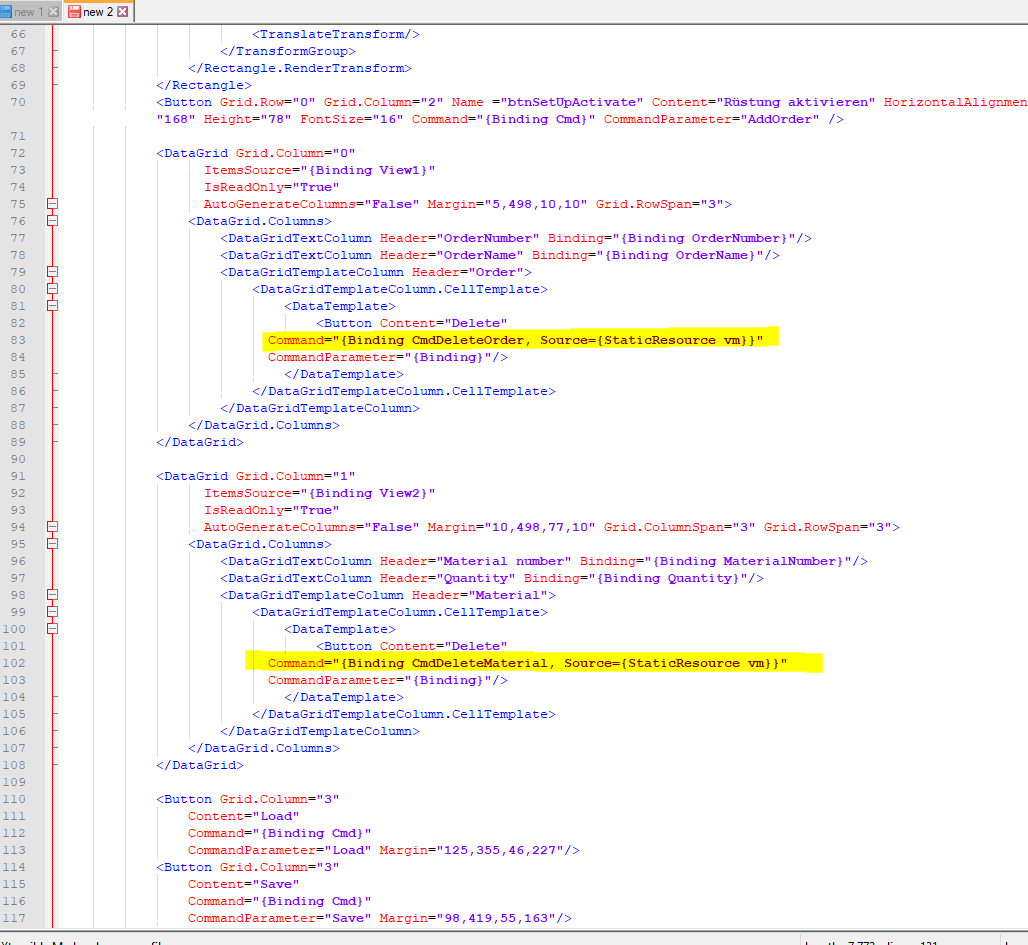
public partial class MainWindow : Window
    {
        public MainWindow()
        {
            InitializeComponent();


            //DataContext.
            ((ViewModel)DataContext).Init();
        }

    }
Not possible, why?
A part of the .NET Framework that provides a unified programming model for building line-of-business desktop applications on Windows.

Hi Markus, include call Init method in ctor of ViewModel. Your code ist a mixture of CodeBehind and MVVM.
<Grid DataContext="{StaticResource vm}">
What is different with StaticResource and without?
The DataContext is necessary for binding.
Hi Peter,
<Grid DataContext="{StaticResource vm}">
I use this
<Grid> only Grid!!!
and (Window.DataContext) See picture 1
Then the Delete button inside our list was not working.
Why you use {StaticResource vm} ?
Your code ist a mixture of CodeBehind and MVVM.
What is wrong?
I want to start the application and fill our list without press the LOAD button.
How can I do it? I want to fill a empty list. Not more.

As PeterFleischer said, you mixes up two way of bingding data. If you use MVVM to bind data in view, you can do like below code shown.When the View loads, the data will be bind automatically, it is no need to use DataContext or init () in codebind.
 <Page.Resources>
        <local:ViewModel x:Key="MyVM"></local:ViewModel>
</ Page.Resources>

 <Grid DataContext="{StaticResource MyVM}">
     <TextBox Name="txtName"  Width="200" HorizontalAlignment="Left" VerticalAlignment="Center" Text="{Binding Name}" />
    </Grid>
OK,
public partial class MainWindow : Window
{
public MyLogger Log;
        public MainWindow()
        {
            InitializeComponent();
.....
ViewModel
Others class
So I need one Logger, how I can make access to the logger in all classes, global?
How I can get access from my ViewModel zu the members of MainWindow?
You can use any class in all classes if the used class is under your project namespace. If you want to use it directly, you can make it to static.For the log issue, how about using log4net to create log?
Answer accepted by question author
There are various ways to call a method from the code-behind.
public partial class MainWindow : Window
{
  public MainWindow()
  {
    ViewModel vm = new ViewModel();
    this.DataContext = vm;
    InitializeComponent();
    vm.Init();
  }
}
public MainWindow()
{
  this.Resources.Add("vm", new ViewModel());
  this.Loaded += MainWindow_Loaded;
  InitializeComponent();
}

private void MainWindow_Loaded(object sender, RoutedEventArgs e)
{
  var vm = (ViewModel)(this.Resources["vm"]);
  vm.Init();
}