Hi Leo Murray (Student):
We did not find the same issue in our test in Windows 10,:
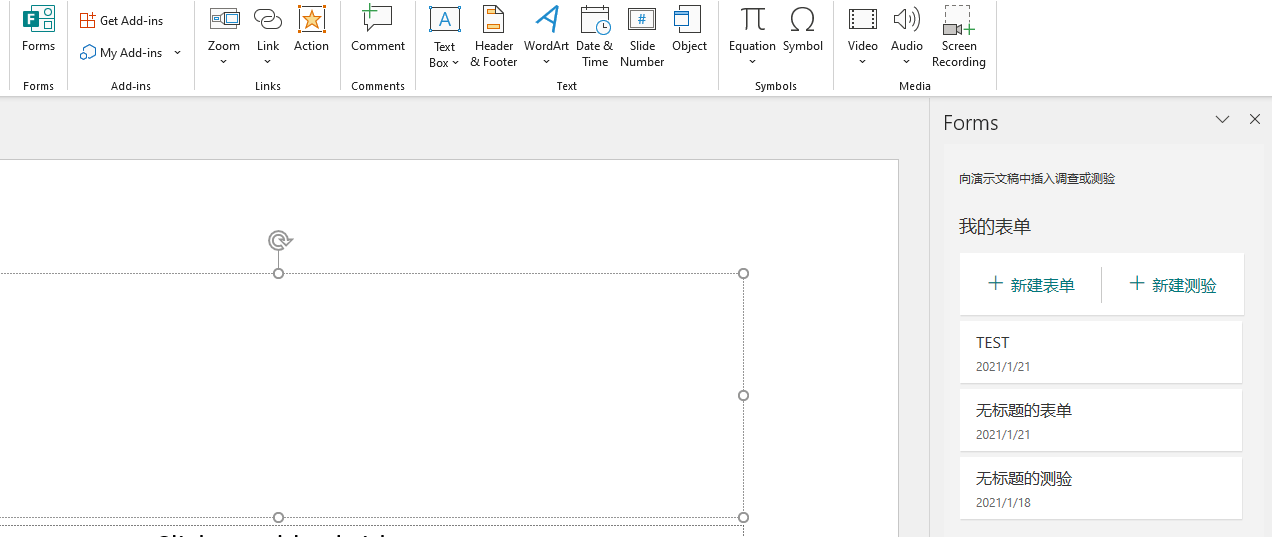
However,this may caused by the settings in Admin Center.
You can contact your administrator and let him check the below options:1. In the admin center, go to the Settings> Services & add-ins page.2. Select User owned apps and services.3. Checkthe option to let users access the Office store.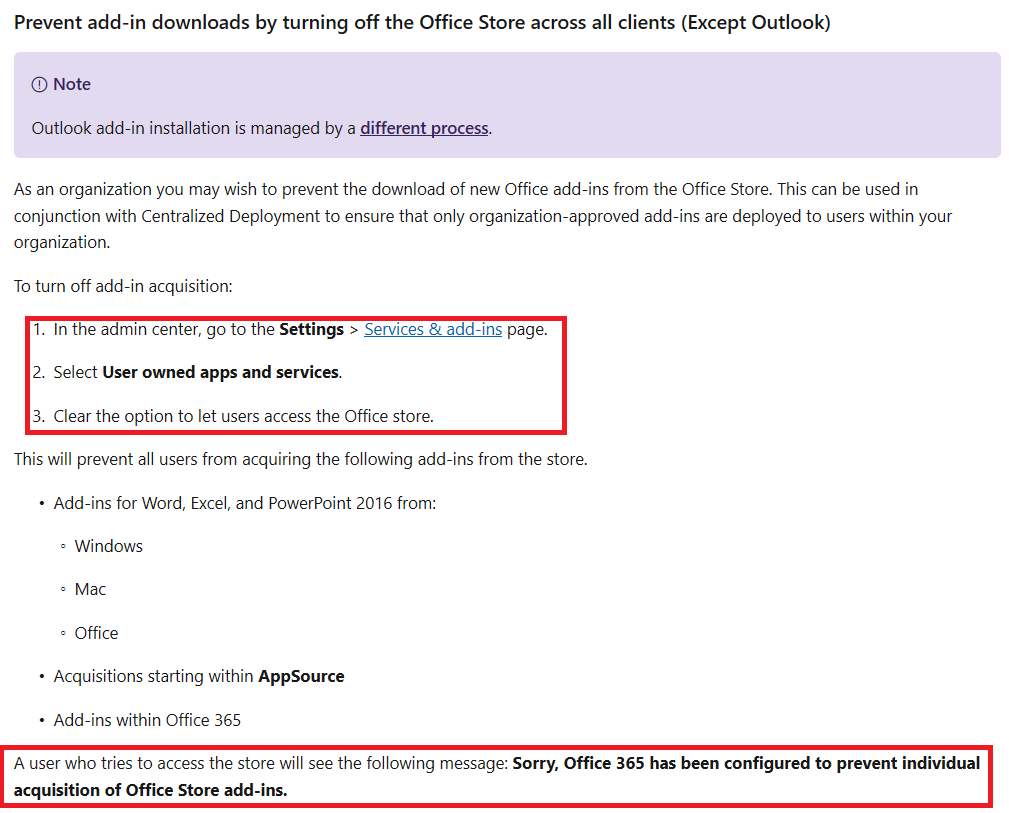 For more details, you can refer to this article: Manage deployment of Office 365 add-ins in the Microsoft 365 admin center.Best regards,Tin
' cx='32' cy='32' r='32' /%3E%3Ctext x='50%25' y='55%25' dominant-baseline='middle' text-anchor='middle' fill='%23FFF' %3EA%3C/text%3E%3C/svg%3E)
