Microsoft 365 and Office | Excel | For business | Android
A family of Microsoft spreadsheet software with tools for analyzing, charting, and communicating data

This browser is no longer supported.
Upgrade to Microsoft Edge to take advantage of the latest features, security updates, and technical support.
' cx='32' cy='32' r='32' /%3E%3Ctext x='50%25' y='55%25' dominant-baseline='middle' text-anchor='middle' fill='%23FFF' %3EA%3C/text%3E%3C/svg%3E)
Hi,
I have refreshed my dataset every week with the same flow, but today I have received the error in attouch.
I have tried to find out the error in editing the query, but no error was found.
I have a dataset create with different cvs and the data model takes the data from the cv imported every week.
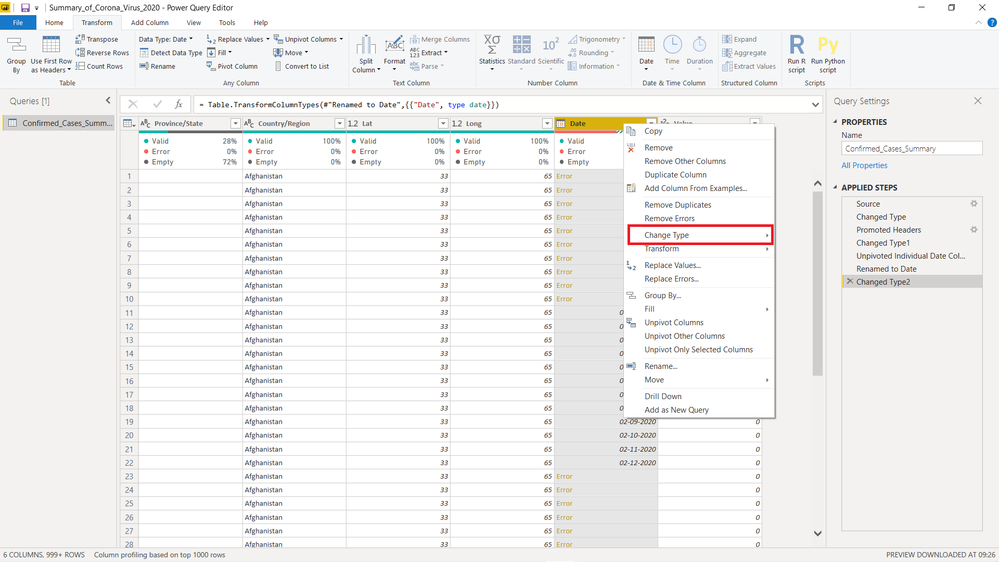
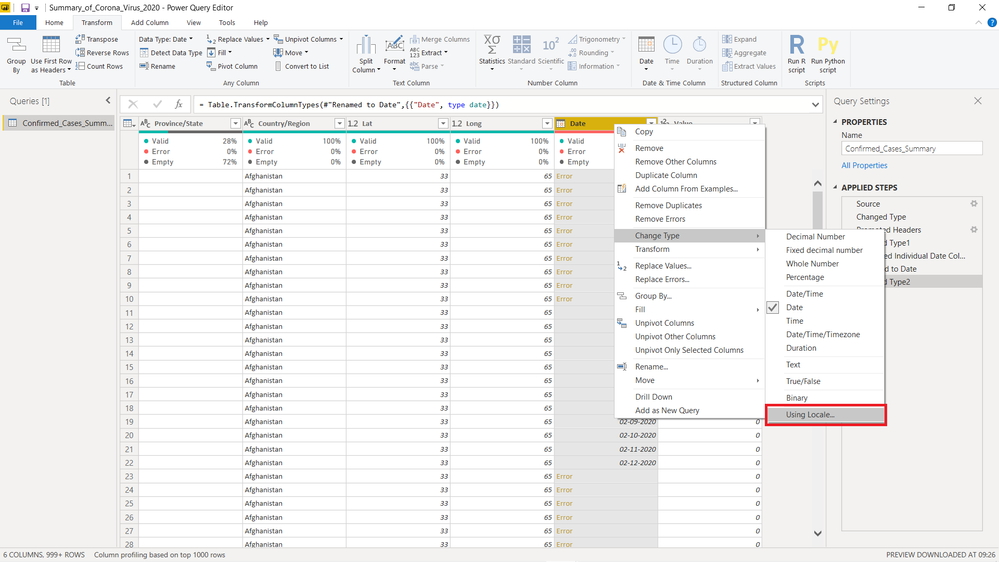
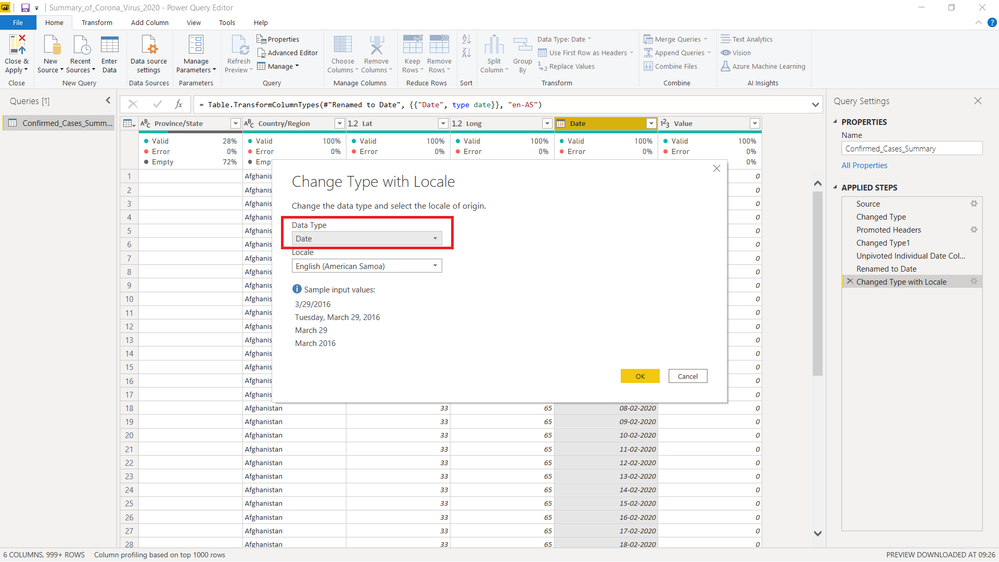
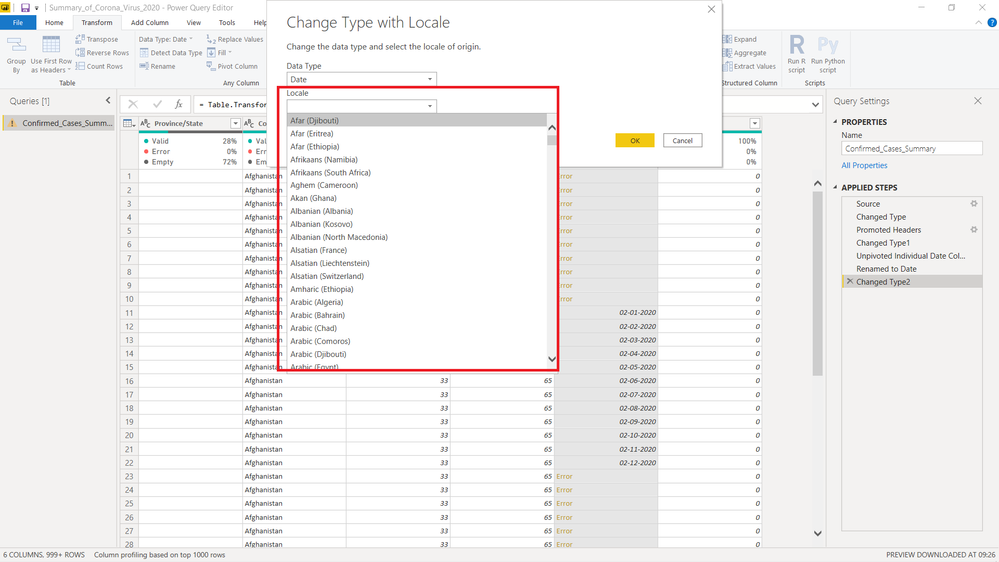
[DataFormat.Error] We couldn't parse the input provided as a Date value.
Could you help me?
thanks
A family of Microsoft spreadsheet software with tools for analyzing, charting, and communicating data
Locked Question. This question was migrated from the Microsoft Support Community. You can vote on whether it's helpful, but you can't add comments or replies or follow the question.
Check the date format in your source data and make sure it is in a recognized format.
You may try.
Reference:
Solved: DataFormat.Error: We couldn't parse the input prov... - Microsoft Fabric Community