Note
Access to this page requires authorization. You can try signing in or changing directories.
Access to this page requires authorization. You can try changing directories.
When users select Spotlight for their Lock screen setting, typically they will see Tips on the lock screen:
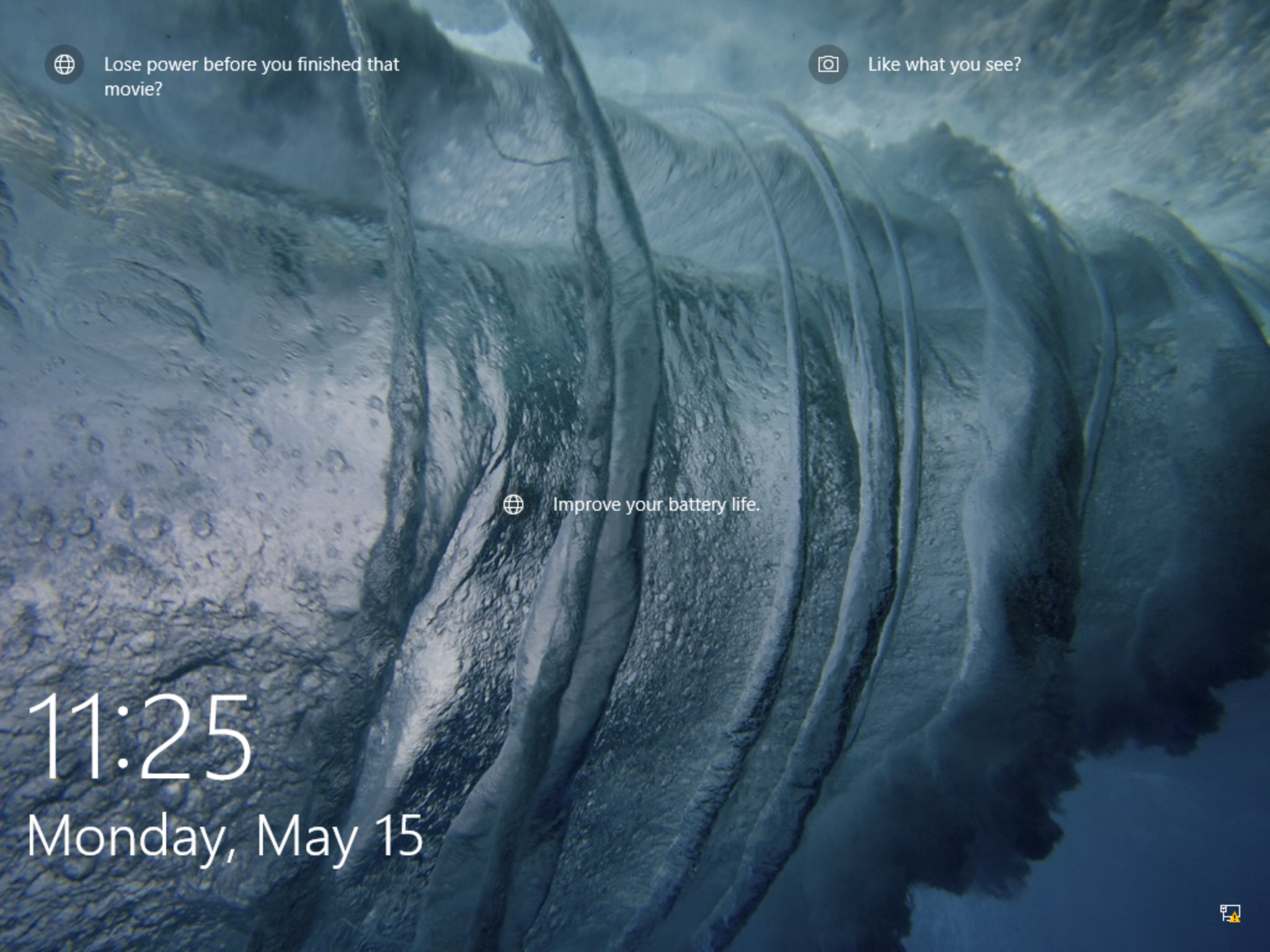
But these tips disappear when the Group Policy is set to disabled:
Computer settings -> Windows Settings -> Security Settings -> Local Policies -> Security Options -> Interactive logon: Do not require Ctrl+Alt+Dlt
Users will see the Spotlight image but no Tips:
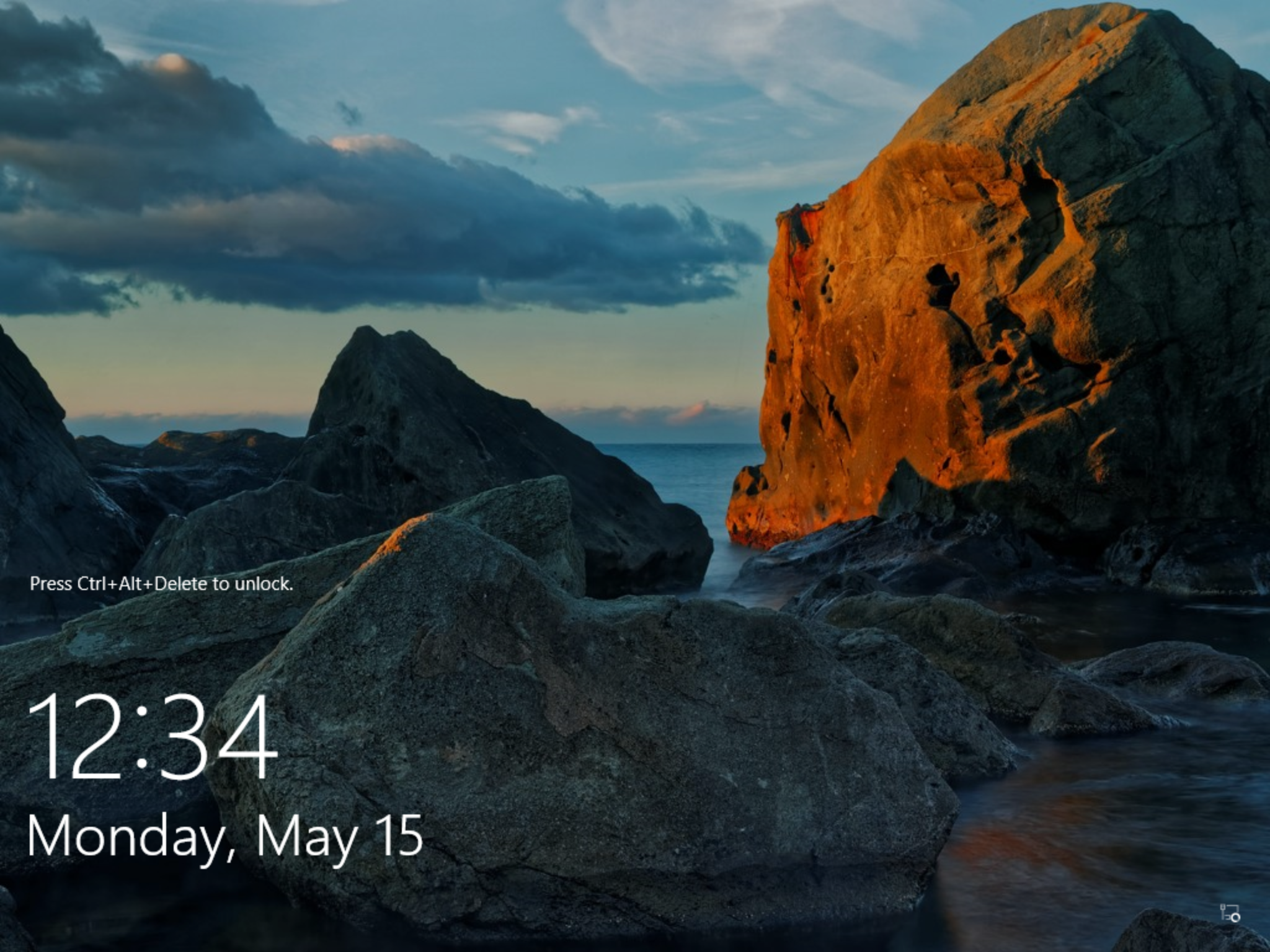
This behavior is by design.
On a side note - Tips can also be directly disabled in the "Force a specific default lock screen and logon image"