Note
Access to this page requires authorization. You can try signing in or changing directories.
Access to this page requires authorization. You can try changing directories.
Recently when working with Azure blob Storage Action : Extract Archive to Folder I faced the error “Blob name is null or empty”.
Host
{ "api": { "runtimeUrl": "https://logic-apis-westeurope.azure-apim.net/apim/azureblob" },
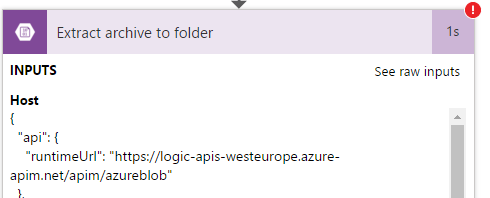
Method : post
Path : /datasets/default/extractFolderV2
Queries : { "destination": "/testoutput", "source": "/test/shashiwebsite_201506011619.zip" }
Output Body : { "status": 400, "message": "Blob name is null or empty.", "source": "127.0.0.1" }
Solution:
In the destination, we should also provide a prefix for the files extracted along with the destination folder name like.
Source archive blob path : /test/shashiwebsite_201506011619.zip
Destination folder path : /testoutput/testout 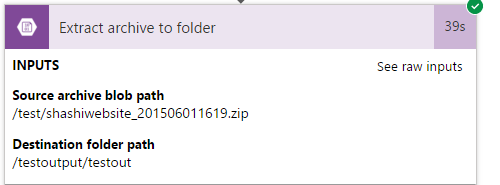
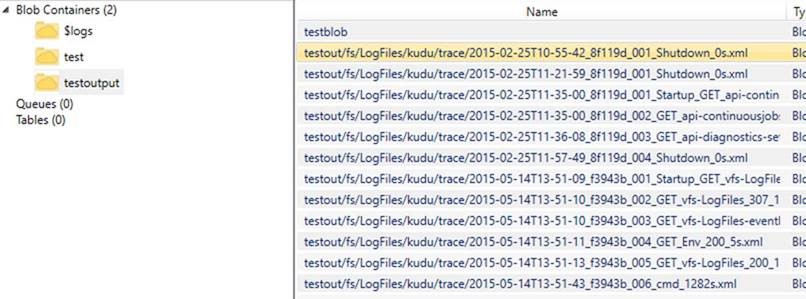
Post which the files are extracted successfully and all the files are unzipped with the provided prefix.