Note
Access to this page requires authorization. You can try signing in or changing directories.
Access to this page requires authorization. You can try changing directories.
Now you can run Azure CLI without installing it directly from //portal.azure.com
On the top right corner you find the below icon ">_" next to notification

This initiates a storage creation and one time setup.
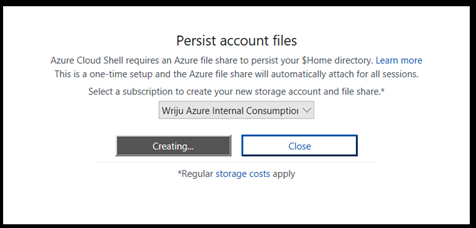
After that Shell appears
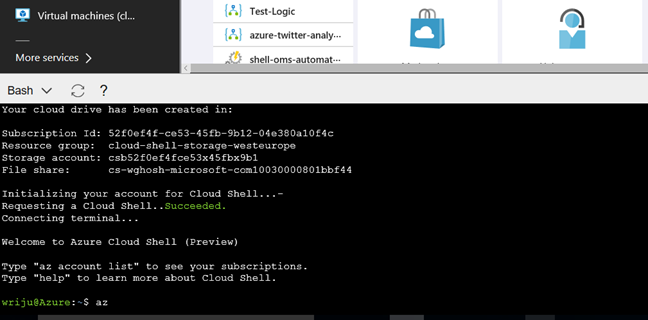
Then type "az" to enter into the Azure CLI. Rest is your playground.
Troubleshooting
Things may not work as it is described above, you may get an error like below
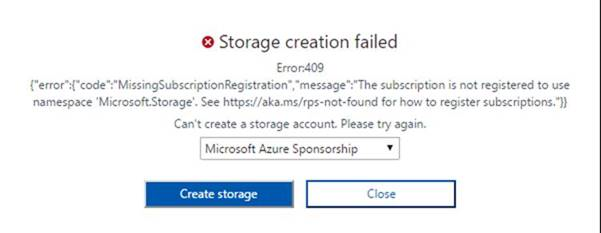
Then you should register "Microsoft.Storage" as described https://docs.microsoft.com/en-us/azure/azure-resource-manager/resource-manager-common-deployment-errors#noregisteredproviderfound