Note
Access to this page requires authorization. You can try signing in or changing directories.
Access to this page requires authorization. You can try changing directories.
Applies to these Dynamics 365 apps:
Human Resources
Issue
After you duplicate a security role and sign in as that new role, you can't see addresses that are marked as private.
Resolution
To resolve the issue, follow these steps for the duplicated security role.
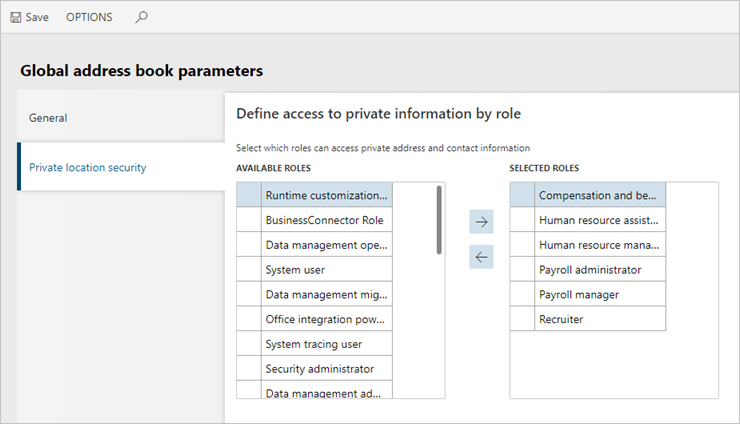
- Go to Organization administration > Global address book > Global address book parameters.
- On the Private location security tab, move the new security role from the Available roles list to the Selected roles list.
- Select Save.