Note
Access to this page requires authorization. You can try signing in or changing directories.
Access to this page requires authorization. You can try changing directories.
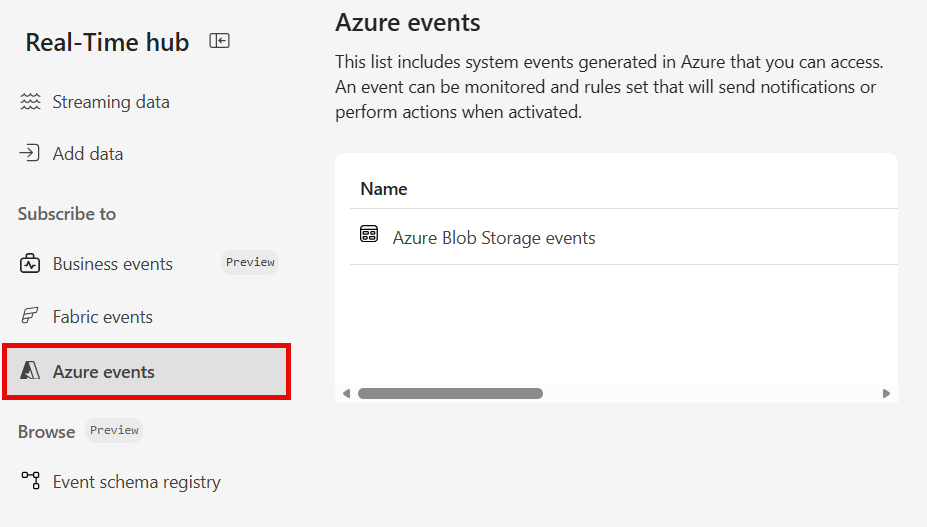
This article describes columns on the Azure events page and actions available for each event.
Columns
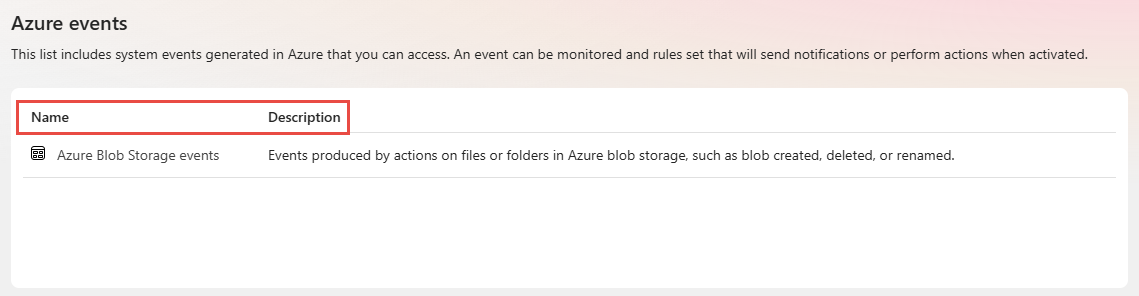
Azure events have the following columns:
| Column | Description |
|---|---|
| Name | Name of event type group. Currently, only Azure Blob Storage events are supported. |
| Description | Description of event type group. |
Actions
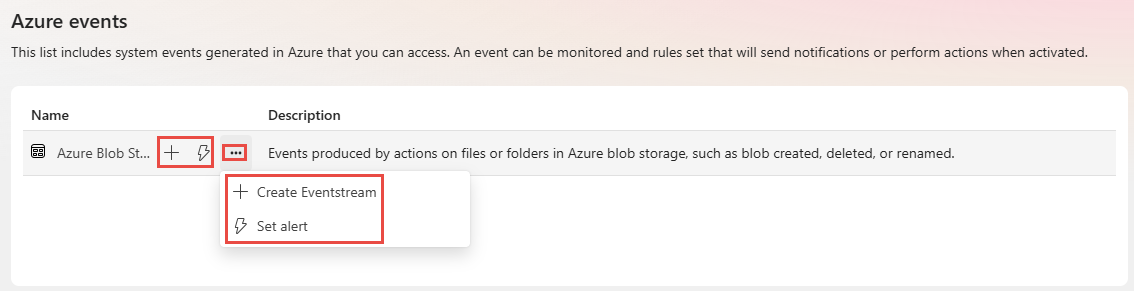
Here are the actions available on each event type group. When you move the mouse over an event group, you see three buttons to create an eventstream, create an alert, and an ellipsis (...). When you select ellipsis (...), you see the same actions: Create eventstream and Set alert.
| Action | Description |
|---|---|
| Create eventstream | This action creates an eventstream on the selected event type group with all Event types selected. For more information, see Get Azure Blob Storage events. |
| Set alert | This action sets an alert on the selected event type group. For more information, see Set alerts on Azure Blob Storage events. |