Note
Access to this page requires authorization. You can try signing in or changing directories.
Access to this page requires authorization. You can try changing directories.
Important
Preview API versions 2024-12-01-preview and 2025-05-01-preview will be retired by July 15, 2026. If you're still using a preview API, update your code to target the latest API version 2025-11-01 (GA).
APIs versions 2024-12-01-preview and 2025-05-01-preview are in public preview. These previews are provided without a service-level agreement and are not recommended for production workloads. For more information, see Supplemental Terms of Use for Microsoft Azure Previews and the Microsoft Products and Services Data Protection Addendum ("DPA").
As organizations increasingly use Generative AI to manage documents and unstructured data, it's essential to select the right tool for building robust, secure, and scalable document processing workflows. Azure Content Understanding in Foundry Tools is Microsoft's comprehensive content AI service that unifies multiple approaches to document and content processing. Content Understanding brings together Azure Document Intelligence capabilities—including industry-leading, high-accuracy extraction from structured document types—with LLM-powered capabilities designed for complex, unstructured, and multimodal content, enabling both traditional and generative AI approaches to information extraction. Together, these approaches give you flexibility to handle everything from standardized forms to free-form documents, images, audio, and video.
This article helps you make two decisions:
- Managed service or build your own? Should you use Azure Content Understanding, or build a custom solution with Azure-hosted LLMs (Foundry models)?
- Which tool within Content Understanding? If you've chosen Content Understanding, should you use Azure Document Intelligence models or Content Understanding analyzers?
Foundry Tools for Document Processing
As a Foundry Tool, Azure Content Understanding brings together comprehensive and complementary capabilities for different document needs:
Azure Content Understanding in Foundry Tools are powered by generative AI and LLMs. They're good at handling unstructured documents, varying layouts, multimodal content, inferred fields, and complex reasoning scenarios, all without requiring labeled training data to get started.
Azure Document Intelligence in Foundry Tools provides specialized AI models purposely trained for document parsing and extraction tasks. They're ideal for structured documents with common templates where consistency, low latency, and proven accuracy are the priority.
Separately, Azure-hosted LLMs (Foundry models) are available for teams that need complete control over their own models, prompts, and infrastructure.
The goal of this article is to help you navigate these options based on your document type, accuracy requirements, and build effort constraints.
Important
If you're already running Document Intelligence in production, your APIs, endpoints, SDKs, and billing are unchanged. No migration is required. This article applies to new workloads and expansion into adjacent use cases where generative AI, multimodal processing, or zero-shot extraction can add value.
Azure Content Understanding vs. build your own
This section discusses whether to use Azure's managed content processing services—Content Understanding and Document Intelligence—or to build a custom solution with Foundry models directly.
| Feature | Azure Content Understanding or Document Intelligence | Build Your Own with Azure OpenAI |
|---|---|---|
| Best Suited for | Support a wide range of documents: from structured/semi-structured to complex, high-variation, multimodal documents (text, image, audio, video) | Custom, niche workflows requiring full control over models and prompts |
| Input Types | Documents, images, audio, video | Any, but requires preprocessing |
| OCR | Industry-leading OCR | Requires preprocessing |
| Field Extraction | A wide range of specialized (DI) and LLM-based (CU) prebuilt & custom models for both explicit and inferred fields | Requires full customization and maintenance via prompt engineering |
| Reasoning & Validation | Built-in reasoning, validation, enrichment | Requires manual chaining and logic |
| Confidence & Grounding | Yes | No (requires custom implementation) |
| Ease of Use | Easy onboarding with CU zero-shot schema-based extraction, no labeling | Requires prompt tuning, orchestration, and engineering effort |
| Latency | Low-Medium | Variable (depends on deployment) |
| Scalability | Fully managed | Manual scaling required |
| Post-processing | Built-in rules for formatting, consistency, various framework integrations | Fully user-defined |
| Knowledge Base Integration | Yes | Complex to implement |
| Security & Governance | Azure-compliant | Requires custom implementation |
| Complex document structure | Layout with tables, sections, selection marks, figures, and more | Requires preprocessing |
| Process large files | Yes | Requires chunking and other strategies to get optimal performance |
When to consider building your own: If your scenario requires complete control over model selection, fine-grained prompt ownership, or integration with a proprietary AI infrastructure that Content Understanding can't accommodate, building directly on Foundry models may be appropriate. Apply Azure Content Understanding for built-in quality, reliability, confidence scoring, and model lifecycle management.
Choosing the right tool within Azure Content Understanding
Choose the right tool between Content Understanding (CU) analyzers and Document Intelligence (DI) models depending on your document needs.
Quick-reference decision guide
Quick reference for ACU v1.0 GA (2025-11-01) API and ADI v4.0 GA (2024-11-30) API
| Scenario | Recommended tool | Why |
|---|---|---|
| OCR or layout extraction only | CU prebuilt-read or prebuilt-layout | Lower cost and richer layout extractions |
| Multimodal analysis or RAG-ready preprocessing | CU prebuilt or custom analyzers | Search ingestion, grounded summaries, multi-modal analyzers (image, audio, video) |
| Standard structured forms with prebuilts (for example, invoice, receipt, ID, tax, mortgage) | DI prebuilt model | High accuracy with common, structured document templates |
| Mostly unstructured documents with prebuilts (for example, contracts, legal agreements) | CU prebuilt-contract analyzer | Better suited for semi-structured/unstructured documents and needs for reasoning & inferred fields |
| Custom extraction without labels, or for unstructured documents (for example, policies, referral letters, doctor notes) | CU custom analyzer (zero-shot or with knowledge source) | Describe fields in plain language; iterate fast |
| Custom extraction with labels for highly structured documents (for example, claims, standard applications) | DI custom model | Neural model training with as few as 5 labeled samples |
| on-premises or air-gapped deployment | DI containers | Only option today |
Choose the right tool between Content Understanding (CU) analyzers and Document Intelligence (DI) models depending on your document needs.
Scenario walkthroughs
The following examples cover common document processing scenarios. For each, we identify the recommended tool and explain why. If a prebuilt analyzer covers your document type, always start there before building a custom solution.
Evaluation considerations
- Straight-through processing (STP): The proportion of documents you can process without human review. Higher confidence and accuracy enable more automation.
- Latency: Time to process a document, critical when inference speed affects end-user experience.
- Accuracy: The overall error rate of the solution. Higher accuracy means better reliability on system's output.
- Continuous improvement: Whether the system can improve over time as more data is labeled or schemas are refined.
- Build effort: Engineering effort required, including labeling, workflow design, and ongoing maintenance.
- Total cost of ownership: Infrastructure, management, and maintenance costs at scale.
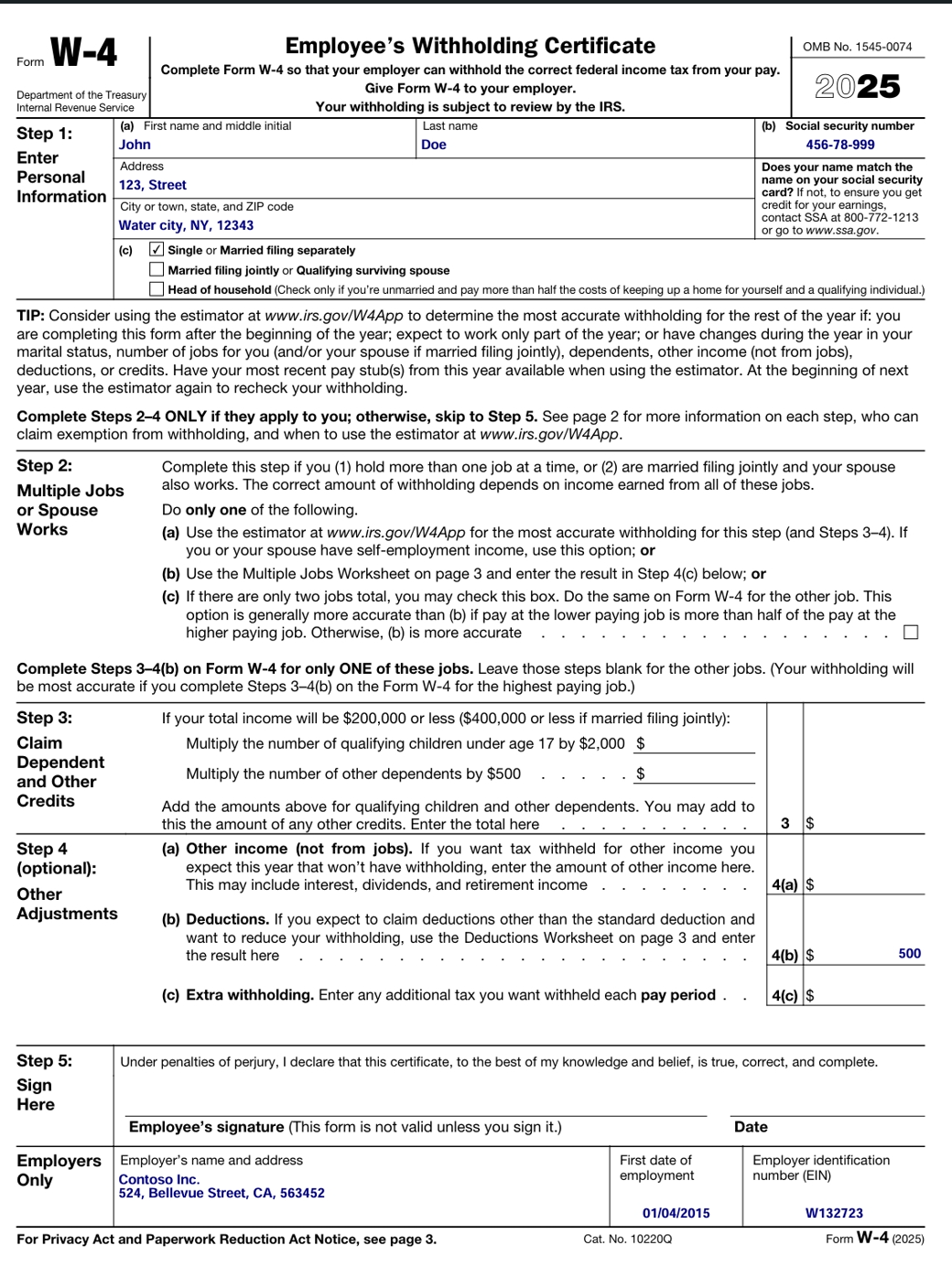
Scenario 1: Standardized, single-format forms
Business process: Extract fixed fields (Name, Date of Birth, Address, Account Number) from forms that use the same template every time.
Examples:
- Employment onboarding forms (same layout for all employees)
- Refund request forms for a specific e-commerce provider
- Patient intake forms for a specific health provider
- Account opening applications for a specific bank
Recommendation:
- If the document has an existing prebuilt solution, consider using Document Intelligence prebuilt models (for structured documents) or Content Understanding prebuilt analyzers (for semi-structured or unstructured documents). If you need customization on extracted fields, start with a Content Understanding custom analyzer, as no data labeling or training is required.
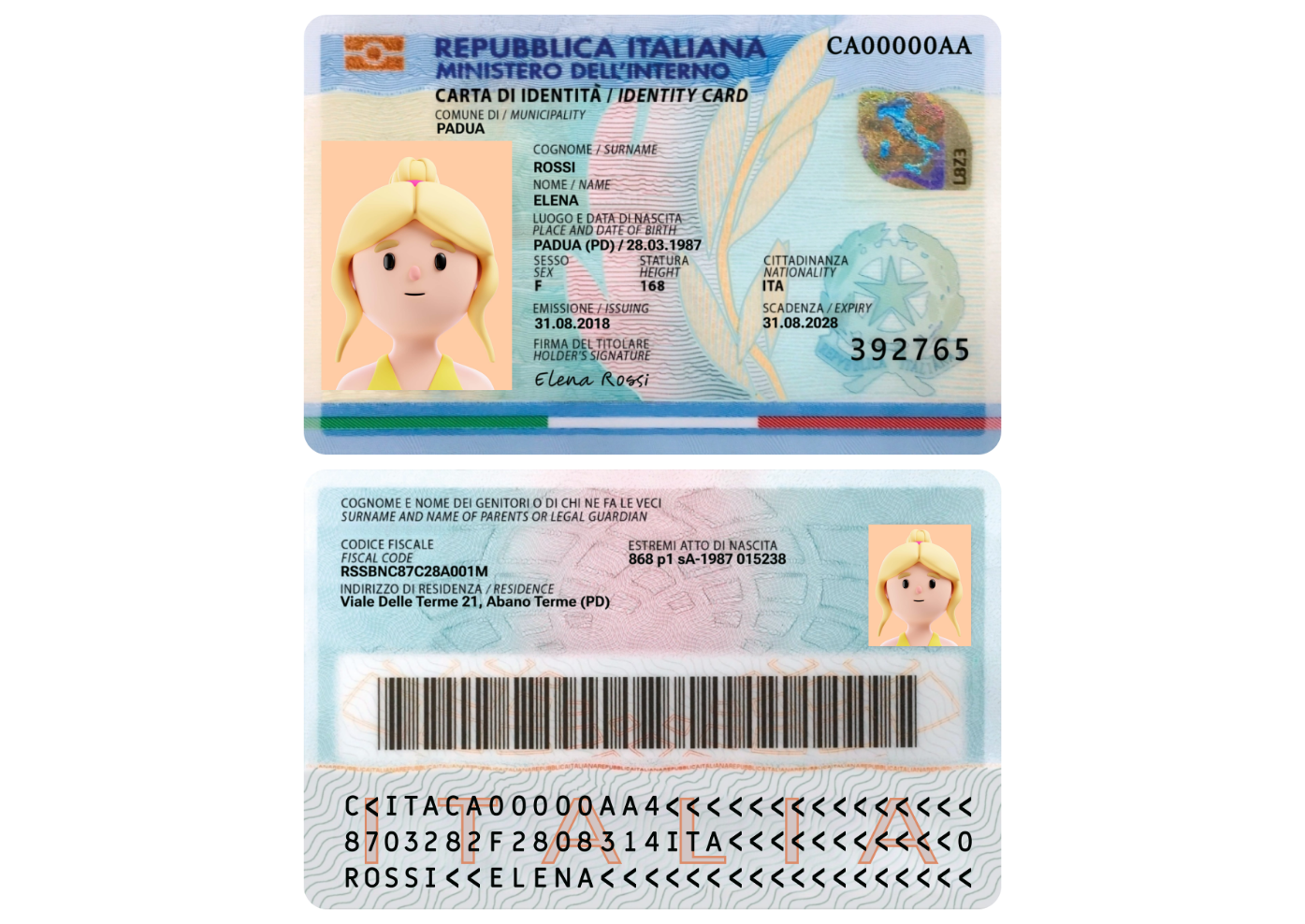
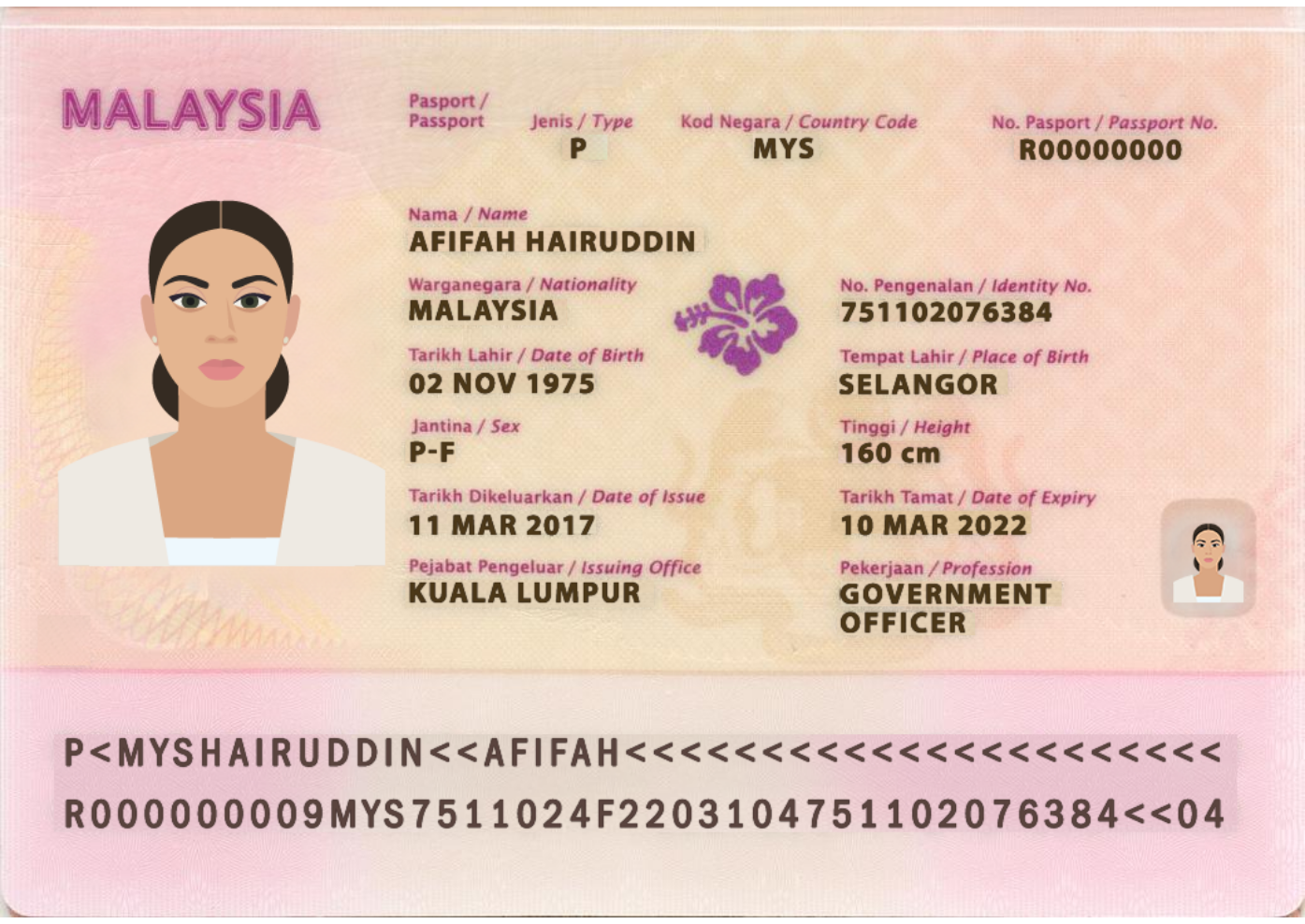
Scenario 2: Documents with a small number of known variants
Business process: Extract consistent fields (name, amount, policy number, claim date) across a small, known set of templates.
Examples:
- Insurance claim forms across a few regional formats (US, UK, APAC)
- Annual tax form with minor layout updates each year
- University admission applications for different degree programs
- Employee expense reports with department-specific templates
Recommendation:
- Content Understanding prebuilt analyzer (Recommended): If a prebuilt covers your document type (for example,
prebuilt-invoice,prebuilt-idDocument), start there. CU generalizes well across template variants and semantic variations in language, without requiring labeling. - Document Intelligence prebuilt or custom model: Start with prebuilt models if they cover your scenario. Train custom models with at least five samples of each variant and combine variants into a single model if differences are minor. The outputs are consistent with confidence scores and grounding.
- Build a custom solution: Build and configure the components needed for parsing the documents (Layout), extracting the fields, and building any post-processing needed. The solution needs to be tested and verified with different variations, and you need to scale and manage the deployed solution. With no confidence scores, you either accept all results or review all results based on the expected error rate, or you can build your own confidence model to score the output.
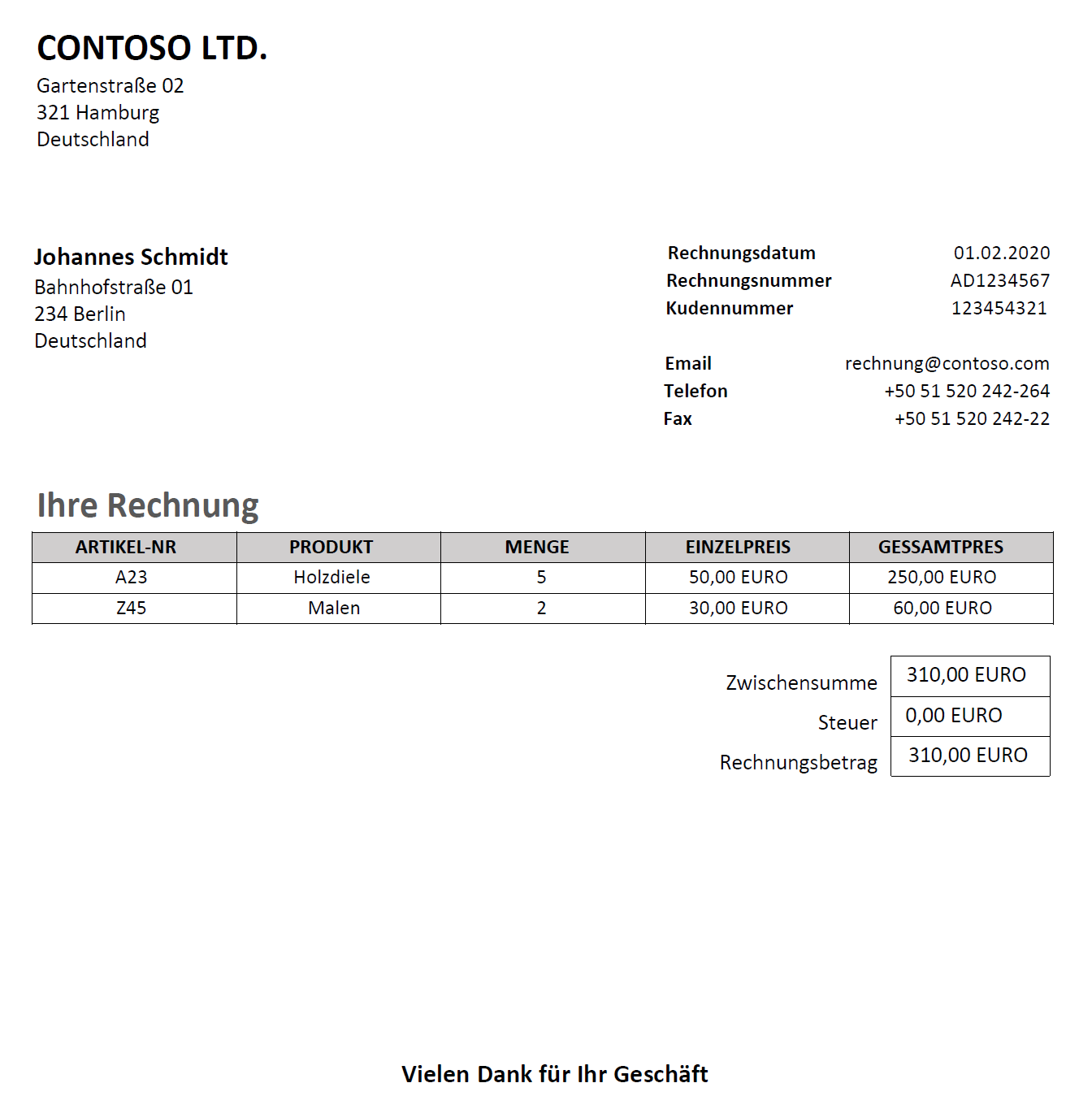
Scenario 3: High-variation semi-structured documents
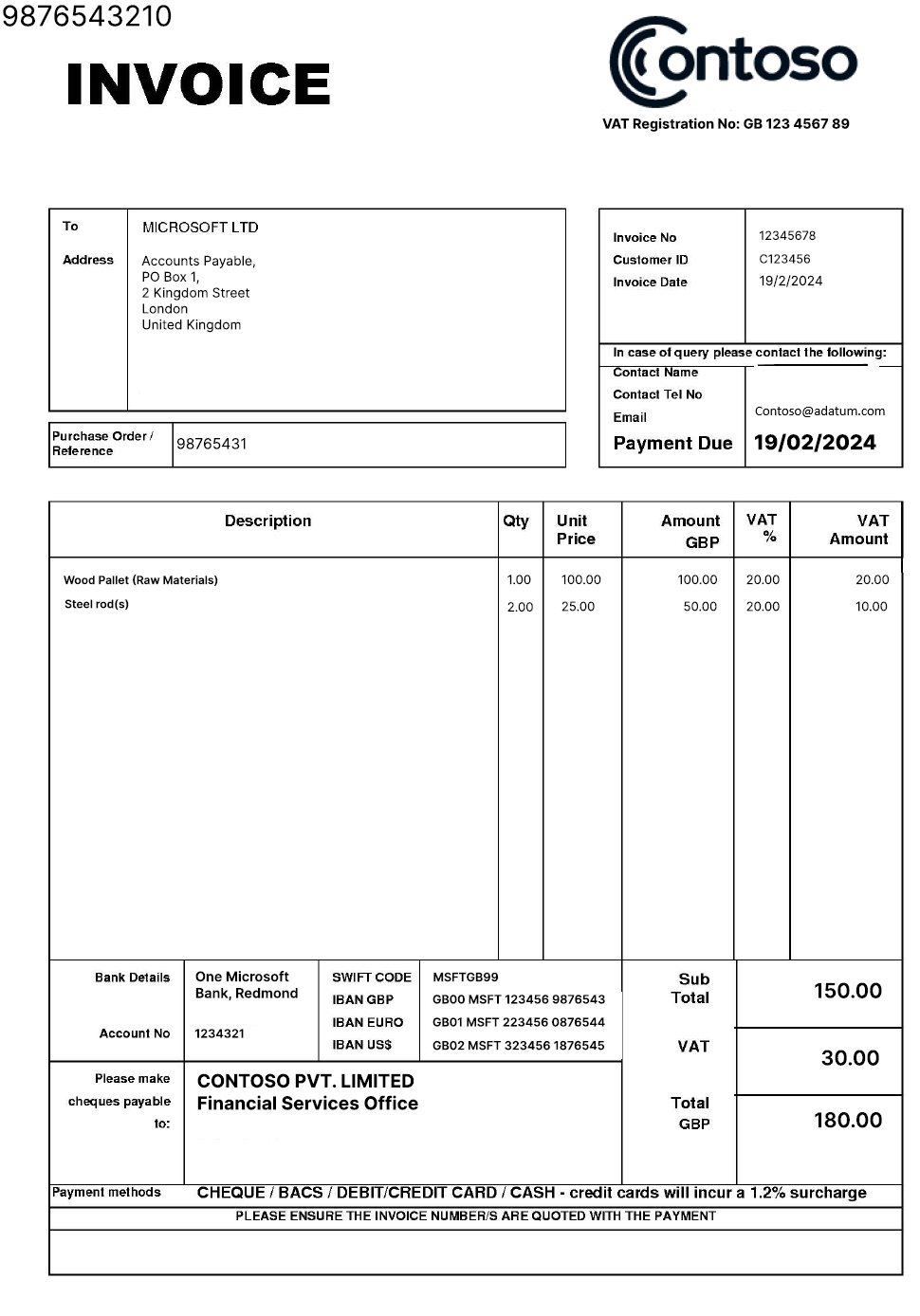
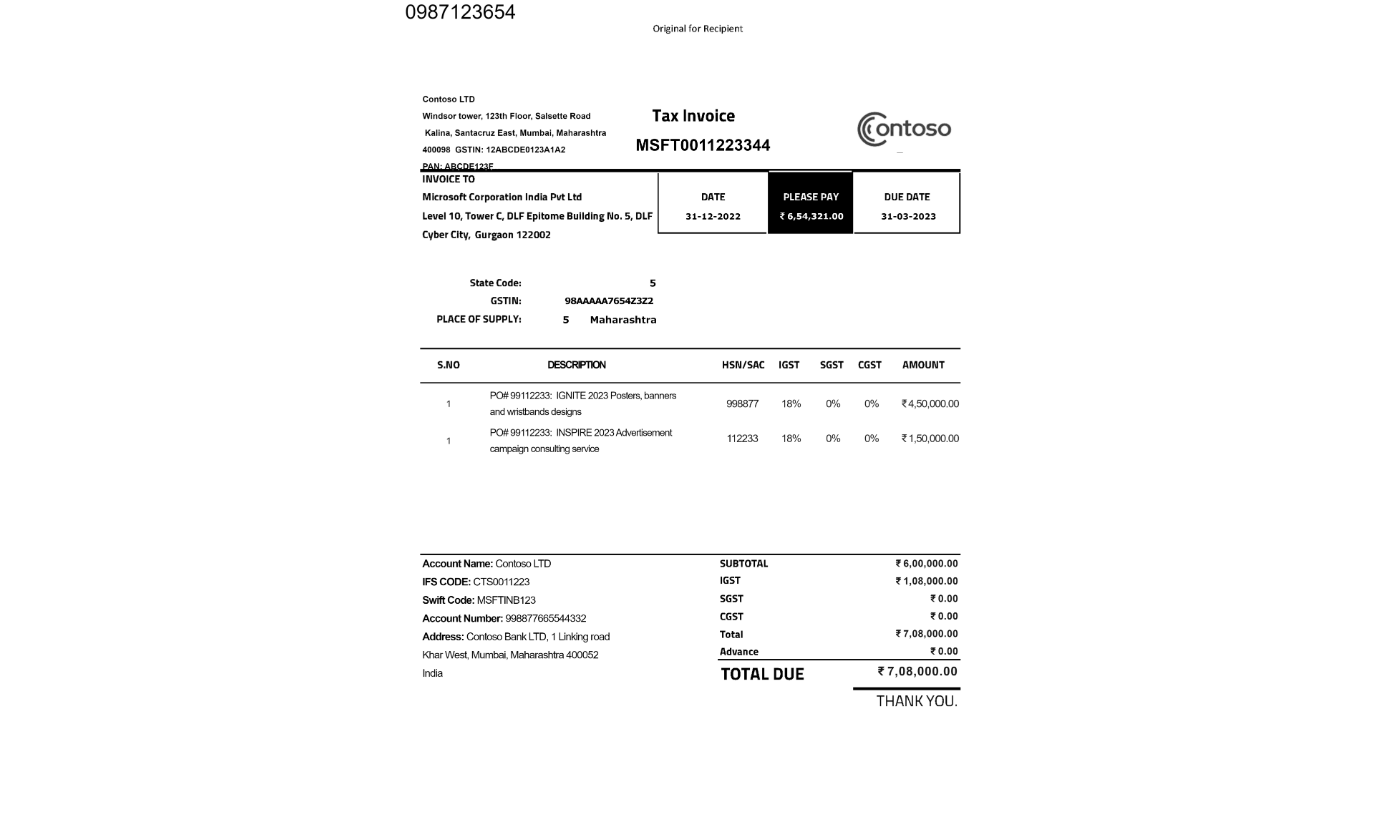
Business process: Extract key fields like Invoice Number, Vendor Name, Total Amount, Line Items, and Dates from highly varied documents with inconsistent templates.
Examples:
- Invoices from multiple vendors with different formats
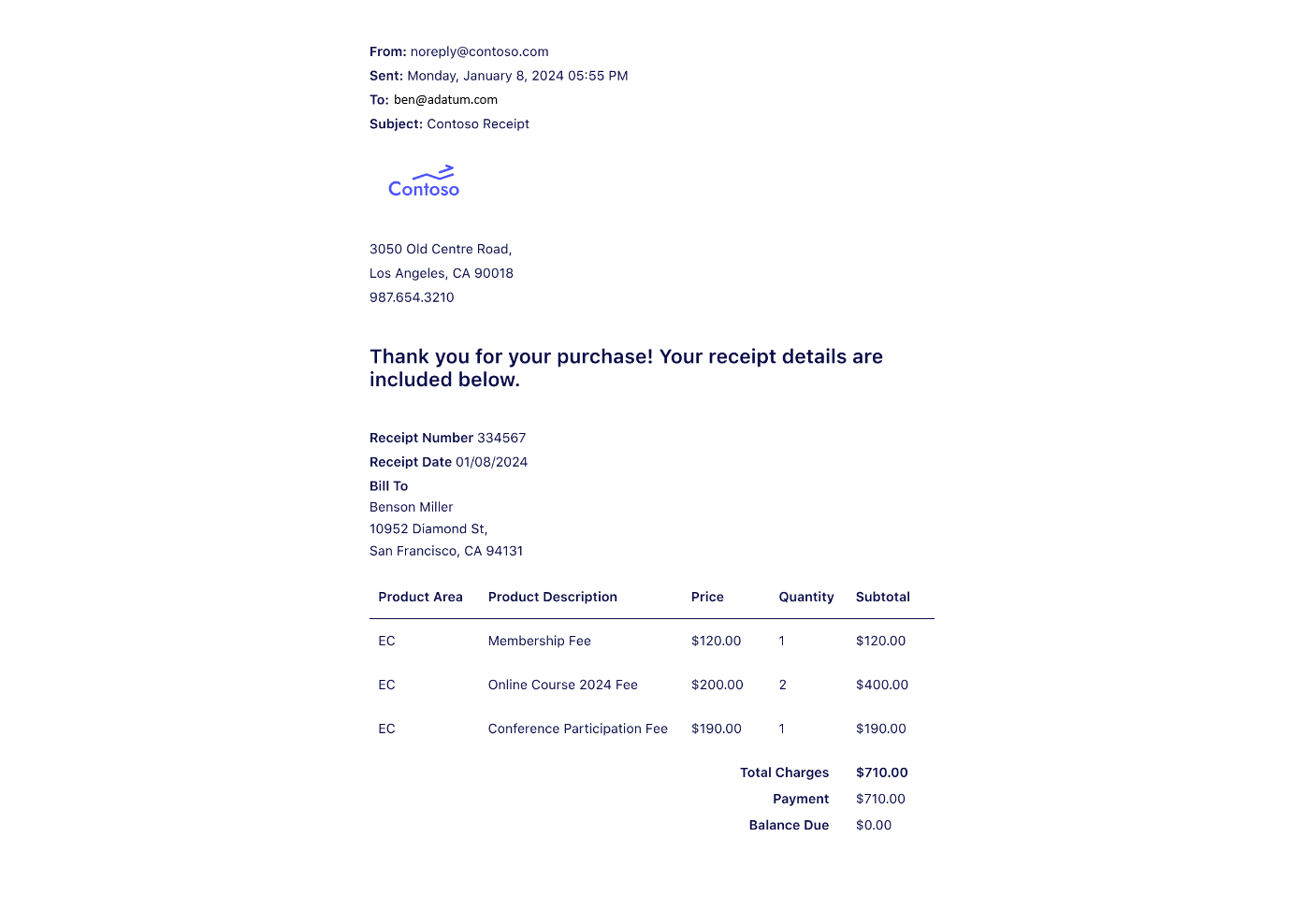
- Receipts from international store chains
- Delivery notes with varying templates across vendors
- Purchase orders with inconsistent layouts across suppliers
- Student transcripts from different universities
Recommendation:
- Content Understanding custom analyzer (Recommended): Zero-shot to start - describe your fields in plain language, no labeling required. It generalizes well across template and language variation. Add labeled samples to knowledge source to improve accuracy over time.
- Document Intelligence prebuilt or custom models: Start with a prebuilt model if your document type and fields of interest are covered. For custom types, you can build your own custom model with labeled samples that reflect the variations seen in test and real inference data.
- Build a custom solution: Build and configure the components needed for parsing the documents (Layout), extracting the fields, and building any post-processing needed. The solution needs to be tested and verified with different variations, and you need to scale and manage the deployed solution. With no confidence scores, you either accept all results or review all results based on the expected error rate.
Scenario 4: Unstructured documents
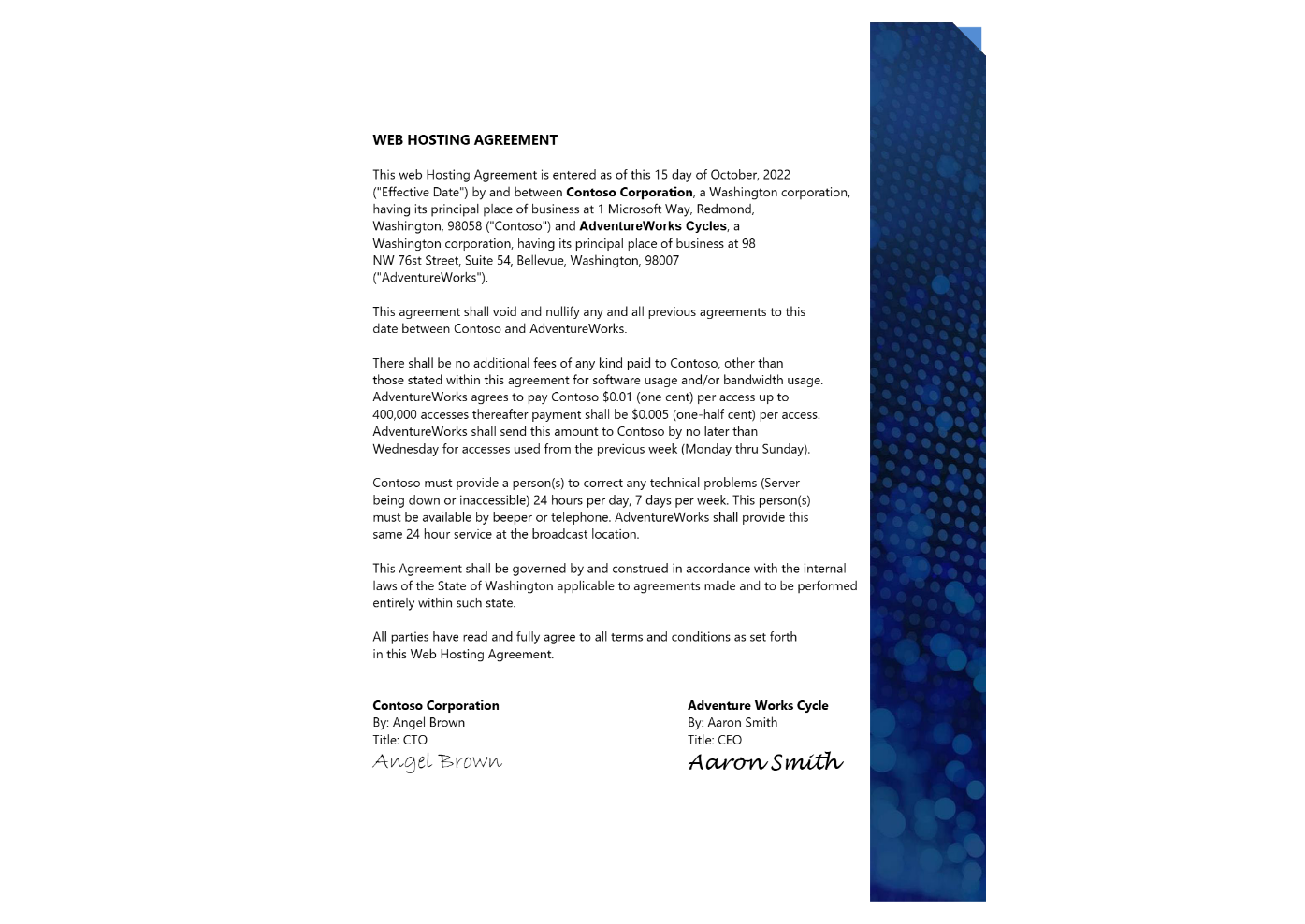
Business process: Extract, generate abstract details like obligations, summaries, inferencing details like contract parties, risk indicators, sentiment, or decisions from free-text, multi-page, narrative documents.
Examples:
- Legal contracts and service agreements
- Investment reports
- Research papers
- Patient referral letters
- Employee feedback reports
Recommendation:
- Content Understanding prebuilt or custom analyzer (Recommended): The ideal service for this scenario. Use
prebuilt-contractfor legal agreements, or a custom analyzer for other unstructured types. Content Understanding can infer fields not explicitly present in the document, such as deriving a contract end date from a start date and duration, or identifying jurisdiction from the parties' addresses. - Build a custom solution: Assemble and configure your own pipeline for document parsing (Layout), field extraction, and post-processing. You're responsible for testing across template variations, scaling the deployment, and managing ongoing maintenance. Building a custom confidence model for this document type is more complex and challenging due to the unstructured nature of the content.
Scenario 5: Multi-document and mixed-media processing
Business process: Aggregate content from diverse formats, cross-reference details, validate consistency (for example, name matches across documents), and surface inconsistencies.
Examples:
- Onboarding packages: PDF forms + ID images + recorded video interviews
- Compliance cases: Email text + contract + call transcript
- Medical claims: Doctor notes + lab reports + phone consultations
- Multimedia RFP submissions: Proposal PDF + product images + explainer videos
Recommendation:
- Content Understanding prebuilt and custom analyzers: Content Understanding offers multi-modal analyzers, and can reason over extracted content and reference data to generate the required output schema. Content Understanding also provides direct integration with agentic frameworks like Microsoft Agent Framework and Langchain to allow for more flexible post-processing.
- Build a custom solution: This scenario requires an agentic solution where the different input files need to be parsed and collectively reasoned over. The solution requires complex processing to determine document types and expected values and generate a unified output.
Note
This article is authored based on Azure Content Understanding 2025-11-01 API version and will be updated with future releases to reflect the latest capabilities, performance benchmarks, pricing, and recommendations.