Microsoft Project Error

Anonymous
2022-01-20T09:18:10+00:00

Hello I have been working on a programme in MSP for a couple of days and went to open this morning and got this error message:

Its not an old version of Project so not sure why this has happened. I have tried moving the programme to my hard drive and opening from there but no joy.

It has happened to two projects I have been working on....any idea how I can get them to open??

Thanks

Microsoft 365 and Office | Project | For business | Windows

Locked Question. This question was migrated from the Microsoft Support Community. You can vote on whether it's helpful, but you can't add comments or replies or follow the question.

0 comments No comments
{count} vote
Answer accepted by question author
  1. Dale Howard [MVP] 29,825 Reputation points MVP Volunteer Moderator
    2022-01-25T13:17:00+00:00

    Stephen --

    The error dialog you see indicates that the project has become corrupted. The only way to recover from this is to work with your backup, assuming you have a backup of this project. Also, you might want to look at the following blog post article about how to automatically create a backup of each of your projects:

    https://www.linkedin.com/pulse/automatically-back-up-project-files-microsoft-dale-howard/

    Hope this helps.

    0 comments No comments

3 additional answers

Sort by: Most helpful
  1. Anonymous
    2022-01-20T11:29:31+00:00

    Hi,

    Thanks for posting in our community.

    Based on the description, it seems like you were able to open the issue Project MMP normally before this error suddenly happened. If my understanding is correct, kindly check the following needed details for further troubleshooting.

    1.May I know if you have recently saved these issue files to a network drive or other not local drive locations?

    2.May I know if you have any other backup versions of the files? Check if they can be opened without any error message.

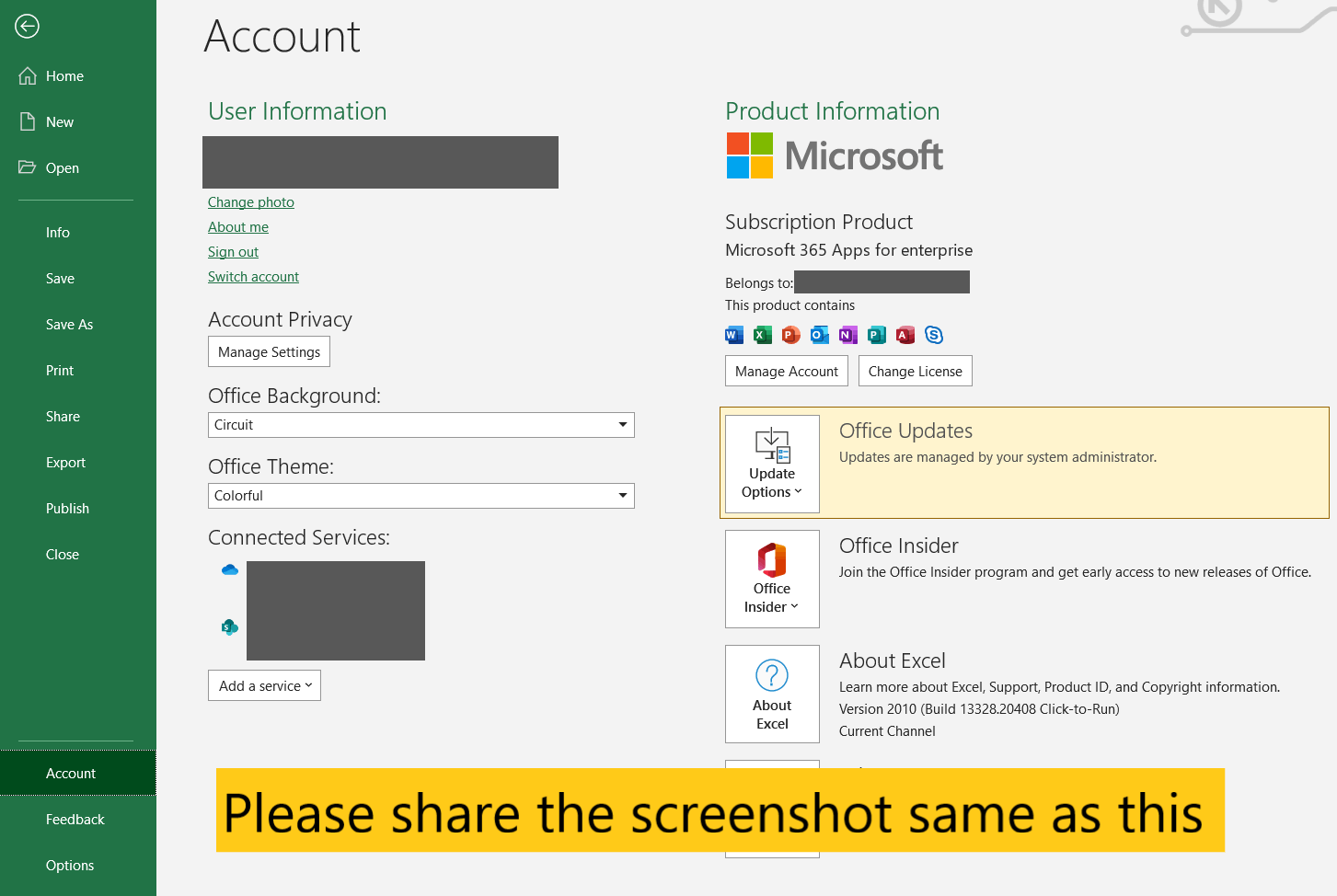
    3.Please share us the detailed version of the current Project desktop app you are using. Open Project>click File>click Account and share the complete screenshot similar as the following sample.
    Image

    We appreciate your understanding that sometimes the initial suggestions may not resolve the problem very soon as we need to have a better understanding of the scenario to make sure to provide the appropriate support. We can work together to narrow down and resolve the situation more efficiently. So, Please kindly provide more information above to let us troubleshoot further.

    Best Regards,

    Mia

    [Updated by Mia Zhao MSFT,  03:25 PM, Jan 21, 2022 (UTC)]

    0 comments No comments
  2. John Project 49,695 Reputation points Volunteer Moderator
    2022-01-20T15:34:25+00:00

    Mia,

    For reference, the ability to save to the MPX format was dropped several versions ago. If memory serves me correctly I believe Project 2007 was the last version that supported the MPX format.

    John

    1 person found this answer helpful.
    0 comments No comments
  3. Anonymous
    2022-01-22T14:29:48+00:00

    Hi,

    Feel free to post back if there have anything else we can share with you.

    Best Regards,

    Mia

    0 comments No comments