Note
Access to this page requires authorization. You can try signing in or changing directories.
Access to this page requires authorization. You can try changing directories.
Prerequisites
- You must have access to Azure Log Analytics. If you want to add a user to Azure Log Analytics go to Add Users to Azure Log Analytics.
- You must have run at least one Assessment. If you have not yet run an On-Demand Assessment go to Getting Started with On-Demand Assessments.
Instructions
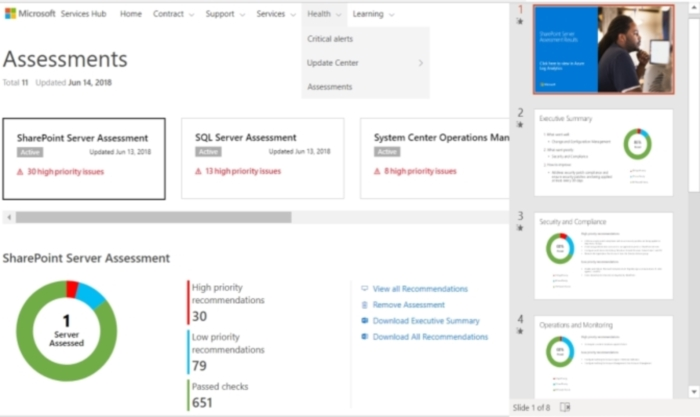
Find the On-Demand Assessment Executive Summary in IT Health > On-Demand Assessments.
Select any Assessment tile.
Select "Download On-Demand Assessment Executive Summary."
The Cover page has a link to the Azure Log Analytics Overview webpage.
Each slide is a focus area. Each focus area lists the top four highest priority and the top two lowest priority recommendations.