Note
Access to this page requires authorization. You can try signing in or changing directories.
Access to this page requires authorization. You can try changing directories.
When a stage spends most of its time reading data, find which table or files it reads before you optimize the read. The stage page shows how much data a stage reads, but not where the data comes from. The SQL DAG connects the stage to the scan that reads the data.
Use this page when the longest stage has high input. If the stage's input isn't high, check its output and shuffle in Spark stage high I/O and use the other pages in this guide to diagnose the issue. See Diagnose cost and performance issues using the Spark UI.
Getting to the DAG
To find the scan that reads the data:
On the job page, note the ID of the stage that performs the read. In this example, the stage ID is 194:

Scroll to the top of the job page and click Associated SQL Query:

The SQL DAG appears. If it doesn't, scroll to find it:
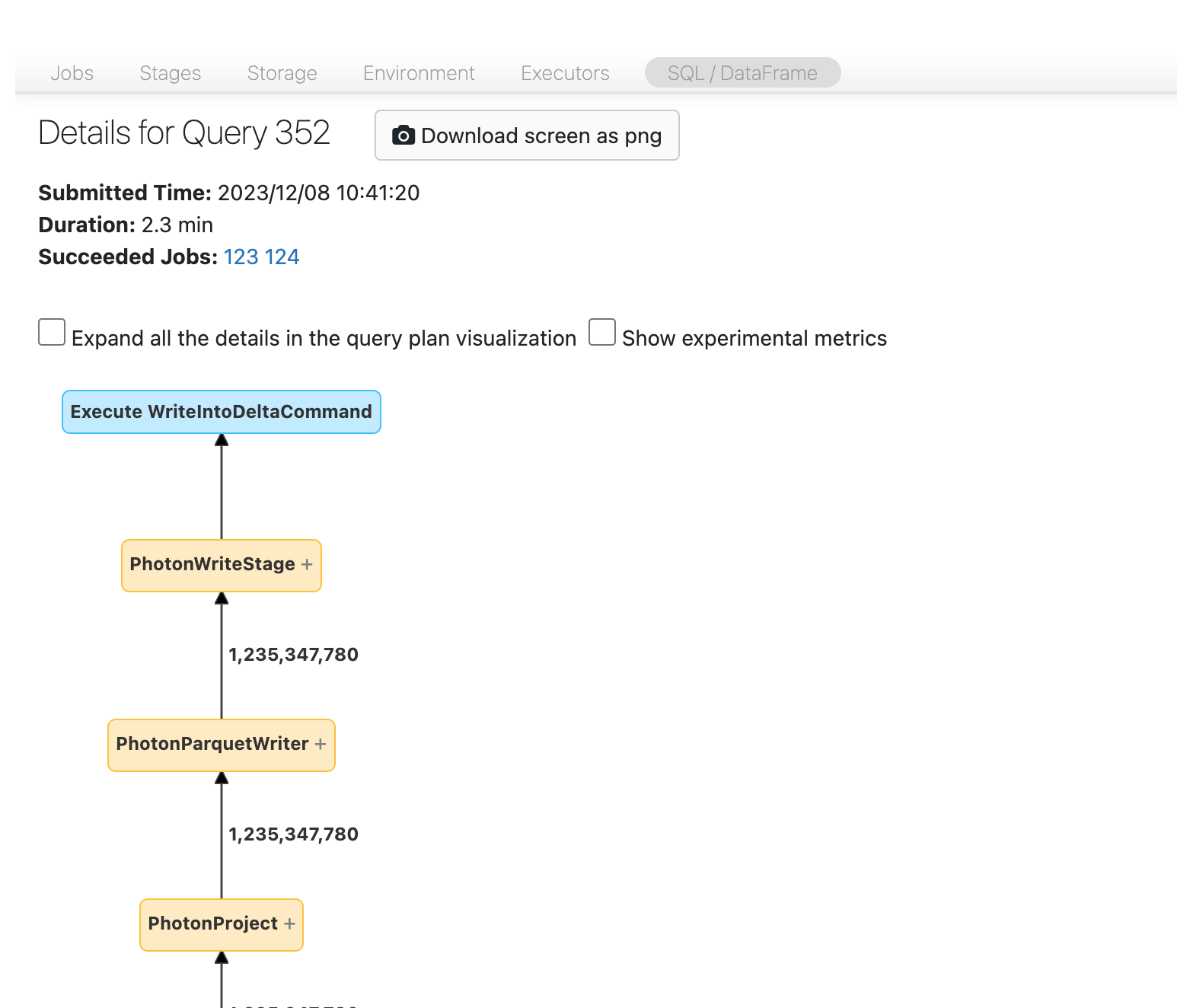
Find the stage in the DAG. If the DAG doesn't make the data source clear, look for the node labeled with the stage ID you noted:

Find the Scan node for that stage. In this example, the stage reads a table named
transactions: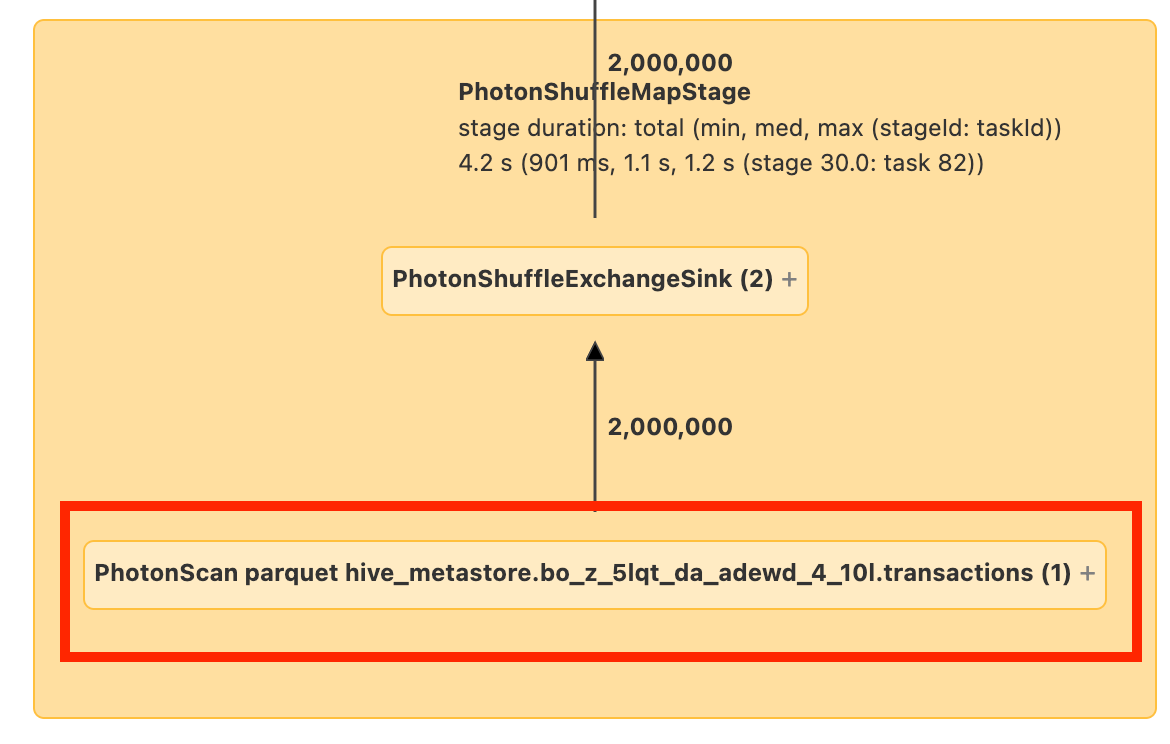
To see the location of the data that the node reads, click or hover over the node.
Next step
After you identify the data the stage reads, choose an approach to reduce or speed up the read. See High input.