Note
Access to this page requires authorization. You can try signing in or changing directories.
Access to this page requires authorization. You can try changing directories.
DELETE, UPDATE, and MERGE operations on Delta Lake tables might write far more data than they change. Without deletion vectors, modifying a single row requires rewriting the entire Parquet file that contains it. If a small change touches many files, the write stage rewrites all of the unmodified rows in those files too.
Use this page when the longest stage has high output and runs a DELETE, UPDATE, or MERGE. To check the stage's output, see High output.
Check the write in the SQL DAG
To check how much data the write stage writes:
Scroll to the top of the job page and click Associated SQL Query:

The SQL DAG appears. If it doesn't, scroll to find it:
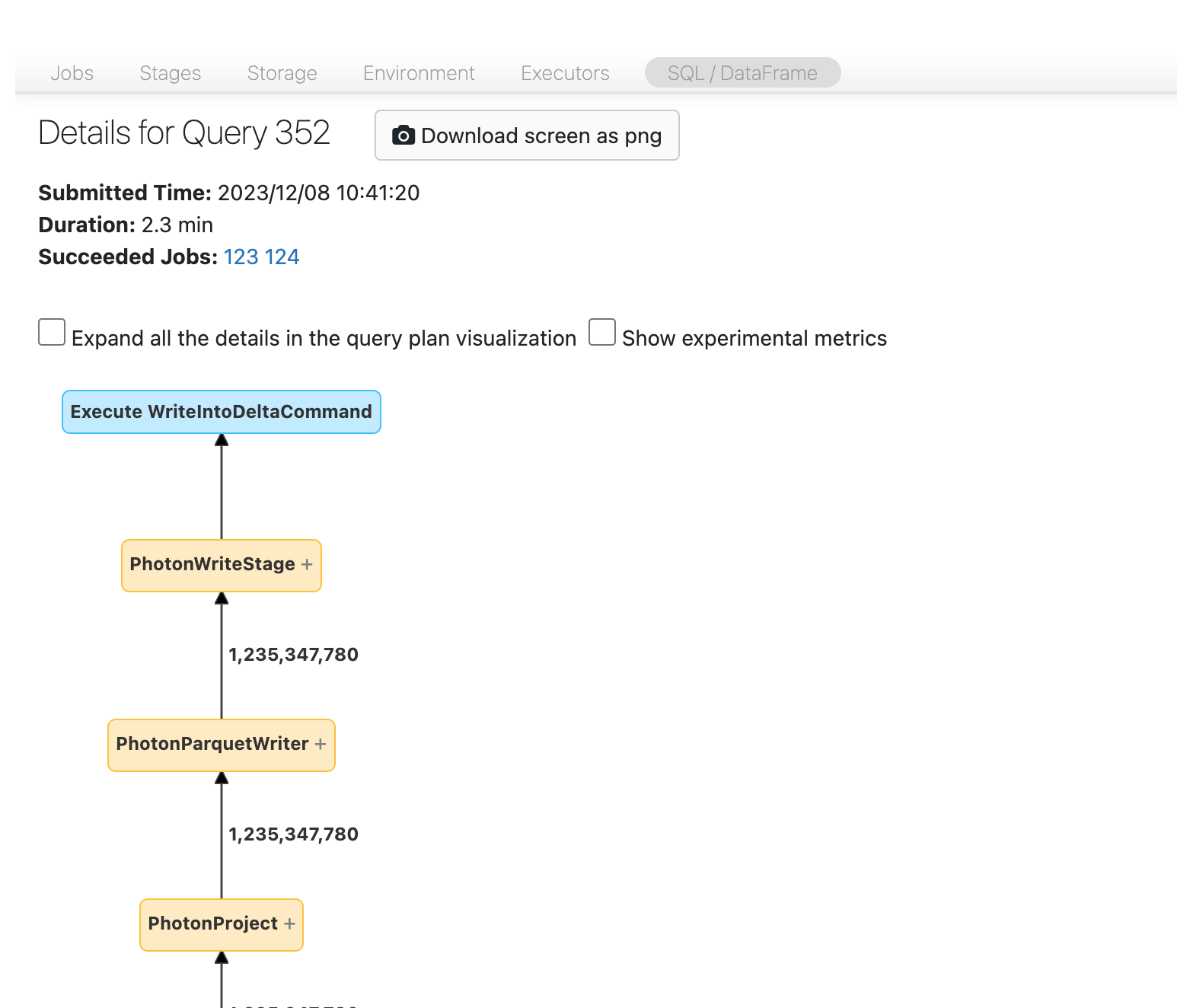
Find the write node and check how much data it writes:
For
DELETEorUPDATE, compare the amount of data written with the amount you expect. If the operation writes much more data than you expect, it might be rewriting data: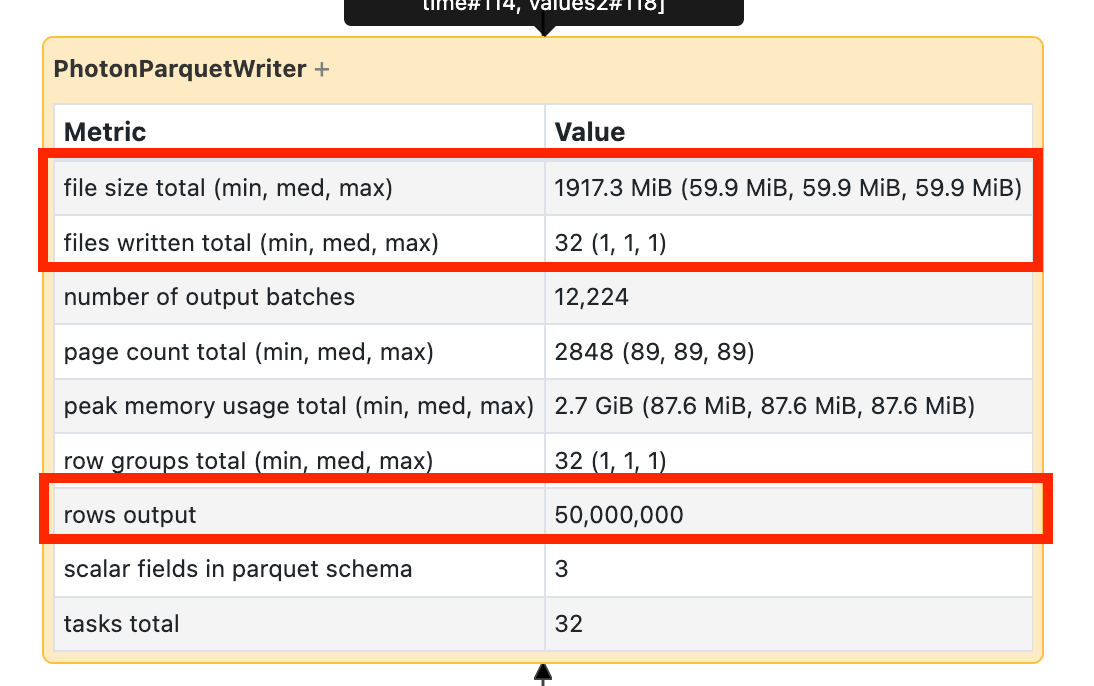
For
MERGE, the merge node shows explicit statistics about how much data it rewrites.
Check the table history
To verify a rewrite, check the operation metrics in the table history. For a MERGE, compare numTargetRowsCopied with the rows inserted, updated, and deleted. For DELETE and UPDATE, check numCopiedRows. A copied-row count much larger than the rows changed indicates the operation rewrote unmodified data. See Operation metrics.
Reduce rewrites
If the operation rewrites a lot of data, try these approaches:
- Enable deletion vectors. Deletion vectors mark rows as removed or changed without rewriting the Parquet file.
- Tune
MERGEoperations. Add known constraints to the match condition to reduce the search space. For other merge tuning approaches, see Best practices: Delta Lake.