Note
Access to this page requires authorization. You can try signing in or changing directories.
Access to this page requires authorization. You can try changing directories.
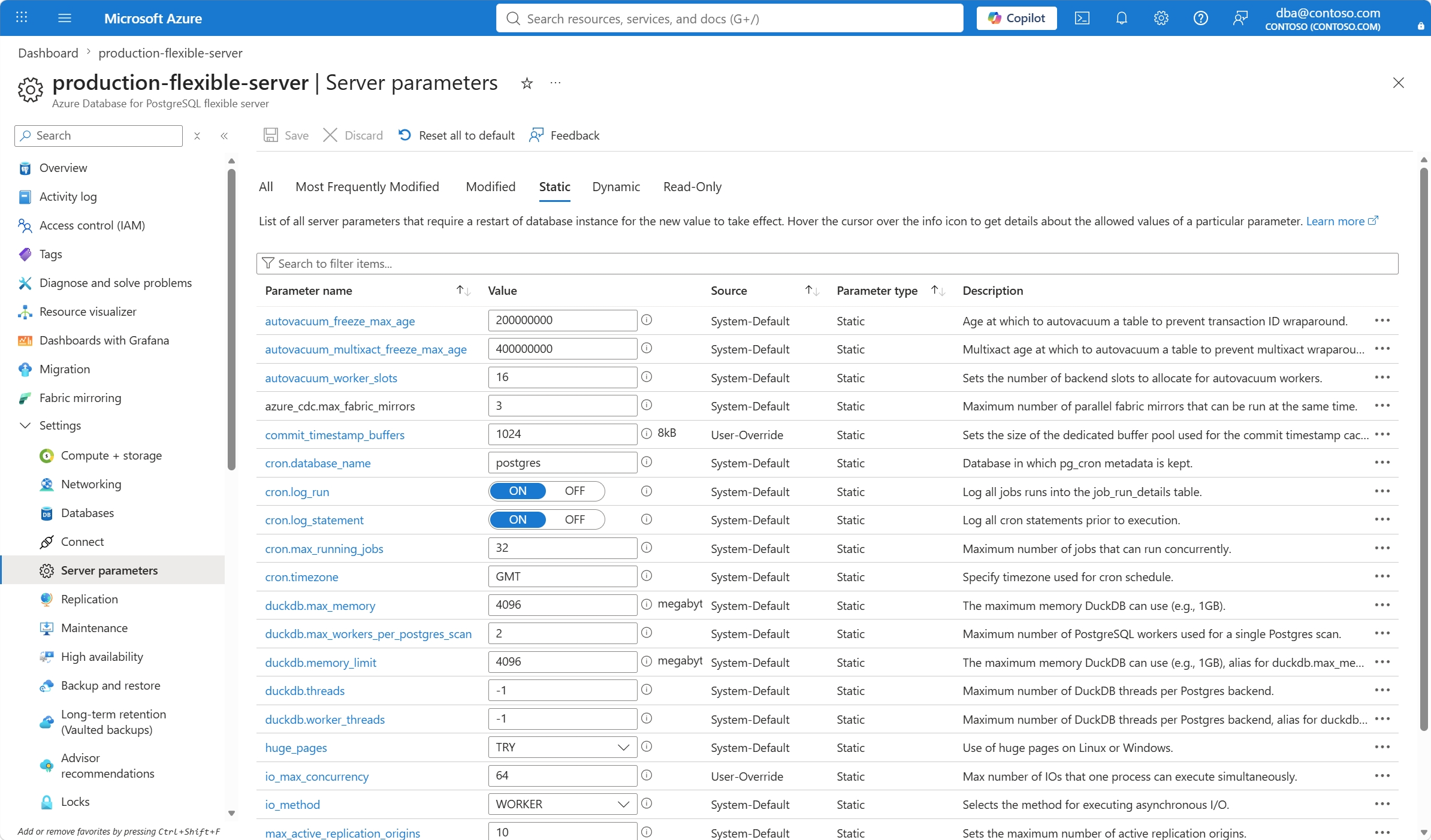
This article provides step-by-step instructions to list read-write static parameters of an Azure Database for PostgreSQL flexible server.
Steps to list read-write static parameters
Use the Azure portal:
Select your Azure Database for PostgreSQL flexible server.
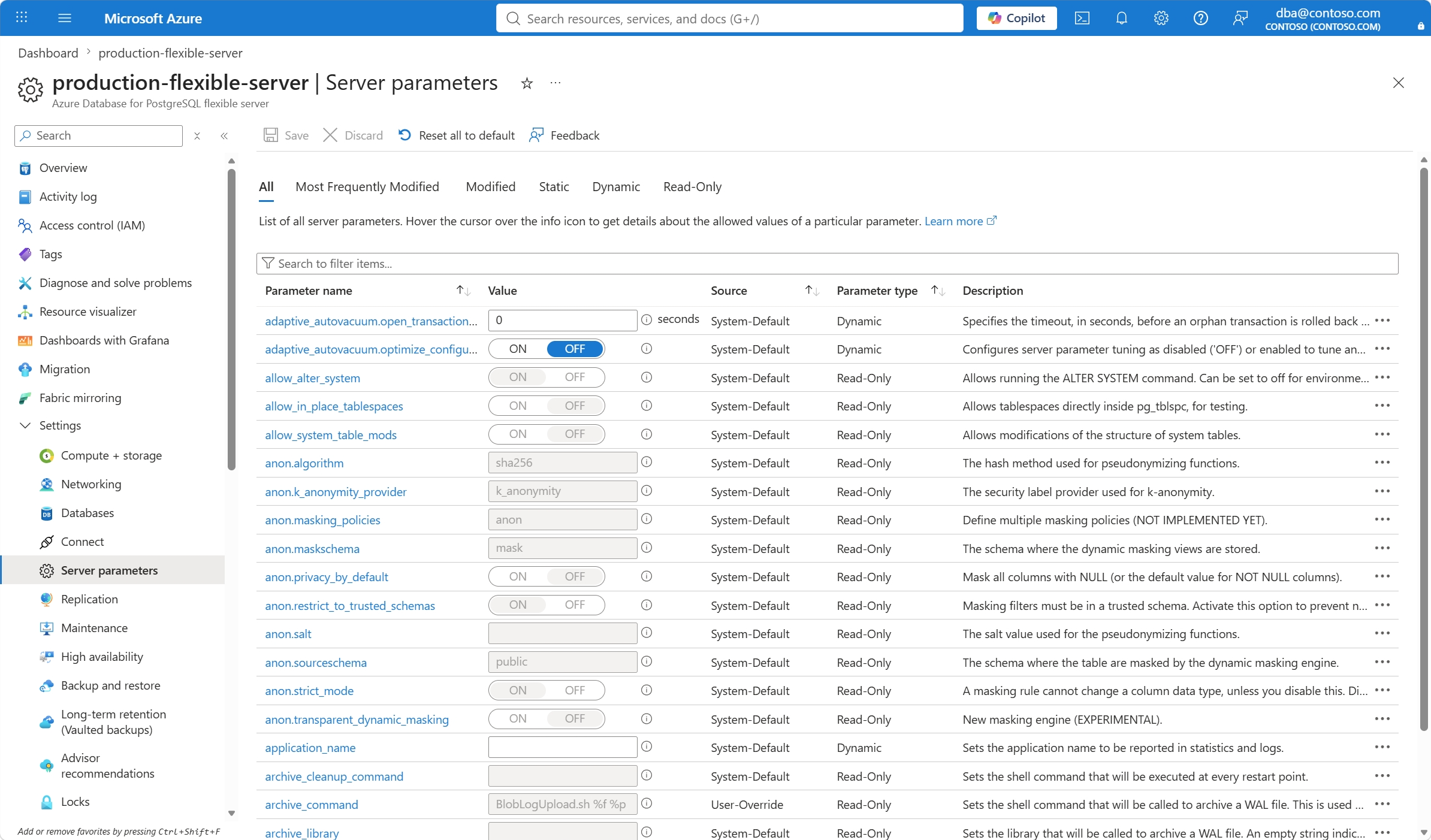
In the resource menu, under the Settings section, select Parameters.
Select the Static tab. The page shows a list of read-write parameters that require a server restart for the new value to take effect if you change their value.