Note
Access to this page requires authorization. You can try signing in or changing directories.
Access to this page requires authorization. You can try changing directories.
Microsoft Advertising supports multiple sign-in methods to make access easier and more secure.
You can sign in using one of these options:
A Microsoft account (personal or work), or
A Google account
- This option is available globally, except in China and India.
- Supported payment methods include credit cards, debit cards, bank transfers, and monthly invoicing.
- API access is available.
A Facebook account
- Not everyone has this feature.
- Supported payment methods include credit cards, debit cards, bank transfers, and monthly invoicing.
- API access is not available.
Note
If you're using a Microsoft work account, ensure your organization has authorized access and check with your IT admin if you encounter issues.
Learn more
Need more help?
If you have trouble signing in, visit Account access troubleshooting or contact Support.
Sign in with your email address
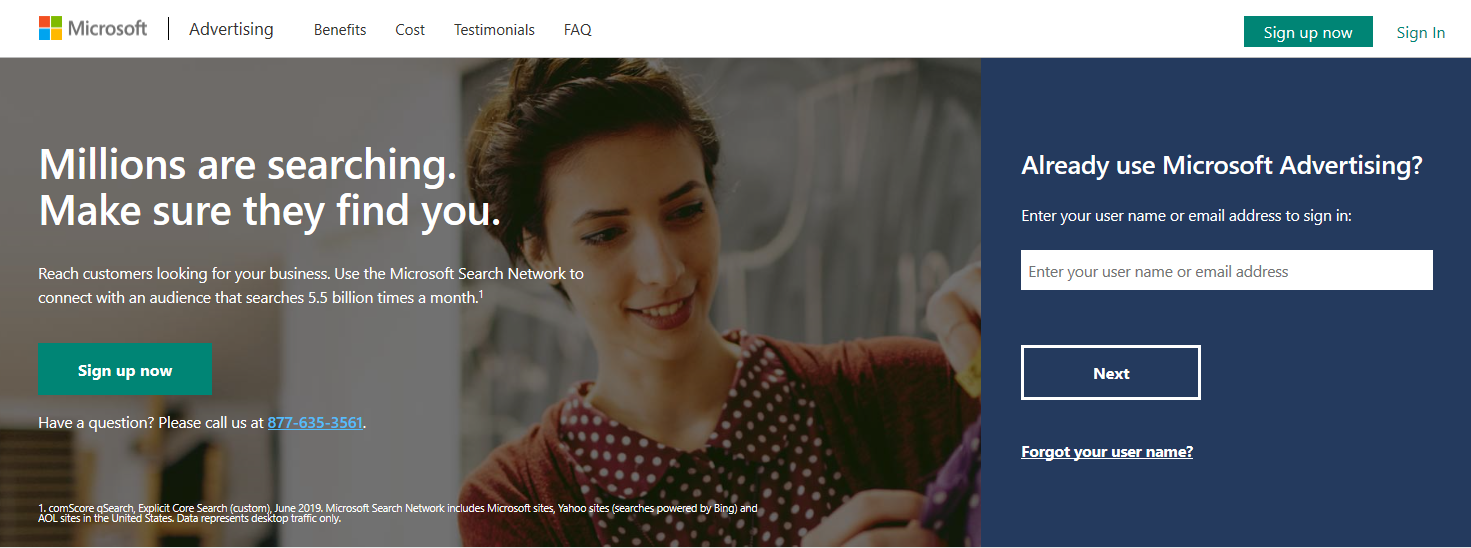
Go to the Microsoft Advertising sign-in page.
Enter your email address in the box, and then select Next.
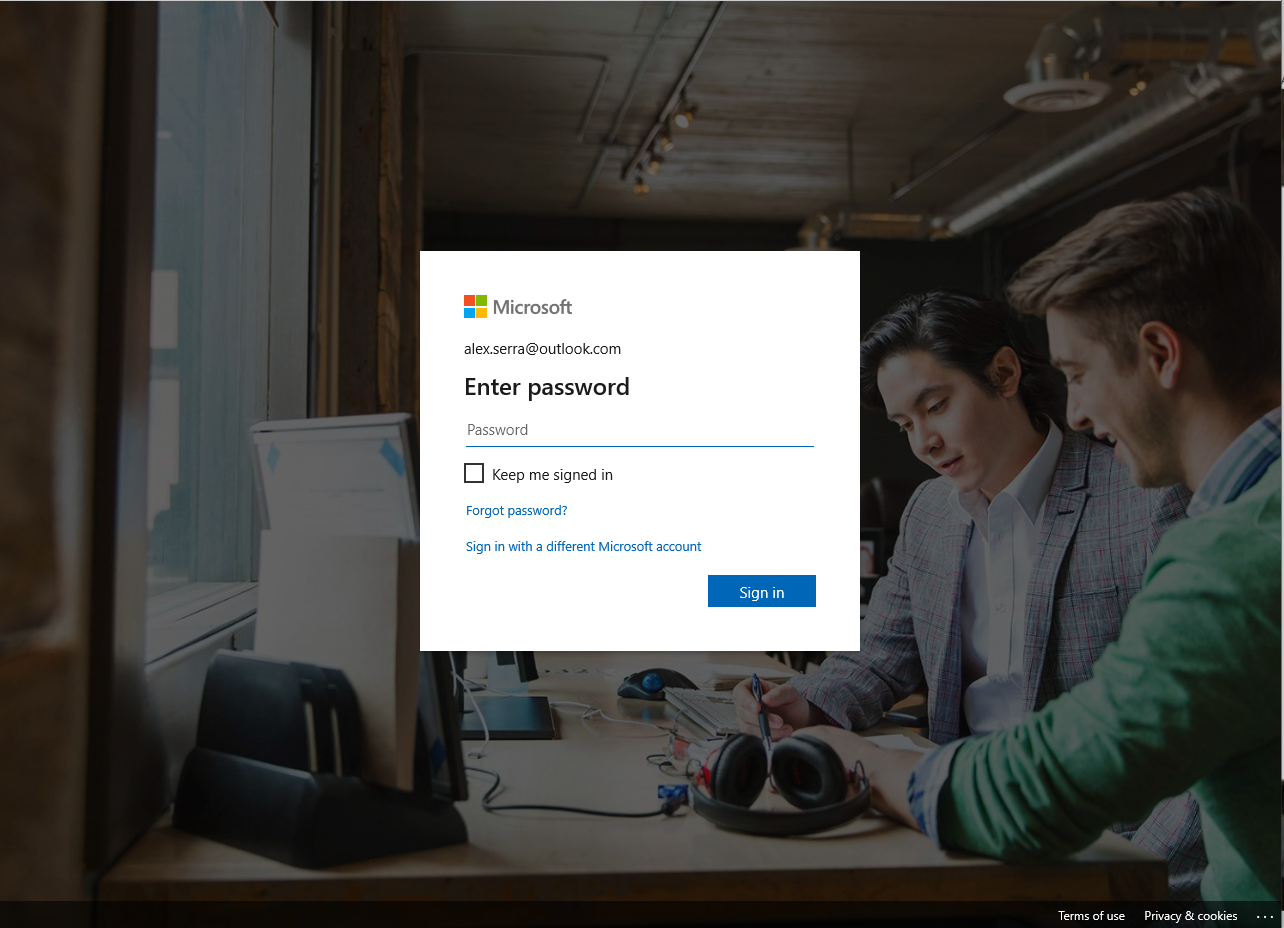
You'll be prompted to enter your password in a new page.
Note
- Because your email address can be used to sign in to other Microsoft products, we don't recommend sharing your email address with others. For more information on how multiple users can share access, see How do I give someone access to my Microsoft Advertising account?
- If you're already signing in to another Microsoft product with the email address you use to sign in to Microsoft Advertising, you'll go directly into the Microsoft Advertising Platform without the need to sign in.
- If you sign out of Microsoft Advertising, you will be signed out of any other Microsoft product that you are currently signed in to.
- You cannot use the same email address to sign in to both Microsoft Advertising and Microsoft Monetize Now.