Azure AI Bot Service
An Azure service that provides an integrated environment for bot development.
This browser is no longer supported.
Upgrade to Microsoft Edge to take advantage of the latest features, security updates, and technical support.
' cx='32' cy='32' r='32' /%3E%3Ctext x='50%25' y='55%25' dominant-baseline='middle' text-anchor='middle' fill='%23FFF' %3EK%3C/text%3E%3C/svg%3E)
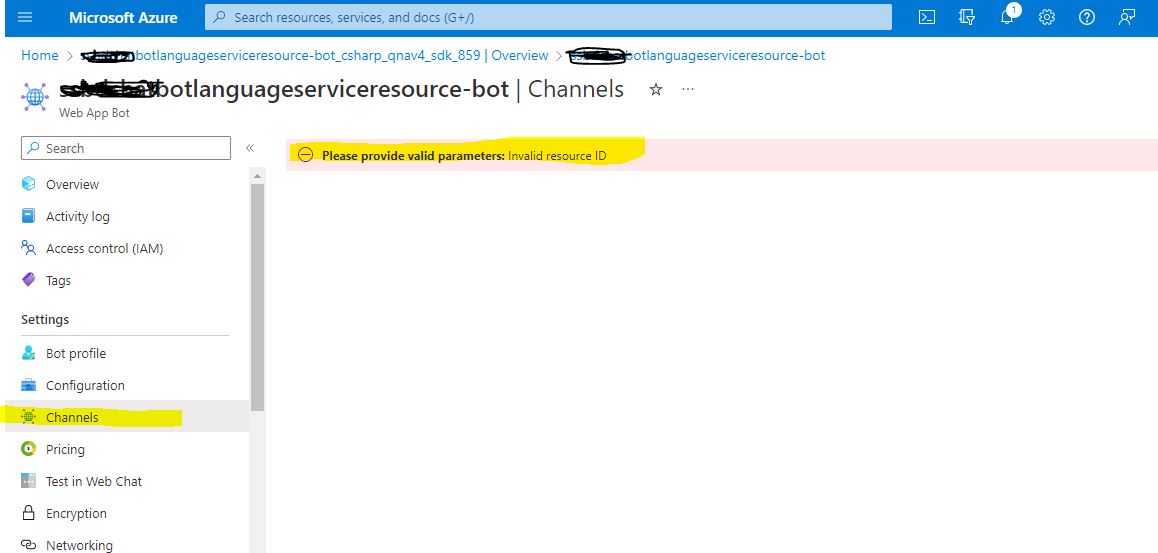
When trying to click on the Channels link on my Web App Bot screen the following error is shown. I have tried a few things but nothing seems to work. Without this I cannot ask my end users to start testing the Bot at their end.
Please provide valid parameters: Invalid resource ID
See screenshot attached as which shows the error.
An Azure service that provides an integrated environment for bot development.
An Azure service that provides natural language capabilities including sentiment analysis, entity extraction, and automated question answering.

@KA I think this could be an issue with Azure portal loading the page incorrectly rather than a service creation issue. From the above screen shot have you tried to open the channel tab after the deployment succeeded?
Could you try to search for the resource in portal and check if the same works?
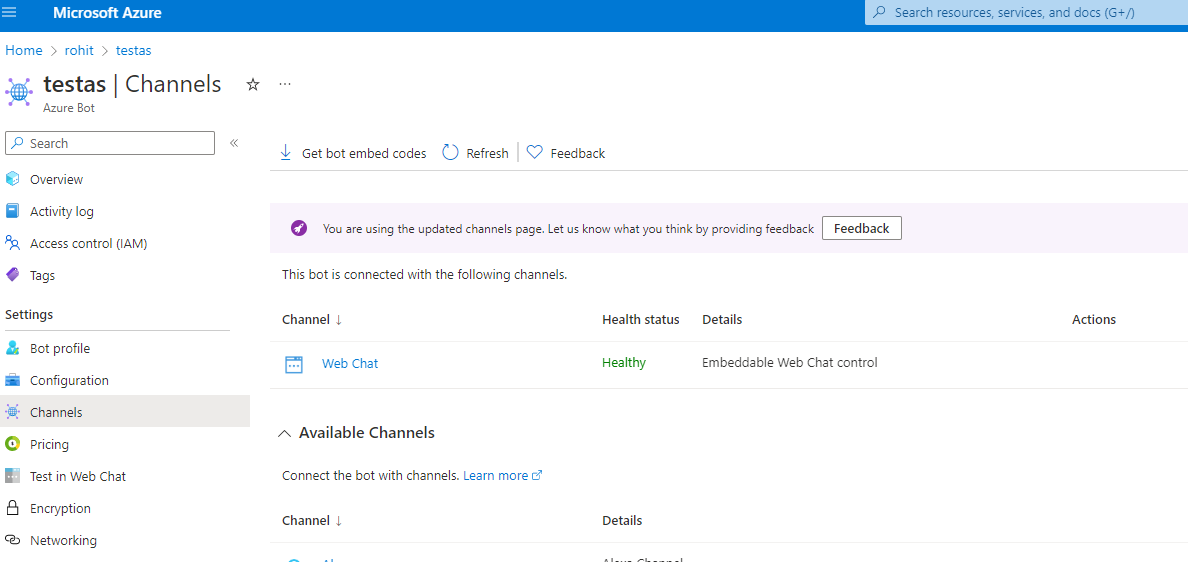
I tried both the scenarios and the page seems to load as expected.
@Rohit Mungi Thanks for your response.
Can you please let me know how I can "try to search for the resource in portal"?
On the same note I am loading the Channels Page only after the Deployment has succeeded.
Answer accepted by question author
I meant using the search bar to search for the bot service name and then click on the resource or navigate to the resource group and then try to load the resource in the portal.
If an answer is helpful, please click on  or upvote
  which might help other community members reading this thread.
@Rohit Mungi Now it seems to be working.
Many Thanks for your help here.