System Center Virtual Machine Manager
A family of System Center products that enable enterprise-wide management of virtual machines.
This browser is no longer supported.
Upgrade to Microsoft Edge to take advantage of the latest features, security updates, and technical support.
' cx='32' cy='32' r='32' /%3E%3Ctext x='50%25' y='55%25' dominant-baseline='middle' text-anchor='middle' fill='%23FFF' %3EVW%3C/text%3E%3C/svg%3E)
Hi
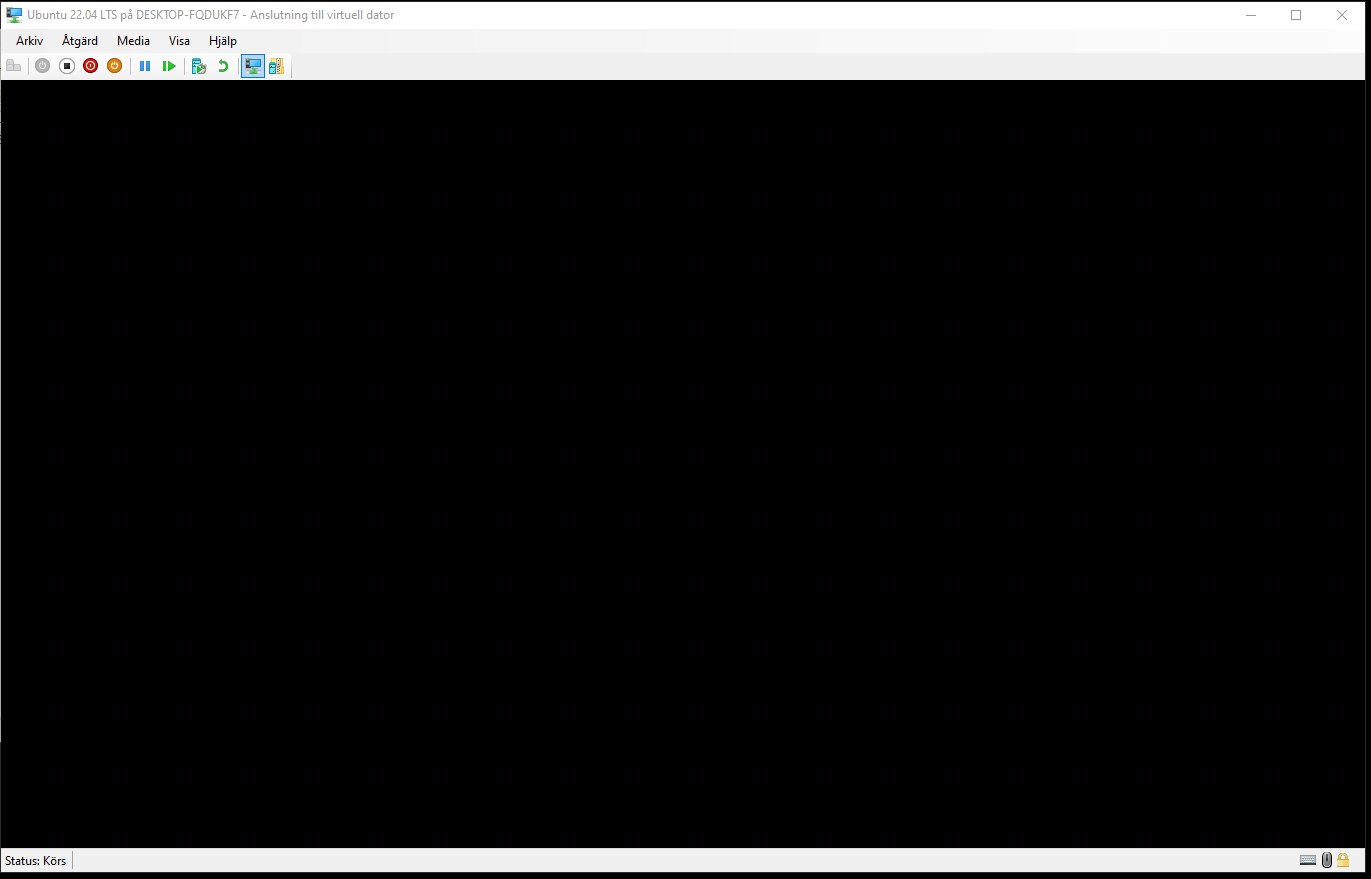
I have installed the Hyper-V manager and installed Ubuntu 22.04 . When I click connect and log on i will get a black window, what's wrong?
A family of System Center products that enable enterprise-wide management of virtual machines.
' cx='32' cy='32' r='32' /%3E%3Ctext x='50%25' y='55%25' dominant-baseline='middle' text-anchor='middle' fill='%23FFF' %3EGS%3C/text%3E%3C/svg%3E)
Hi, the answer """View" menu, try de-selecting "Enhanced Session" .""" works, but you need to do it every single time you open it. To fix that one time and run your VM.
Go to > "Actions" on your HYPER-V Administrator(has to be on the right of the screen).
Then >Hyper-V Configuration. / Then try to find an option that says something related to "Enhanced Session" on the "Server options" after you press that will say "allow or activate Enhanced Session"
Then >Try de-selecting then apply and save.
That way you don't have to do it every time you open your VM.
' cx='32' cy='32' r='32' /%3E%3Ctext x='50%25' y='55%25' dominant-baseline='middle' text-anchor='middle' fill='%23FFF' %3EJ%3C/text%3E%3C/svg%3E)
Hi, under the "View" menu, try de-selecting "Enhanced Session" .
' cx='32' cy='32' r='32' /%3E%3Ctext x='50%25' y='55%25' dominant-baseline='middle' text-anchor='middle' fill='%23FFF' %3EEN%3C/text%3E%3C/svg%3E)
JonM, you saved my time this solution worked for me.
Host OS Windows 10,
VM OS Ubuntu LTS 2022.04
Issue black screen after logging in
Issue status: Resolved
' cx='32' cy='32' r='32' /%3E%3Ctext x='50%25' y='55%25' dominant-baseline='middle' text-anchor='middle' fill='%23FFF' %3EE%3C/text%3E%3C/svg%3E)
I spent like 40 minutes looking for a fix or the right answer. Thank you!
' cx='32' cy='32' r='32' /%3E%3Ctext x='50%25' y='55%25' dominant-baseline='middle' text-anchor='middle' fill='%23FFF' %3EXM%3C/text%3E%3C/svg%3E)
Hi,
This issue is likely caused because the VM was installed using Generation 1 virtual machine. Try installing the VM as Generation 2 instead.
Note: To install vm as generation 2, you must disable secure boot under Hyper-V VM Settings -> Security -> Secure Boot Enabled (uncheck).
Note: This does not seem to fix issues with XUbuntu 20.04 which still gets black screen. In this case, you will need to boot into single user mode and install linux-azure package.

Note: To install vm as generation 2, you must disable secure boot under Hyper-V VM Settings -> Security -> Secure Boot Enabled (uncheck).
This is completely untrue and has been untrue since windows server 2019 (possibly 2016 its been a while)
This answer has been deleted due to a violation of our Code of Conduct. The answer was manually reported or identified through automated detection before action was taken. Please refer to our Code of Conduct for more information.
Comments have been turned off. Learn more
' cx='32' cy='32' r='32' /%3E%3Ctext x='50%25' y='55%25' dominant-baseline='middle' text-anchor='middle' fill='%23FFF' %3EVT%3C/text%3E%3C/svg%3E)
Did you use Ubuntu from Hyper-V gallery? If not, click "quick create VM" and there you have selection of images optimized by Microsoft. I have done it recently and Ubuntu 22.04 LTS works fine
' cx='32' cy='32' r='32' /%3E%3Ctext x='50%25' y='55%25' dominant-baseline='middle' text-anchor='middle' fill='%23FFF' %3EAP%3C/text%3E%3C/svg%3E)
Option quick create VM not avaible for me
Hi
I have tried that several times, when I was working with it on Sunday that was the solution but then it stopped working. I have removed the VM and build a new one, the same problem.
//Vw
