Dear respected bladZV,
Good day! Thank you for posting to Microsoft Community. We are happy to help you.
I’m sorry you’re having a problem and for the situation you encountered, we deeply understand the inconvenience caused and apologize for it.
As per your description, based on my test, in PowerPoint version 16.77 on Mac OS, it seems that I cannot meet the same behaviour as like you described above.
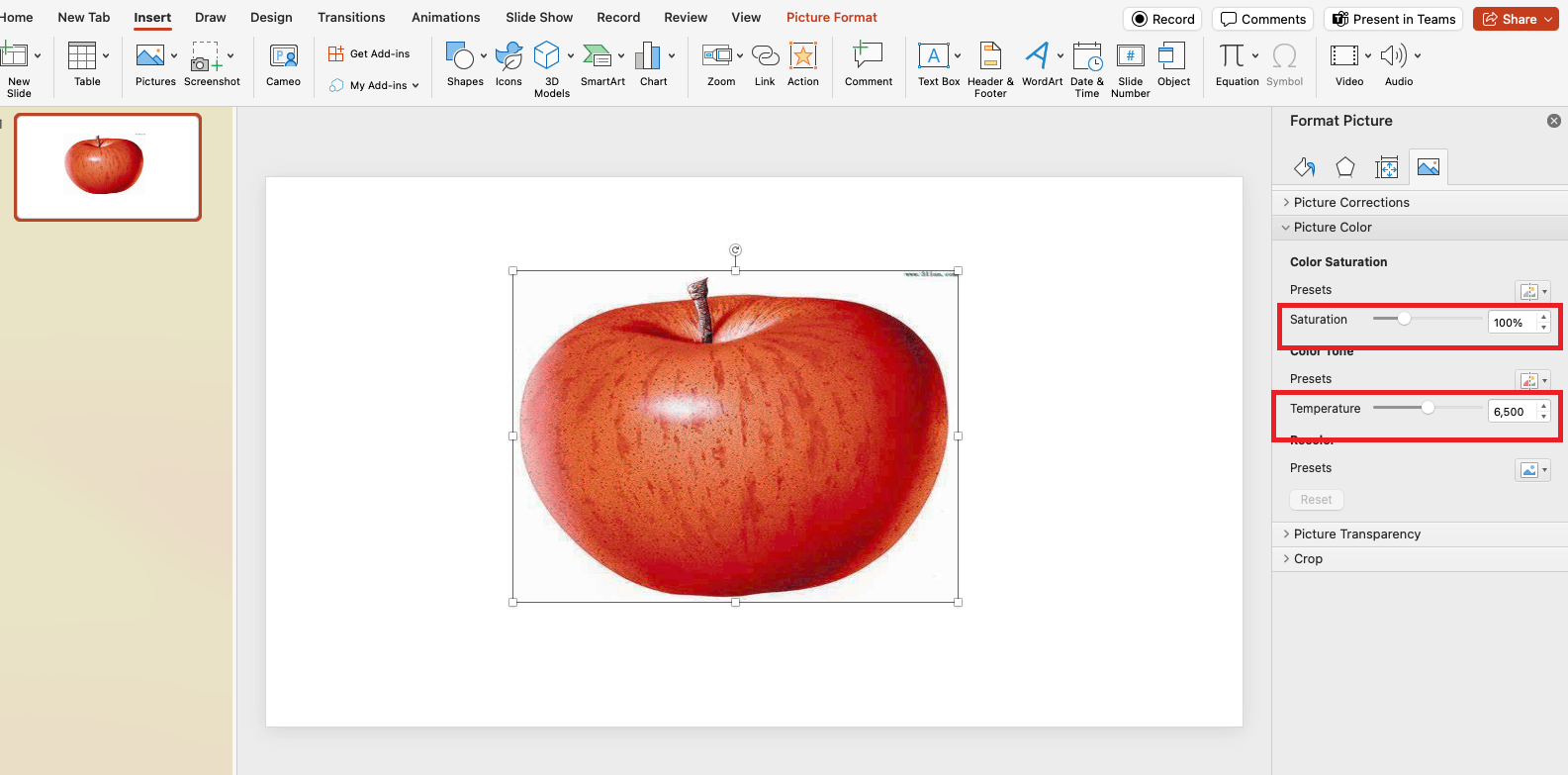
.
As the problem can be caused by different reason, I will appreciate you can try to reboot Mac in safe mode and determine whether background programs are causing the issue. For detailed information, please check this article.
Disclaimer: Microsoft provides no assurances and/or warranties, implied or otherwise, and is not responsible for the information you receive from the third-party linked sites or any support related to technology.
Also, have you ever installed any add-ins for PowerPoint? If so, please disable them and then check the outcomes.
Another suggestion is to remove the Office folders from Containers folder in Library with following steps.
a: Completely quit all Office apps
b: In Finder, press COMMAND +Shift+g.
c: Enter**~/Library** and click Go
d: Go to Containers folder, find the folder called Microsoft PowerPoint or com.Microsoft.PowerPoint
e: Move this folder to your desktop by cut&paste .
f: Relaunch PowerPoint for Mac application and see the results.
We appreciate your understanding that sometimes the initial suggestions may not resolve the problem very soon. However, we can work together to narrow down and resolve the situation. So, please kindly provide more information below to let us work further.
Appreciate your patience and understanding and thank you for your time and cooperation.
Sincerely,
Waqas Muhammad
' cx='32' cy='32' r='32' /%3E%3Ctext x='50%25' y='55%25' dominant-baseline='middle' text-anchor='middle' fill='%23FFF' %3EA%3C/text%3E%3C/svg%3E)


