Microsoft Security | Microsoft Entra | Microsoft Entra ID
A cloud-based identity and access management service for securing user authentication and resource access

This browser is no longer supported.
Upgrade to Microsoft Edge to take advantage of the latest features, security updates, and technical support.
' cx='32' cy='32' r='32' /%3E%3Ctext x='50%25' y='55%25' dominant-baseline='middle' text-anchor='middle' fill='%23FFF' %3EWC%3C/text%3E%3C/svg%3E)
How do you force an azure ad connect cloud sync? It's supposed to sync every 2 minutes but I'm testing it out by adding some test users and they still have not synced. Any idea?
A cloud-based identity and access management service for securing user authentication and resource access
' cx='32' cy='32' r='32' /%3E%3Ctext x='50%25' y='55%25' dominant-baseline='middle' text-anchor='middle' fill='%23FFF' %3EEL%3C/text%3E%3C/svg%3E)
' cx='32' cy='32' r='32' /%3E%3Ctext x='50%25' y='55%25' dominant-baseline='middle' text-anchor='middle' fill='%23FFF' %3EWV%3C/text%3E%3C/svg%3E)
seems to me that's the command for Azure AAD Connect, not for Azure AD CLOUD SYNC. Am I correct?
' cx='32' cy='32' r='32' /%3E%3Ctext x='50%25' y='55%25' dominant-baseline='middle' text-anchor='middle' fill='%23FFF' %3EMC%3C/text%3E%3C/svg%3E)
Yeah it's really hard to get an answer for cloud sync. So far the only way I know to do it is to use Provision on Demand from the Azure Ad console.
' cx='32' cy='32' r='32' /%3E%3Ctext x='50%25' y='55%25' dominant-baseline='middle' text-anchor='middle' fill='%23FFF' %3EMT%3C/text%3E%3C/svg%3E)
To force a sync:
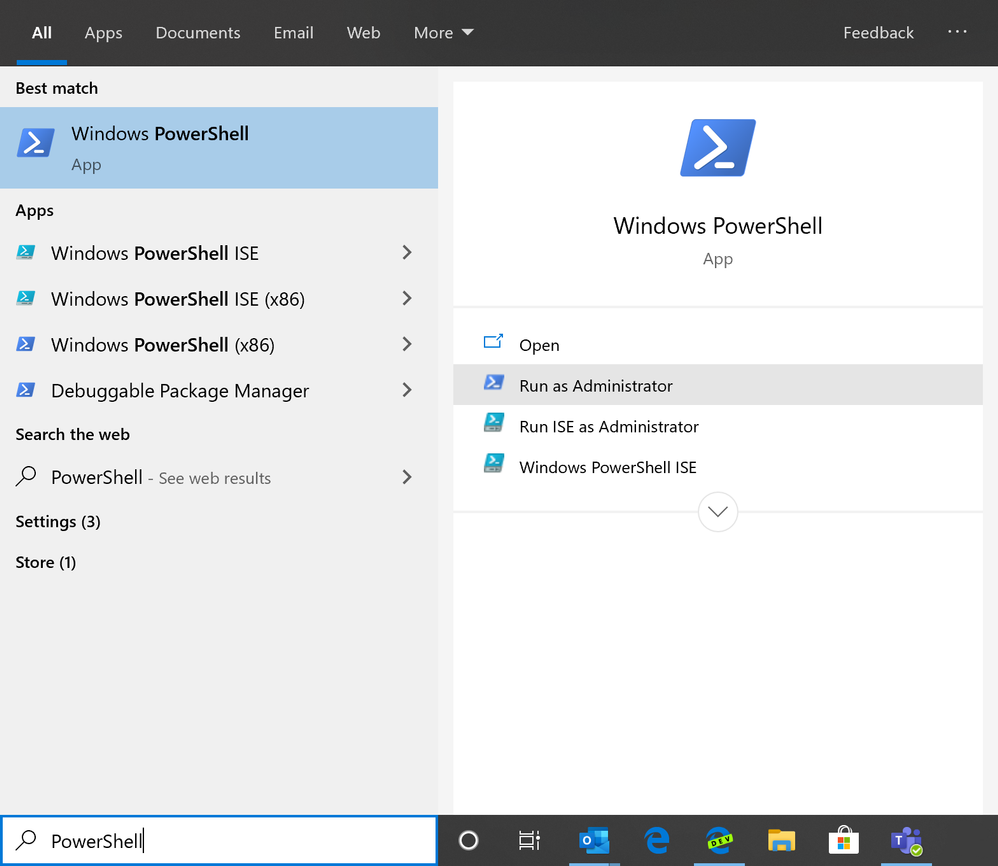
NOTE: The report should show intervals of 30 minute syncs and a sync policy type of Delta. A sync policy type of Initial is usually shown after Azure AD Connect's initial sync but can also be forced as detailed in the next step.
NOTE: This will only sync current changes. Run the following command to force a complete sync but note that the length of sync time would be greatly increased.
Start-ADSyncSyncCycle -PolicyType Initial
Source: How to Force Azure AD Connect to Sync
-
If this answer helps resolve your question, please remember to "mark as answer" so that others in the community with similar questions can more easily find a solution.