Share via

Can't insert online videos to powerpoint

Anonymous
2024-01-11T09:04:39+00:00

Hi, I am trying to insert an online video into powerpoint (within microsoft office 365 version 2312). When I try to paste the URL, nothing happens, it won't paste. I do not get an error message. I can paste videos that are saved to my device. I did have a message pop up earlier asking for something to change, block or allow something but I cannot remember what it was and I fear I have changed something to stop this feature working, I don't know how to change it back or how to find out what changed. Any ideas please?

Microsoft 365 and Office | PowerPoint | For business | Windows

Locked Question. This question was migrated from the Microsoft Support Community. You can vote on whether it's helpful, but you can't add comments or replies or follow the question.

0 comments No comments

38 answers

Sort by: Most helpful
  1. Anonymous
    2024-01-12T02:45:08+00:00

    It think her problem is that paste does not work on the video input screen. I am having the same issue.

    6 people found this answer helpful.
    0 comments No comments
  2. Anonymous
    2024-01-14T11:35:00+00:00

    I'm having the same problem too - it worked fine in December when I last made a powerpoint - but not now. I can insert videos from my computer, but not from Youtube / online. Where it says 'Enter the address for online video' it won't let me paste anything - and has https:// permanently in the box - which I can't delete or override. I have a personal, not business microsoft account - and don't share it with anyone else. I can't recall clicking or unclicking anything - so it's a complete mystery... Hoping someone can solve this as very frustrating!

    2 people found this answer helpful.
    0 comments No comments
  3. Anonymous
    2024-01-13T17:48:11+00:00

    I alsso have same issue. Could paste and insert videos fine a few days ago. Now cannot paste anythiing . Do not have businesss version of Office

    2 people found this answer helpful.
    0 comments No comments
  4. Anonymous
    2024-01-11T12:09:58+00:00

    Thanks Sophia, I can confirm I have tried to insert a video using a different account and the same thing happens. I have checked with a colleague and theirs works ok. I think I must have changed a setting on my laptop somewhere that is preventing me from pasting the URL but I don't know what to look for. Thank you for your help.

    2 people found this answer helpful.
    0 comments No comments
  5. Anonymous
    2024-01-11T09:56:38+00:00

    Dear Cheryl Lee,

    Good day!!

    Apologies for the inconvenience caused and please don’t worry, let’s work together on your concern and move towards a resolution path.

    I understand your concern and I would like to let you know that I have tested the behavior in the PowerPoint for the web, where I am able to insert the YouTube videos without any issue:
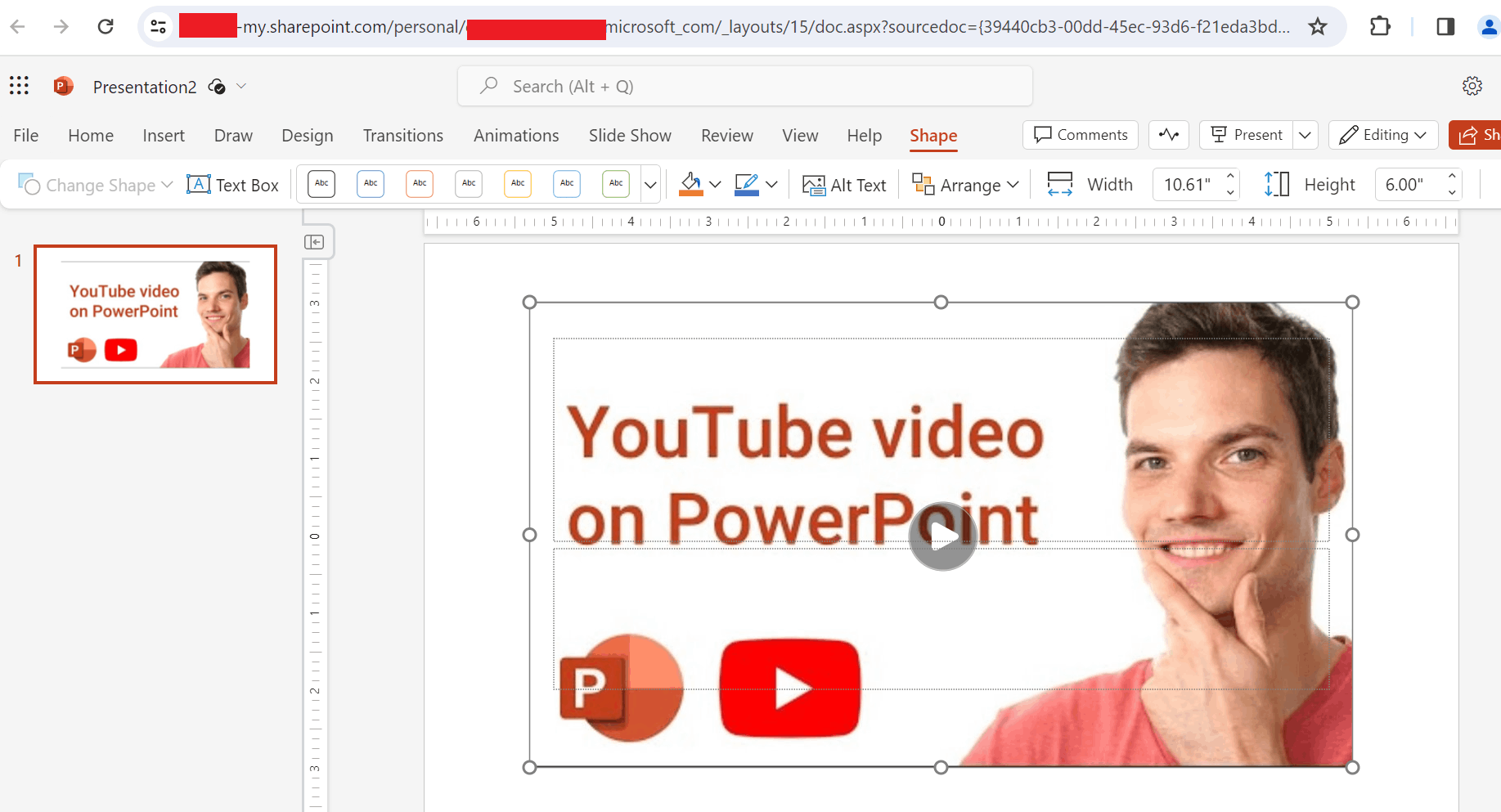
    In this situation, I would like to suggest you check whether you are having the same issue when you try to Insert the Online Video into the PowerPoint presentation via a different browser or InPrivate/Incognito window of the browser?

    If the same problem happens, can you please check whether other users in your organization are having the same issue?

    Appreciate your patience and understanding. Have a great day!!

    Best Regards,

    Sophia

    2 people found this answer helpful.
    0 comments No comments