Share via

How to automatically play a video on PowerPoint once it has been played?

Anonymous
2024-02-28T01:24:36+00:00

I have created a switch accessible PowerPoint for my student with a disability. They can select a video using the switch access and it will automatically play. However, once the video has been played and is selected again, it will not automatically play. I have tried to alter the playback functions such as rewind after play and loop until stopped but it does not work.

Help please.

Microsoft 365 and Office | PowerPoint | For education | Windows

Locked Question. This question was migrated from the Microsoft Support Community. You can vote on whether it's helpful, but you can't add comments or replies or follow the question.

0 comments No comments

Answer accepted by question author

Steve Rindsberg 99,161 Reputation points MVP Volunteer Moderator
2024-02-29T16:30:31+00:00

I have an idea that might help. First, a look inside PPT's head.

PPT will only play animations (e.g. your auto-start video) when you've moved TO the slide containing the animation FROM a prior slide.

You can trick it by adding a "dummy" slide just prior to the slide with the animation. If you set the slide to transition automatically to the next slide after zero seconds, it'll happen so quickly that the dummy slide won't even have time to appear. If it does blink on, you can always use a copy of the slide with the animations (ie, your video) as the dummy slide (but remove any animations).

To get this to work you might also have to make a custom show of each dummy slide + video slide pair. Then instead of linking to either of the slides, link to the custom show and choose to show and return.

That way, clicking the link will show the video then return to the slide with the video "postage stamps" ... from there, the switch can move to the next postage stamp slide, as you're already doing.

Whew! Complicated!

Was this answer helpful?

0 comments No comments

6 additional answers

Sort by: Most helpful
  1. Anonymous
    2024-03-01T02:54:35+00:00

    Thank you I will give it a go and see if it will work.

    Was this answer helpful?

    0 comments No comments
  2. Anonymous
    2024-02-29T09:27:42+00:00

    Dear Katie,

    Thanks for your updates and providing the video link.

    I can reproduce the issue and I'm afraid that the video loop feature can only be looped after you click on the video to be played and the automation can be triggered automatically once.

    There may be no option automatically playing the video when you enter the video slide the second time after you click on the button.

    As our product developers are willing to hear users' requirements, I suggest you submit your feedback and convey your suggestions to our new Feedback platform mentioned in the following article for the product developers to know your suggestions and opinions for product improvements.

    Introducing Feedback for Microsoft 365 - Microsoft Community Hub

    Please note the platform page will be loaded after some time based on the network environments.

    You may access the page as follows to submit the feedback as well.
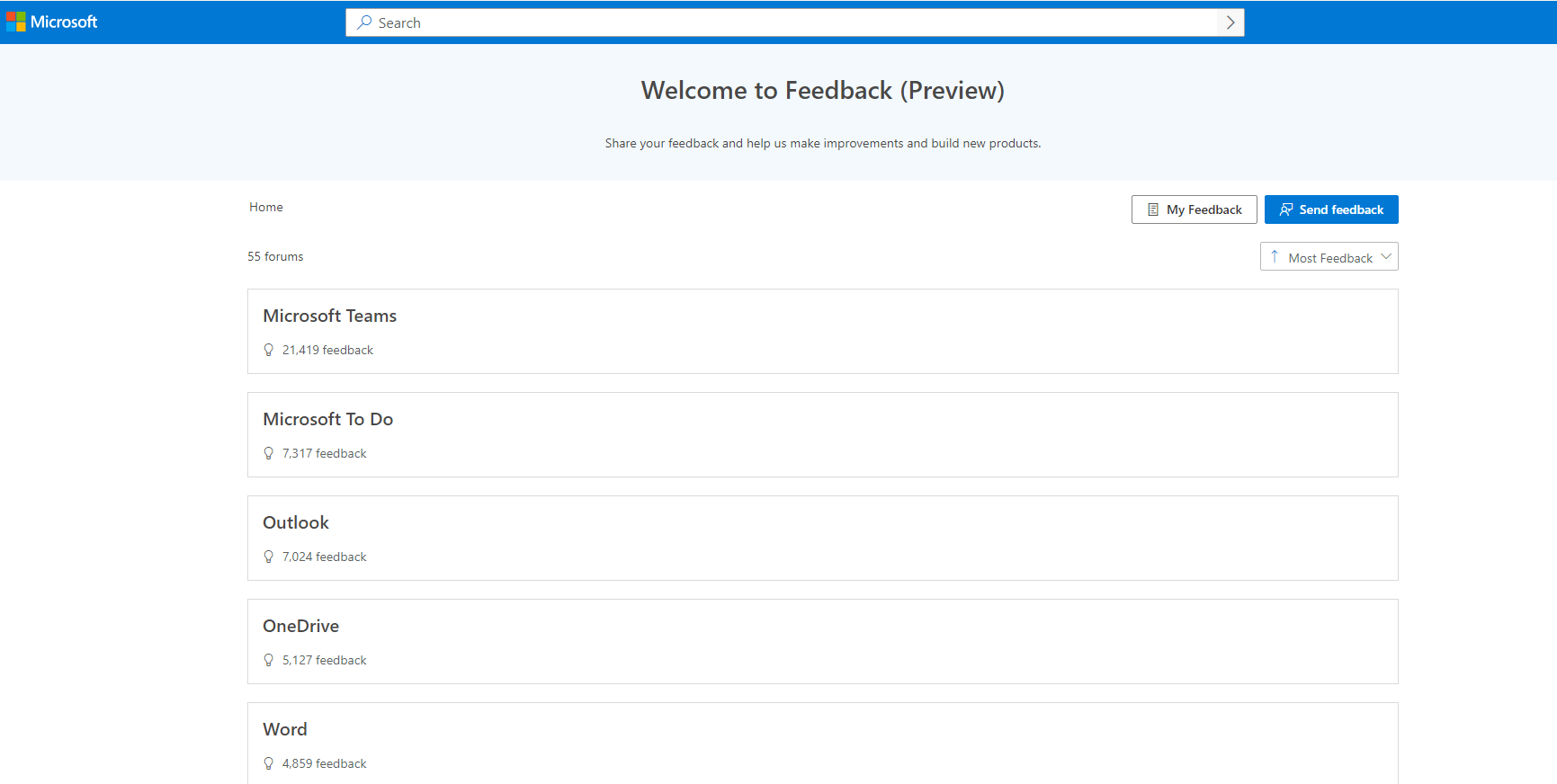
    Image

    You may use a personal account or a Microsoft 365 business work or school account to submit the feedback.

    Thanks for your understanding.

    Have a nice day!

    Sincerely

    Cliff | Microsoft Community Moderator

    Was this answer helpful?

    0 comments No comments
  3. Anonymous
    2024-02-28T22:03:29+00:00

    Hi,

    Please see a video attached: https://www.callscotland.org.uk/blog/switch-accessible-choice-boards-in-powerpoint/#:~:text=The%20answer%20is%20yes.,play%20and%20close%20the%20video 

    The student selects a video from a variety of options, the video will play and then once the video is finished it will then take the student back to the choices again (using a action button). If the student selects the same video that just played again, it will not play and only displays the beginning visual for the video.

    Sorry it is hard to explain.

    Was this answer helpful?

    0 comments No comments
  4. Anonymous
    2024-02-28T06:46:23+00:00

    Dear Katie,

    We are glad to help you and we may need more information to move forward.

    Regarding "However, once the video has been played and is selected again, it will not automatically play.", do you mean that the video will stop when you click on the video after you select Start Automatically and check Loop until Stopped in Playback?

    For our confirmation, a video may be needed.

    If the video file and the video file link can be shared here directly, please add your confirmation and share the file link here.

    If no, welcome to add your confirmation and we'll take the next step to collect the file.

    Thank you for your effort and time.

    Sincerely

    Cliff | Microsoft Community Moderator

    Was this answer helpful?

    0 comments No comments