Dear Katie,
Thanks for your updates and providing the video link.
I can reproduce the issue and I'm afraid that the video loop feature can only be looped after you click on the video to be played and the automation can be triggered automatically once.
There may be no option automatically playing the video when you enter the video slide the second time after you click on the button.
As our product developers are willing to hear users' requirements, I suggest you submit your feedback and convey your suggestions to our new Feedback platform mentioned in the following article for the product developers to know your suggestions and opinions for product improvements.
Introducing Feedback for Microsoft 365 - Microsoft Community Hub
Please note the platform page will be loaded after some time based on the network environments.
You may access the page as follows to submit the feedback as well.
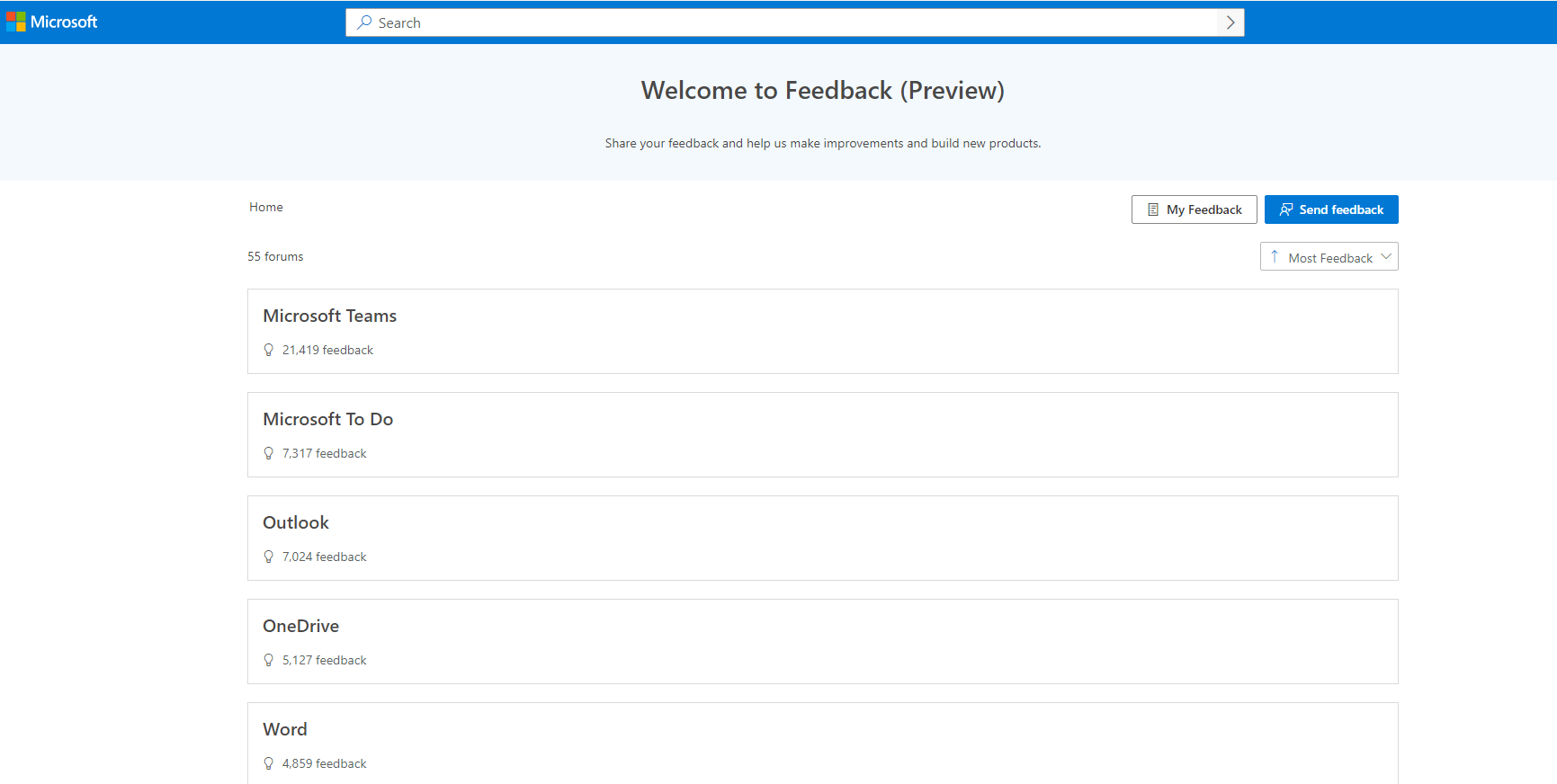
You may use a personal account or a Microsoft 365 business work or school account to submit the feedback.
Thanks for your understanding.
Have a nice day!
Sincerely
Cliff | Microsoft Community Moderator
' cx='32' cy='32' r='32' /%3E%3Ctext x='50%25' y='55%25' dominant-baseline='middle' text-anchor='middle' fill='%23FFF' %3EA%3C/text%3E%3C/svg%3E)

' cx='32' cy='32' r='32' /%3E%3Ctext x='50%25' y='55%25' dominant-baseline='middle' text-anchor='middle' fill='%23FFF' %3ESR%3C/text%3E%3C/svg%3E)