Dear ShinFish,
Good day and thanks for posting this in the forum.
Per your description, you have perpetual licensing that you have used on your old workstation, however you can't find out how to install MS Projects 2021.
As you mentioned, "Microsoft support number doesn't assist, and none of the support articles advise on how to this resolved." have you already contacted Telephone activation? If not, then you can follow the 1st steps below:
For the issue that you are current facing, I would like you to check the link below:
Activate Office using the Activation wizard - Microsoft Support
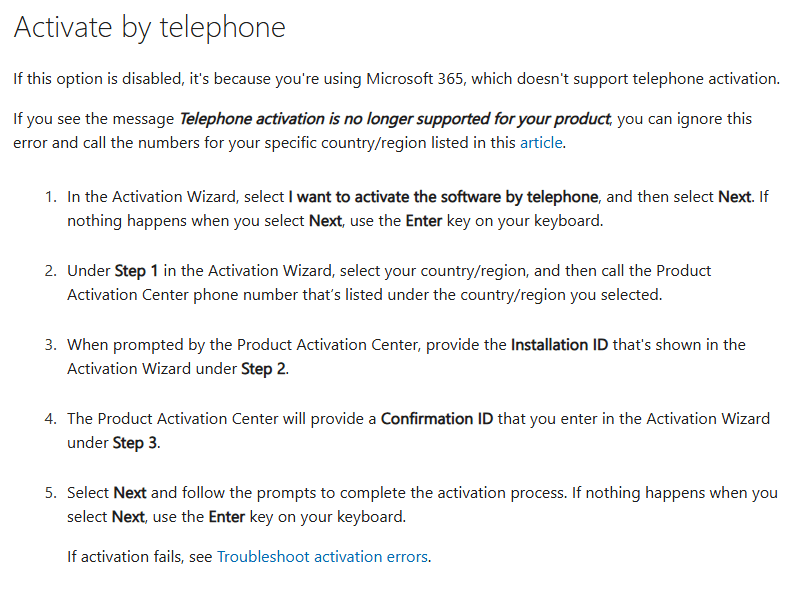
If you have already tried with "Phone Activation" but still didn't get the desired answer, then I would suggest you raise a support ticket via below link to help to recover your license to install Microsoft Project on your new workstation:
https://support.microsoft.com/en-us/home/contact?SourceApp=smc2&ContactUsExperienceEntryPointAssetId=Smc_office
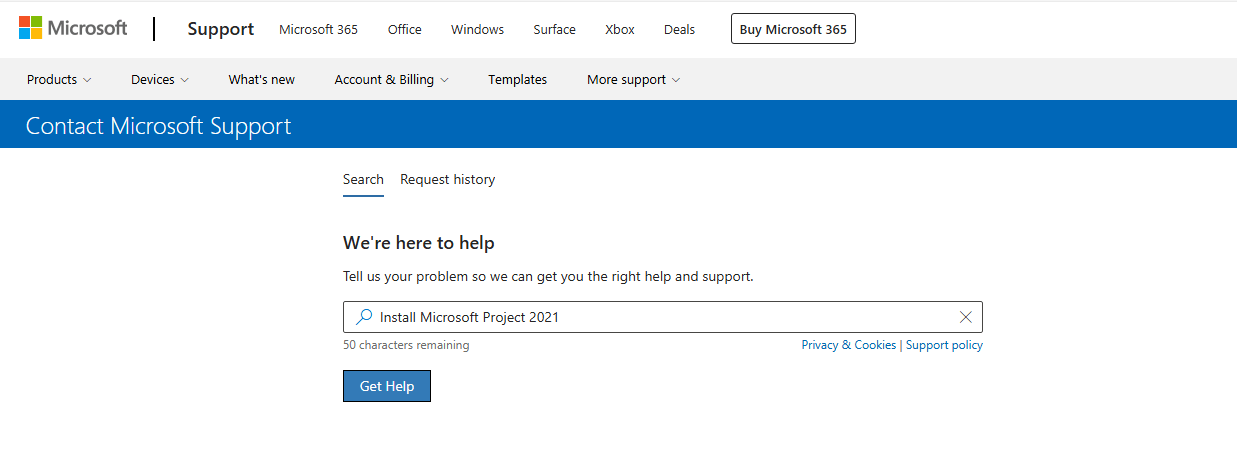
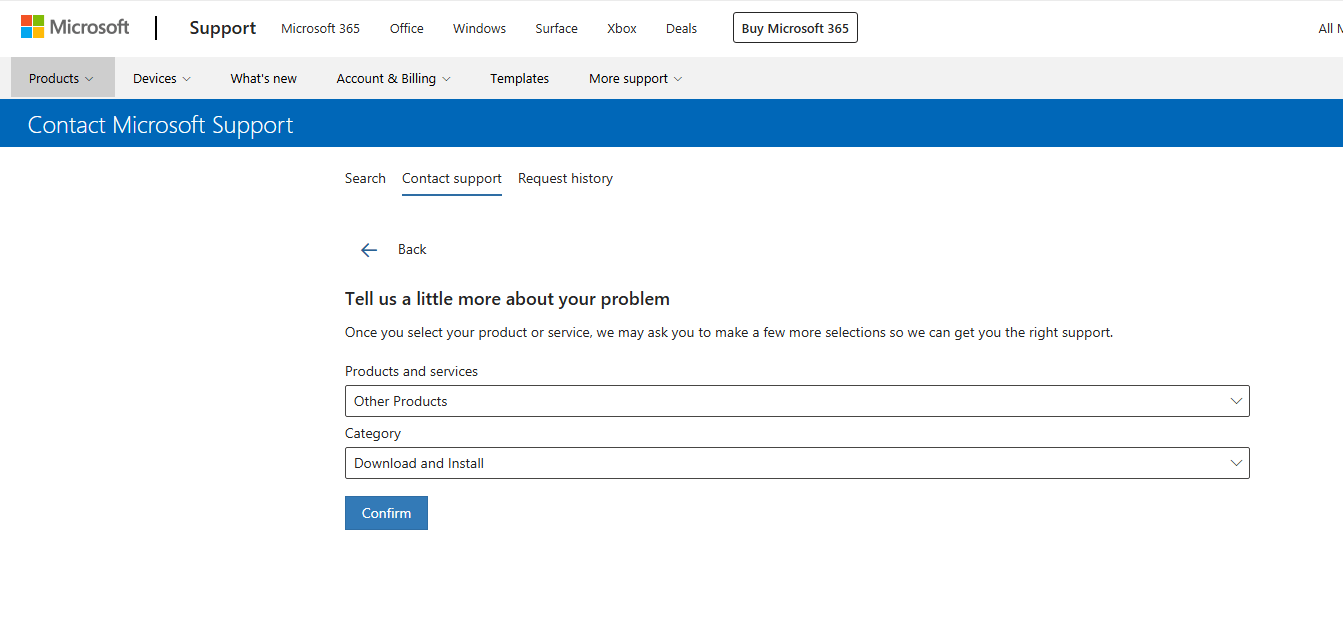
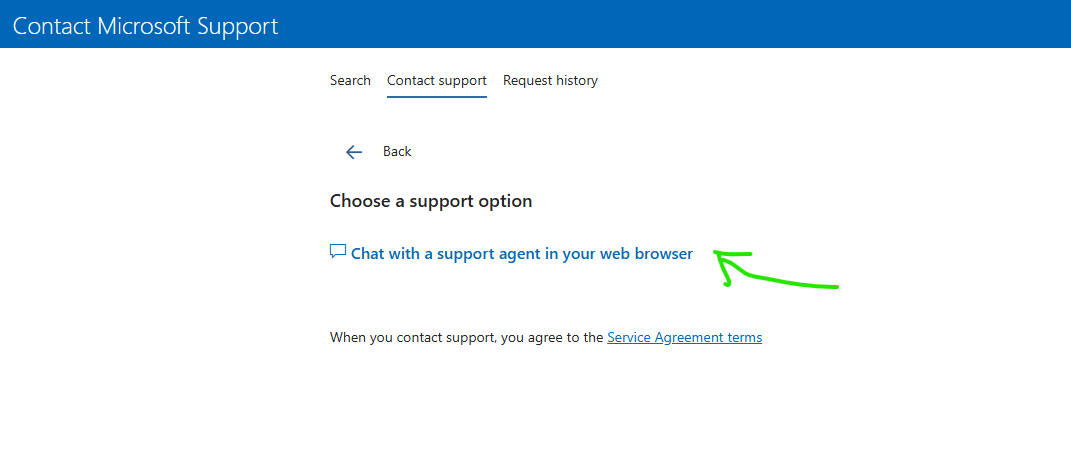
and also, you can check the below link for phone support:
Global Customer Service phone numbers - Microsoft Support
Appreciate your understanding and patience.
Sincerely,
AJ RAJ| Microsoft Community Moderator
' cx='32' cy='32' r='32' /%3E%3Ctext x='50%25' y='55%25' dominant-baseline='middle' text-anchor='middle' fill='%23FFF' %3EA%3C/text%3E%3C/svg%3E)
