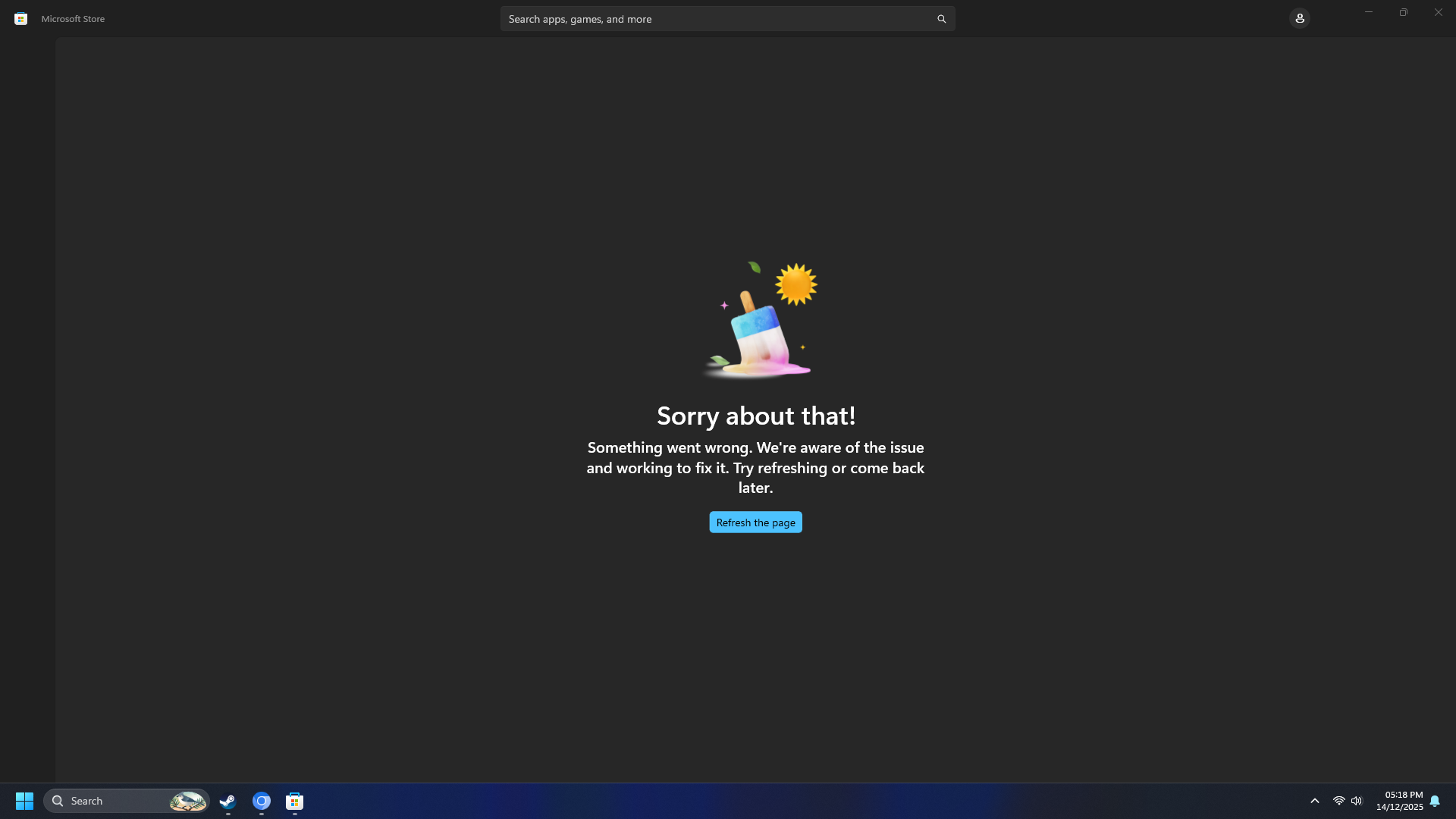
After performing a clean Windows 11 installation (Build 10.0.26200.7462), the Microsoft Store is completely non-functional and displays an error page. Unable to access, update, or install any apps including system apps like Windows Photos.
Steps Taken:
- Fresh Windows 11 installation completed on [December 13, 2025]
- All Windows Updates applied and system fully updated
- DISM and SFC scans completed successfully with no integrity violations
- Attempted multiple troubleshooting steps without success:
- wsreset.exe (multiple attempts)
- Complete Microsoft Store app reset via Settings
- PowerShell re-registration: Get-AppxPackage WindowsStore | Remove-AppxPackage
- PowerShell reinstall: Get-AppxPackage -AllUsers Microsoft.WindowsStore | Foreach {Add-AppxPackage -DisableDevelopmentMode -Register "$($_.InstallLocation)\AppxManifest.xml"}
- DISM /Online /Cleanup-Image /RestoreHealth (completed successfully)
- sfc /scannow (no violations found)
- Multiple system restarts
- Killed all Store-related processes before reinstall attempts
Error Details:
- Microsoft Store shows error page: "Sorry about that! Something went wrong."
- When attempting to reinstall Store via PowerShell, receive error: "0x80073D02: The package could not be installed because resources it modifies are currently in use"
- Winget shows: "Failed when searching source; results will not be included: msstore"
- Unable to update system apps (Windows Photos, etc.) through any method
System Information:
- OS: Windows 11 Pro (Build 10.0.26200.7462)
Impact:
Cannot update or install any Microsoft Store apps, including critical system apps like Windows Photos. This affects core Windows 11 functionality and user experience.
Request:
Need assistance to resolve Microsoft Store functionality or alternative method to properly register/update built-in Windows 11 apps.
' cx='32' cy='32' r='32' /%3E%3Ctext x='50%25' y='55%25' dominant-baseline='middle' text-anchor='middle' fill='%23FFF' %3EOF%3C/text%3E%3C/svg%3E)

' cx='32' cy='32' r='32' /%3E%3Ctext x='50%25' y='55%25' dominant-baseline='middle' text-anchor='middle' fill='%23FFF' %3EJD%3C/text%3E%3C/svg%3E)