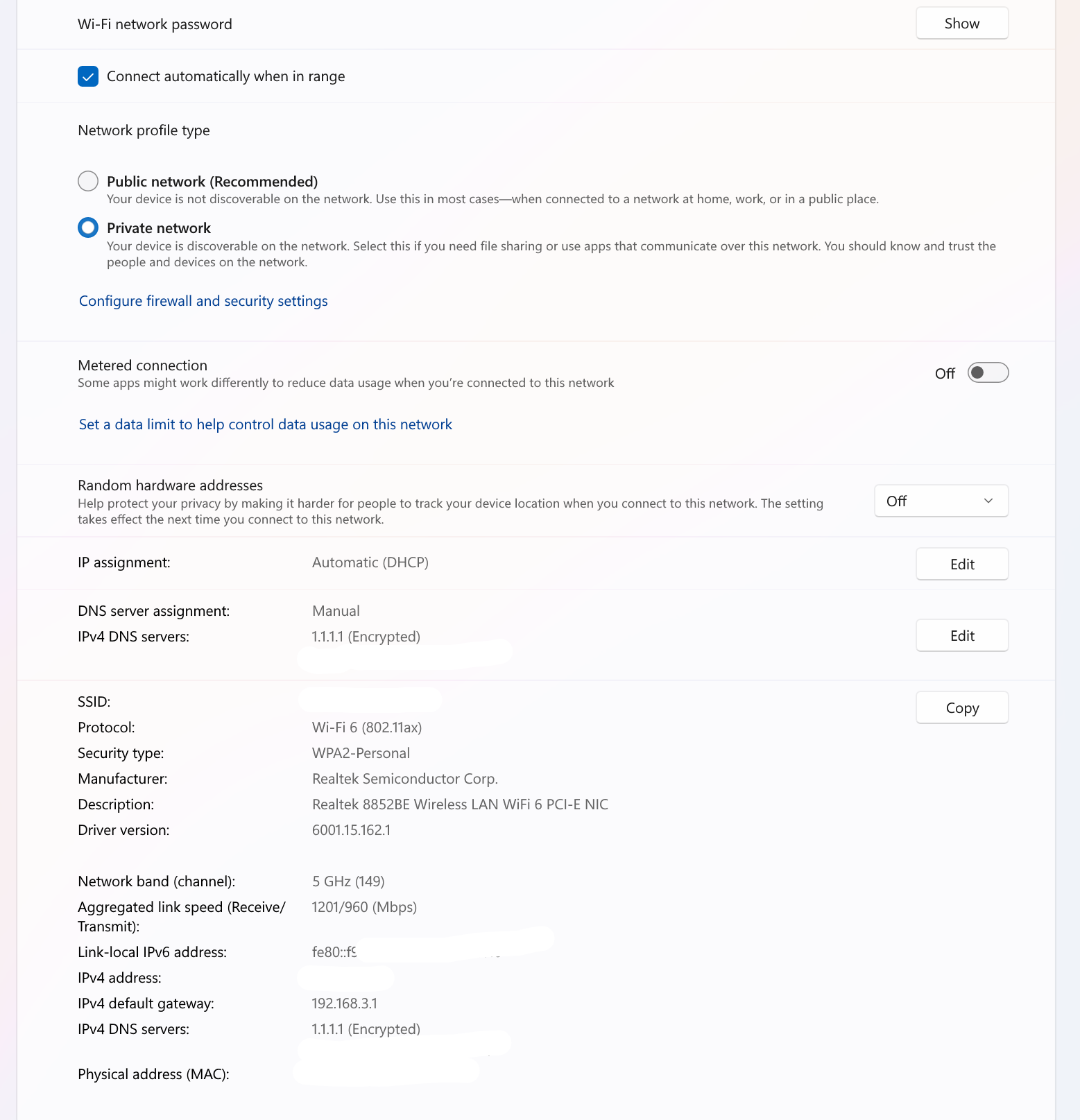
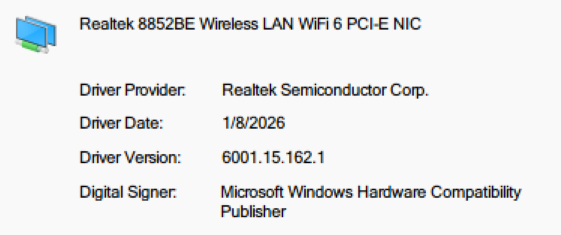
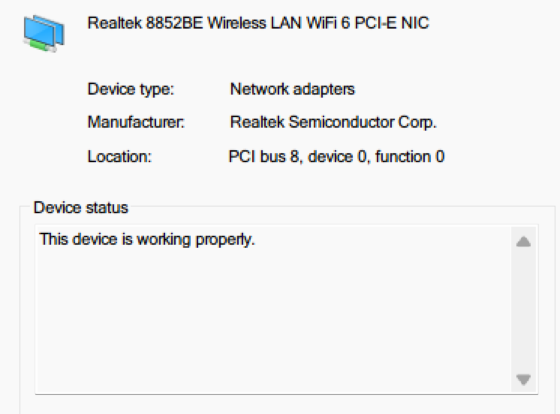
I’m experiencing severe WiFi issues with the Realtek 8852BE Wireless LAN WiFi 6 PCI-E NIC on my ASUS TUF-GAMING B650M WiFi motherboard, only on Windows 11 64-bit—my Linux dual-boot has no such disconnection/card lag issues with the same NIC and WiFi network (only slow speeds, consistent across both OS).
Core Issues on Windows 11:
- Extremely slow WiFi speeds (≈1Mbps down/≈1Mbps up) + jitter consistently over 100ms (my ISP plan is 500Mbps, far below the rated speed)
- Frequent WiFi drops, random "Connection reset" prompts (resumes after a short while), and web browser errors like ERR_NETWORK_CHANGED
- Severe web page loading lag; pages often take forever to load or require multiple refreshes due to errors
Linux Performance (same NIC/WiFi):
- No disconnections, no random lag, and smooth web browsing (usable experience)
- Slightly better speed (≈3Mbps) but still well below 500Mbps; jitter hovers around 100ms
Troubleshooting Steps Attempted (all no effect):
- Uninstalled security software completely
- Updated the Realtek 8852BE driver to the latest stable version from the official ASUS website (manually installed after resetting network settings, as Windows failed to auto-detect the driver post-reset)
- Modified DNS server settings
- Lowered WiFi Roaming Aggressiveness
- Performed a full Windows network reset
System & Hardware Specs (key):
- OS: Windows 11 64-bit (fully updated) / Linux (dual-boot, no manual driver installation needed)
- Motherboard: ASUS TUF-GAMING B650M WiFi
- Wireless NIC: Realtek 8852BE Wireless LAN WiFi 6 PCI-E NIC (onboard)
No specific software is running when the WiFi issues occur—they happen randomly during normal use (web browsing, light app usage).
' cx='32' cy='32' r='32' /%3E%3Ctext x='50%25' y='55%25' dominant-baseline='middle' text-anchor='middle' fill='%23FFF' %3EL%3C/text%3E%3C/svg%3E)

' cx='32' cy='32' r='32' /%3E%3Ctext x='50%25' y='55%25' dominant-baseline='middle' text-anchor='middle' fill='%23FFF' %3ESE%3C/text%3E%3C/svg%3E)
' cx='32' cy='32' r='32' /%3E%3Ctext x='50%25' y='55%25' dominant-baseline='middle' text-anchor='middle' fill='%23FFF' %3EIB%3C/text%3E%3C/svg%3E)