Share via

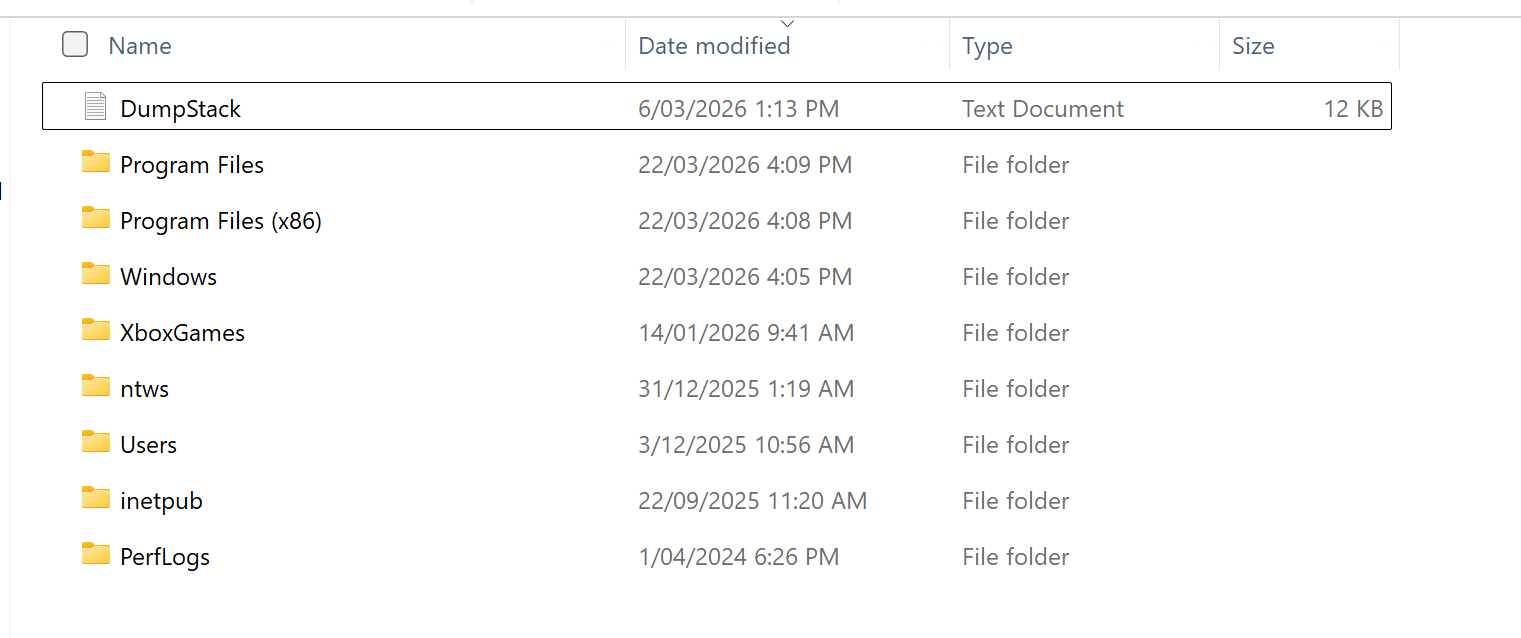
File named Dumpstack in local disk (C:) folder -- can I delete it?

Michelle 0 Reputation points
2026-03-22T06:07:54.0633333+00:00

User's image

Hi, I was clearing out a few files in my folders and noticed a file named Dumpstack in my C:\ folder and I couldn't open it for some reason as I needed administrative permission. However I obtained this from running a command in the terminal:

DLOGFILE00010000DUMPw'

Dump stack initialized at UTC: 2026/03/07 05:19:00, local time: 2026/03/07 16:19:00.

#BugCheckCode 0x000000000000003B

#BugCheckP1 0x00000000C0000005

#BugCheckP2 0xFFFFF8018A8DC1F7

#BugCheckP3 0xFFFF828C433268E0

#BugCheckP4 0x0000000000000000

Progress 0x00000042

Elapsed BugCheck duration 00001641ms

Starting get secondary dump callbacks size.

Progress 0x00000052

Finish get secondary dump callbacks size.

Dump Type: 4, Total Dump Size: 8028791, Secondary Dump Size: 7800951, MaxTransferSize: 65536.

Starting write of dump header.

Finish write of dump header.

Starting write of minidump data.

Finish write of minidump data.

Progress 0x00000044....etc

I read somewhere that malware can sometimes disguise itself as normal system files, so my question is: is this file safe and can I delete it?

Windows for home | Windows 11 | Files, folders, and storage
0 comments No comments

2 answers

Sort by: Most helpful
  1. DaveM121 889.6K Reputation points Independent Advisor
    2026-03-22T06:42:45.6033333+00:00

    Rest assured, it is perfectly safe to delete that Dumpstack file, it is just a log file created from Windows troubleshooting, that log file is not an executable file, it is basically a text file that can do no harm on your PC, there is no indication of malware on your system.

    Was this answer helpful?

    1 person found this answer helpful.
    0 comments No comments

  2. AI answer

    2026-03-22T06:08:08.0366667+00:00

    The DumpStack file is a crash-dump log created by Windows when a bug check (blue screen) occurs. The content shown (BugCheckCode, BugCheckP1–P4, “Dump stack initialized…”, “Starting write of dump header/minidump data”, and dump sizes) matches normal Windows crash-dump logging and is not, by itself, an indicator of malware.

    Crash dumps and related logs are used for troubleshooting system failures. They can be safely deleted if disk space is needed and there is no need to investigate the crash. Windows will create new dump/log files again if another crash occurs, provided crash-dump settings and page file requirements are met.

    If malware is a concern, run a full scan with Microsoft Defender or another trusted antivirus product, but the presence of this DumpStack file alone is expected behavior after a system bug check.


    References:

    AI-generated content may be incorrect. Read our transparency notes for more information.

    Was this answer helpful?

Your answer

Answers can be marked as 'Accepted' by the question author and 'Recommended' by moderators, which helps users know the answer solved the author's problem.
