Hi Yuhau.
- Troubleshoot problems updating Windows - Microsoft Support,
Rename software distribution folders
-> it show error
ren : Cannot rename because item at '%systemroot%\softwaredistribution' does not exist.
At line:1 char:1
ren : Cannot rename because item at '%systemroot%\system32\catroot2' does not exist.
At line:1 char:1
Temporarily remove third-party security software
-> check with clean windows boot, but it still dont enable windows sandboxing
Repair hard drive errors
->this is new device
Perform a clean restart into Windows
-> NA
Restore and repair system files
-> NA
Perform a clean installation of Windows 11
-> NA
- How to run In-place upgrade in Windows 11 - Microsoft Community
Download multi edition Windows 11 en-US
Win11_23H2_English_x64v2.iso
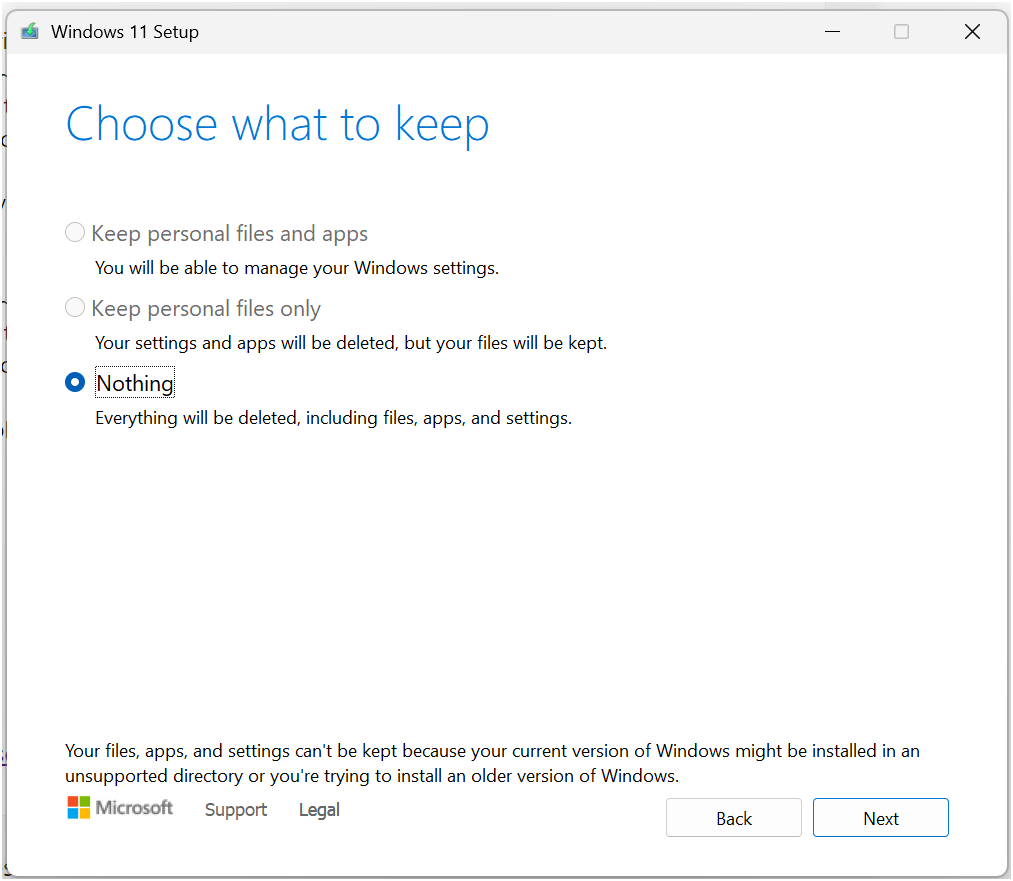
show error "Your files, apps, and settings can't be kept because your current version of Windows might be installed in an unsupported directory or you're trying to install an older version of Windows.
(already check with regedit, path for program files already showing right)
its original from Windows 11 and upgrade to Pro btw, dont it get some difference
second try:
trying with Windows Update > Advanced options -> Recovery -> Fix Problems using Windows Update
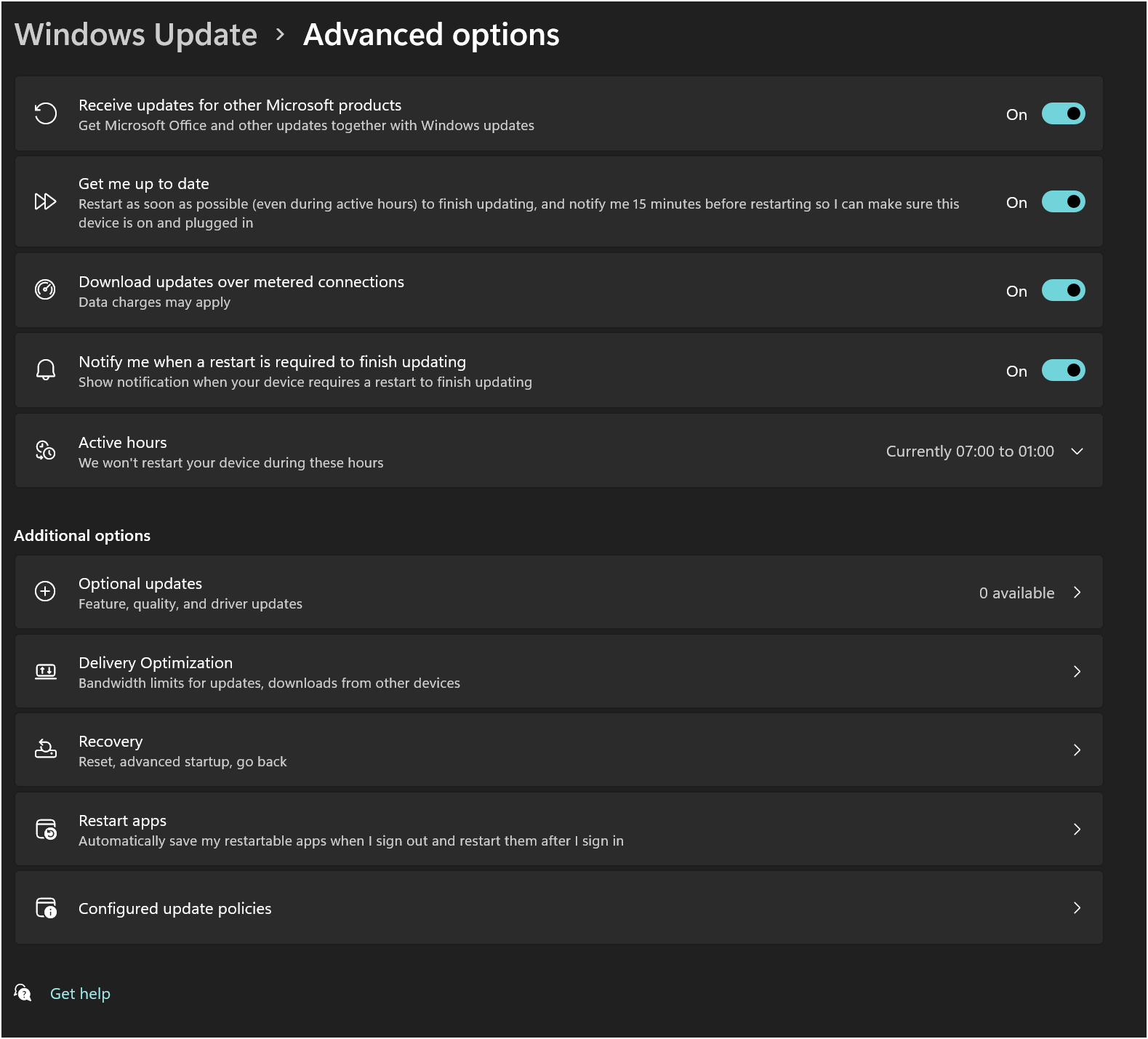
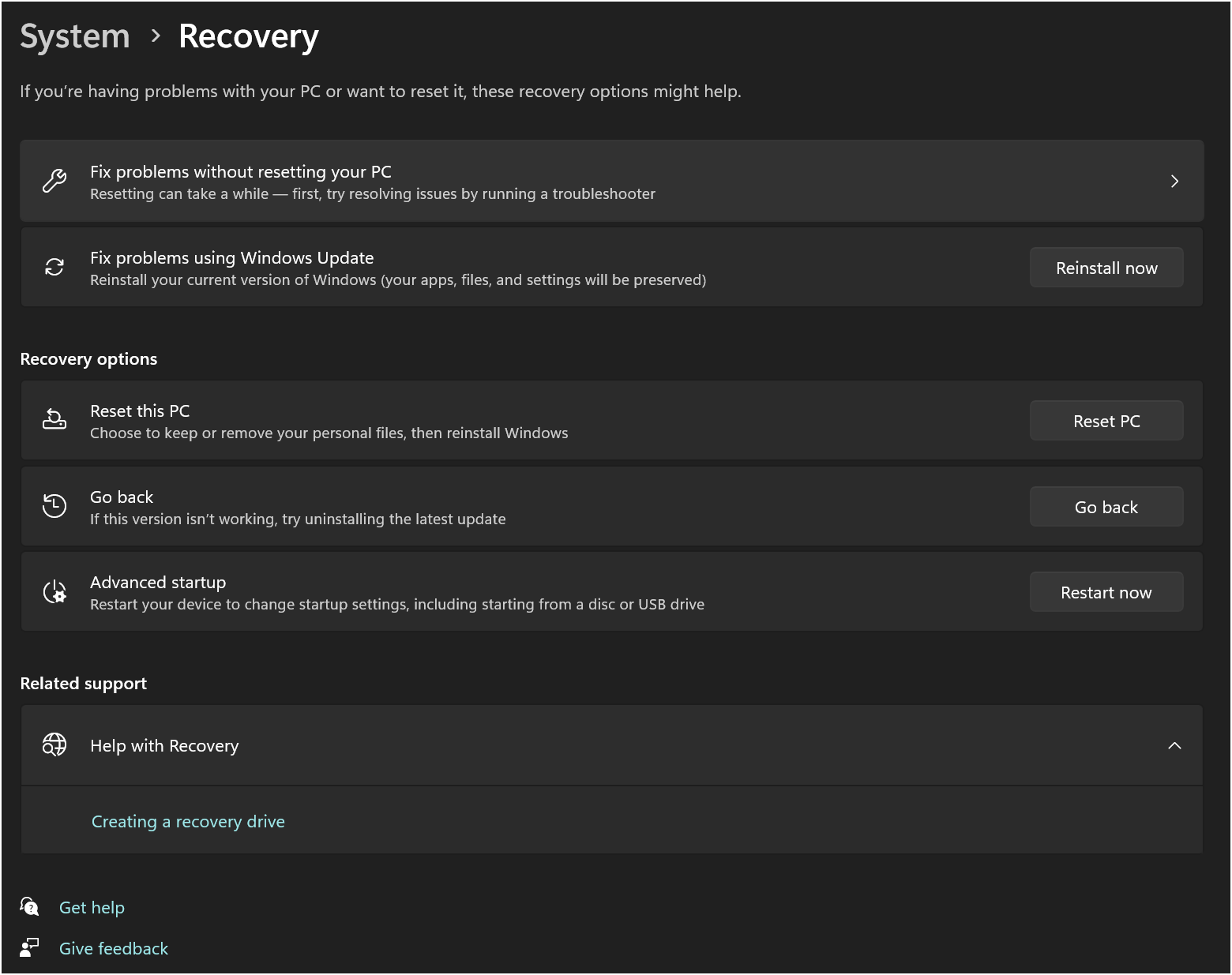
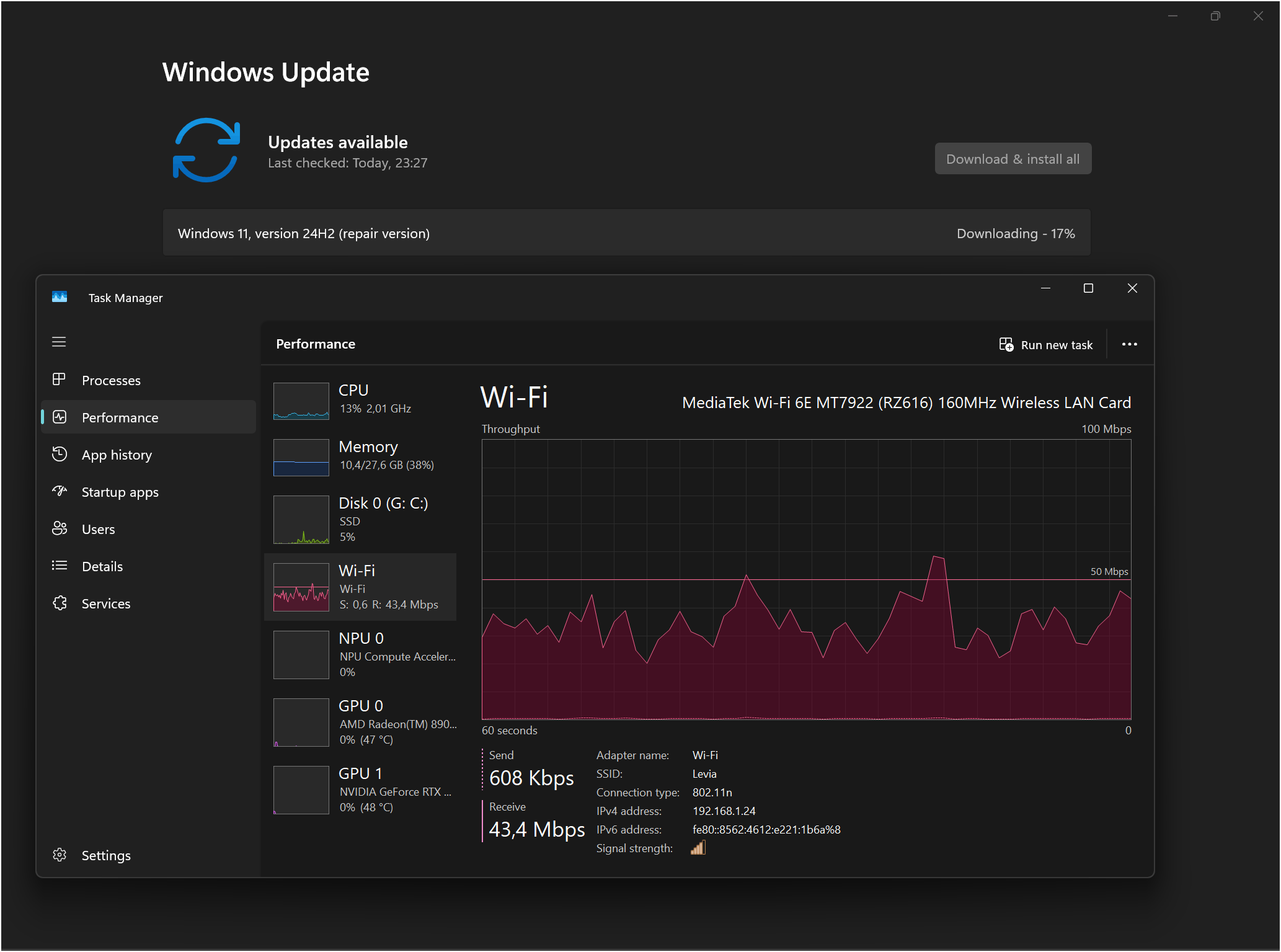
dont work either, enabling feature windows sandbox still error,
progress for customizing feature have been stuck progess on 57%, 92%, 94% take one hour plus, and then windows restoring revert back installation
' cx='32' cy='32' r='32' /%3E%3Ctext x='50%25' y='55%25' dominant-baseline='middle' text-anchor='middle' fill='%23FFF' %3EA%3C/text%3E%3C/svg%3E)
