Microsoft Edge | Microsoft Edge development
Developing and testing features or extensions for Microsoft Edge

This browser is no longer supported.
Upgrade to Microsoft Edge to take advantage of the latest features, security updates, and technical support.
' cx='32' cy='32' r='32' /%3E%3Ctext x='50%25' y='55%25' dominant-baseline='middle' text-anchor='middle' fill='%23FFF' %3EY%3C/text%3E%3C/svg%3E)
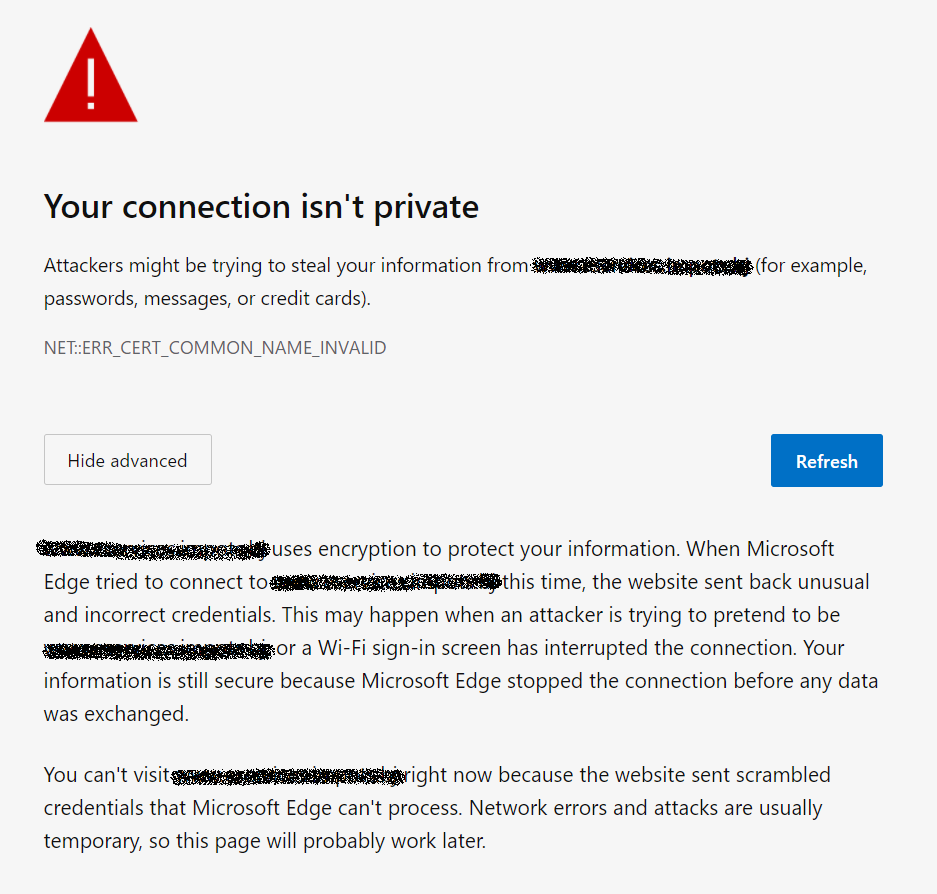
The error "NET::ERR_CERT_COMMON_NAME_INVALID" occured when I access to the web site.
I tried to access anyway from "Advanced" menu, but I can't.
In IE, I can continue to access the web site from "Advanced" menu. (Highlighted YELLOW Line)
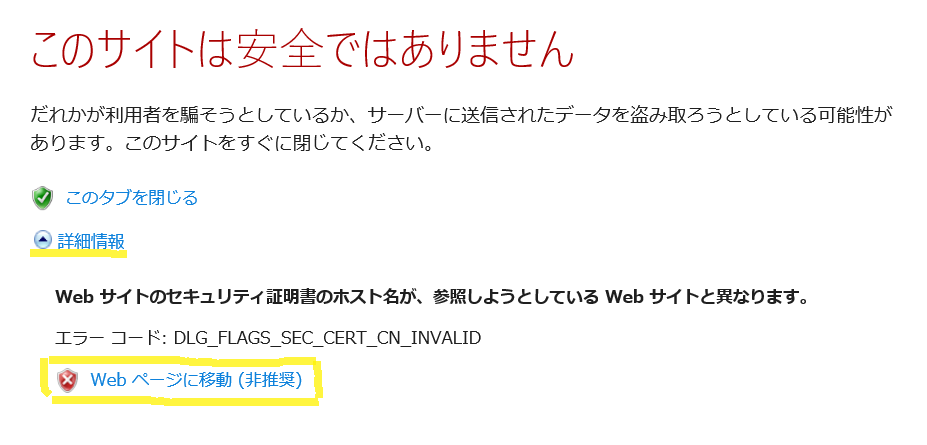
What is this difference?
Developing and testing features or extensions for Microsoft Edge
Answer accepted by question author
Hi @Anonymous
Thank you for your response.
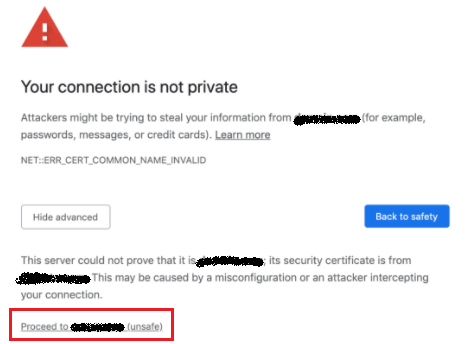
In my environment, "Proceed to xxxxxx (unsafe)" Link does not appear.
As the result of my investigation, it seems that GroupPolicy prevents to ignoring the certification error.
I disabled "Allow users to proceed from the HTTPS warning page", so I couldn't proceed to access the site.
(*) "ユーザーが HTTPS 警告ページから先に進むことを許可する" in Japanese.
(Referrence)
https://admx.help/?Category=EdgeChromium&Policy=Microsoft.Policies.Edge::SSLErrorOverrideAllowed
' cx='32' cy='32' r='32' /%3E%3Ctext x='50%25' y='55%25' dominant-baseline='middle' text-anchor='middle' fill='%23FFF' %3EA%3C/text%3E%3C/svg%3E)
@Yuji So you can enable or don't configure the policy to proceed to access the site.
@Anonymous Yes. I made the policy not to be configured, I can access the site.
Hi @Yuji
When you click the Advanced button in Edge, can you see a link like "Proceed to xxxxxx (unsafe)" at the bottom of the page? You can also click the link to continue to access the web site in Edge. Or you can try to open the web page in Edge with InPrivate mode.
If the response is helpful, please click "Accept Answer" and upvote it.
Note: Please follow the steps in our documentation to enable e-mail notifications if you want to receive the related email notification for this thread.
Regards,
Yu Zhou