As Le Boule has already stated, its a trusted program and make sure to download from a clean source like bleeping. . http://www.bleepingcomputer.com/download/adwcleaner/dl/125/http://www.bleepingcomputer.com/download/adwcleaner/dl/125/
wikipedia reference for adwareclner can be found here http://en.wikipedia.org/wiki/Adware
"Programs have been developed to detect, quarantine, and remove advertisement-displaying malware, including Ad-Aware, Malwarebytes' Anti-Malware,
ADWCleaner,Spyware Doctor and Spybot - Search & Destroy"
At the same time, It should only be run if you have a requirement to remove adware
http://www.bleepingcomputer.com/forums/t/511405/why-should-i-not-run-adwcleaner-last-version/?p=3186773
Sometimes, I have also noticed in windows 8.1, a big blue message popup comes while running adwclener latest versions .
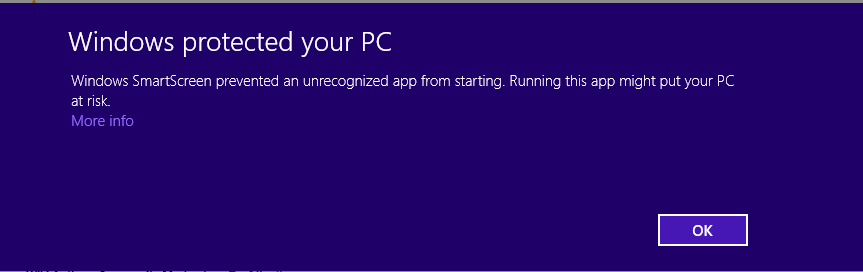
May be due to code signing problems of exe or something related
to http://blogs.msdn.com/b/ie/archive/2011/03/22/smartscreen-174-application-reputation-building-reputation.aspx
Edit:
It seems this is a known issue with smartscreen filter.
False alarm of SmartScreen filter on AdwCleaner
' cx='32' cy='32' r='32' /%3E%3Ctext x='50%25' y='55%25' dominant-baseline='middle' text-anchor='middle' fill='%23FFF' %3EA%3C/text%3E%3C/svg%3E)
