The wi-fi in my Dell XPS L502X laptop was working perfectly well until last two weeks. I am facing these two problems:
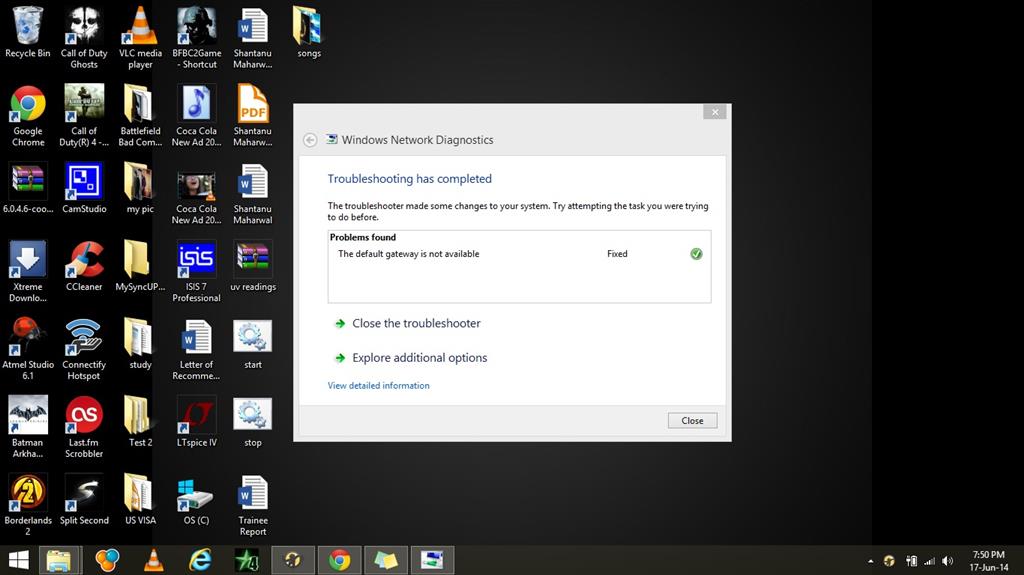
1) Default gateway not available. 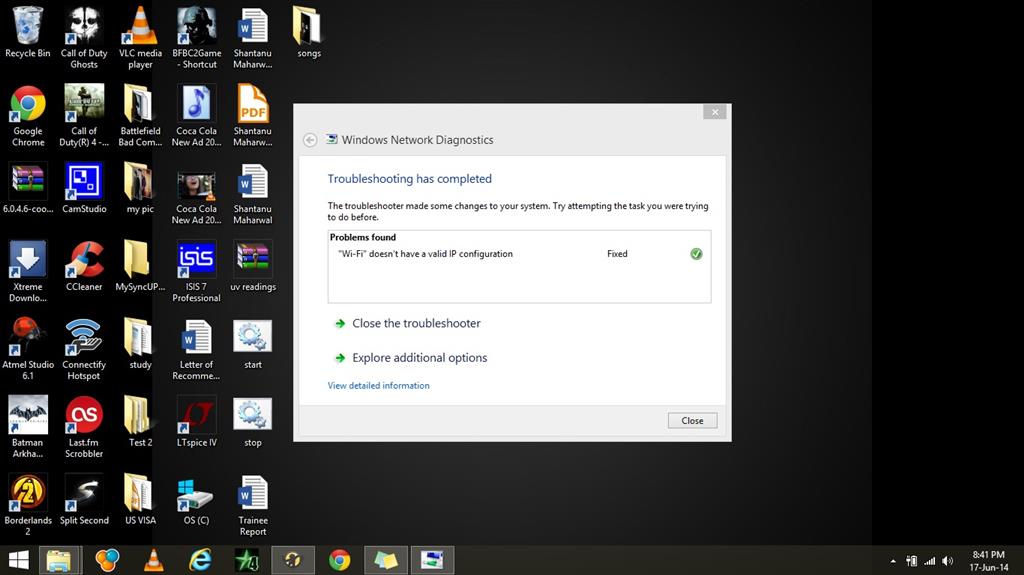
2) Wi-fi doesn't have valid IP configuration.
Sometimes the first problem comes up and rest of the times another. But i face these problems constantly after every 5-10 mins and the connection keeps on dropping. Then I have to troubleshoot this problem.
I have windows 8.1 installed in my laptop. I have already tried these fixes:
- Turning on and off the wifi (it works for about 5 - 20 minutes).
- I have unchecked the box that allows the computer to turn it off under power management.
- I have used the command line ipconfig /flushdns
- I have uninstalled my wireless driver and installed it again.
- Also i have updated my driver to latest version
Here is my ipconfig/all
Microsoft Windows [Version 6.3.9600]
(c) 2013 Microsoft Corporation. All rights reserved.
C:\Users\shantanu>ipconfig/all
Windows IP Configuration
Host Name . . . . . . . . . . . . : shantanu-PC
Primary Dns Suffix . . . . . . . :
Node Type . . . . . . . . . . . . : Hybrid
IP Routing Enabled. . . . . . . . : No
WINS Proxy Enabled. . . . . . . . : No
Wireless LAN adapter Wi-Fi:
Connection-specific DNS Suffix . :
Description . . . . . . . . . . . : Intel(R) Centrino(R) Wireless-N 1030
Physical Address. . . . . . . . . : 58-91-CF-59-5C-54
DHCP Enabled. . . . . . . . . . . : Yes
Autoconfiguration Enabled . . . . : Yes
Link-local IPv6 Address . . . . . : fe80::e505:8196:2668:13a5%10(Preferred)
IPv4 Address. . . . . . . . . . . : 192.168.1.2(Preferred)
Subnet Mask . . . . . . . . . . . : 255.255.255.0
Lease Obtained. . . . . . . . . . : Wednesday, June 25, 2014 1:25:02 PM
Lease Expires . . . . . . . . . . : Saturday, June 28, 2014 1:42:20 PM
Default Gateway . . . . . . . . . : 192.168.1.1
DHCP Server . . . . . . . . . . . : 192.168.1.1
DHCPv6 IAID . . . . . . . . . . . : 156799439
DHCPv6 Client DUID. . . . . . . . : 00-01-00-01-19-F3-5E-A1-5C-F9-DD-4D-D2-7F
DNS Servers . . . . . . . . . . . : 192.168.1.1
NetBIOS over Tcpip. . . . . . . . : Enabled
Ethernet adapter Ethernet:
Media State . . . . . . . . . . . : Media disconnected
Connection-specific DNS Suffix . :
Description . . . . . . . . . . . : Realtek PCIe GBE Family Controller
Physical Address. . . . . . . . . : 5C-F9-DD-4D-D2-7F
DHCP Enabled. . . . . . . . . . . : Yes
Autoconfiguration Enabled . . . . : Yes
Ethernet adapter Bluetooth Network Connection:
Media State . . . . . . . . . . . : Media disconnected
Connection-specific DNS Suffix . :
Description . . . . . . . . . . . : Bluetooth Device (Personal Area Network)
Physical Address. . . . . . . . . : 58-91-CF-59-5C-58
DHCP Enabled. . . . . . . . . . . : Yes
Autoconfiguration Enabled . . . . : Yes
Tunnel adapter isatap.{F5949409-85D9-4618-B7B8-CD29626AE2B4}:
Media State . . . . . . . . . . . : Media disconnected
Connection-specific DNS Suffix . :
Description . . . . . . . . . . . : Microsoft ISATAP Adapter
Physical Address. . . . . . . . . : 00-00-00-00-00-00-00-E0
DHCP Enabled. . . . . . . . . . . : No
Autoconfiguration Enabled . . . . : Yes
Tunnel adapter Local Area Connection* 2:
Connection-specific DNS Suffix . :
Description . . . . . . . . . . . : Teredo Tunneling Pseudo-Interface
Physical Address. . . . . . . . . : 00-00-00-00-00-00-00-E0
DHCP Enabled. . . . . . . . . . . : No
Autoconfiguration Enabled . . . . : Yes
IPv6 Address. . . . . . . . . . . : 2001:0:5ef5:79fb:3027:1389:3f57:fefd(Pref
erred)
Link-local IPv6 Address . . . . . : fe80::3027:1389:3f57:fefd%4(Preferred)
Default Gateway . . . . . . . . . : ::
DHCPv6 IAID . . . . . . . . . . . : 234881024
DHCPv6 Client DUID. . . . . . . . : 00-01-00-01-19-F3-5E-A1-5C-F9-DD-4D-D2-7F
NetBIOS over Tcpip. . . . . . . . : Disabled
My router is beetel. None of the devices i connect to my wi-fi have this problem.
Thanks in advance
' cx='32' cy='32' r='32' /%3E%3Ctext x='50%25' y='55%25' dominant-baseline='middle' text-anchor='middle' fill='%23FFF' %3EA%3C/text%3E%3C/svg%3E)
