Hello MSN Auto users,
The new MSN Auto pages now offer the following options:
• Car Finder – this was called Decision Guide in previous release – this allows the user to search for cars by attributes.
• VIP / Vehicle Information Pages – these are the detailed pages about a particular car.
• Car Compare – these allow users to do side by side comparisons of cars.
They are currently only supporting new cars. The MSN team plans on adding back used cars soon. I will update this thread as soon as I have the information/timeframe.
For those of you who wish to research on new vehicles, please follow the steps below:
- Go to Research: http://www.msn.com/en-us/autos/research
- Scroll down to Review/Search by category
- You may select other attributes under More Search Options
and click on the Search box
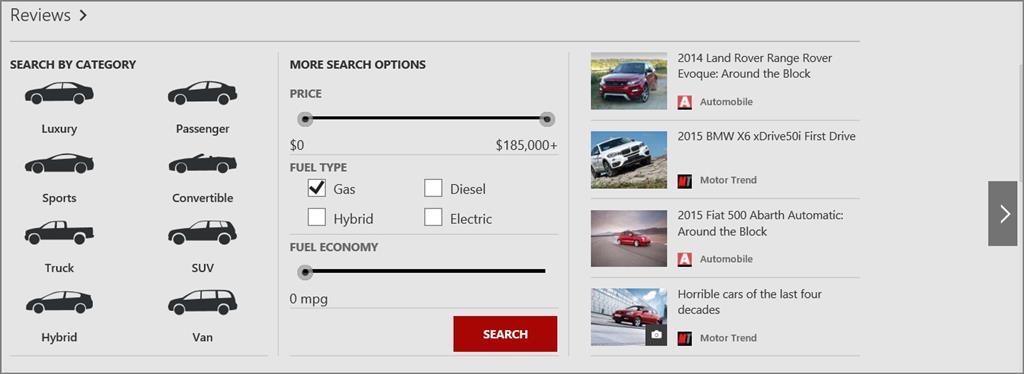
- This will bring you to the Car Finder page where you can select the filters that apply to your search:
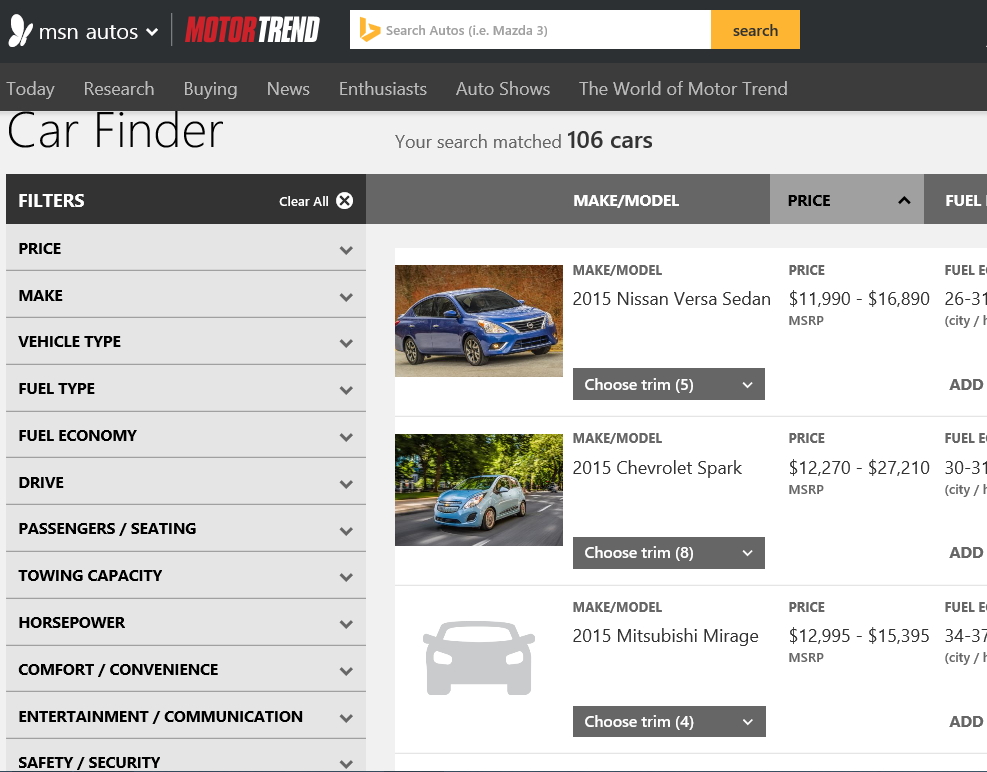
If you want to compare vehicles, simply check the ADD TO COMPARE box for all vehicles you are interested in. The ADD TO COMPARE boxes will turn to
COMPARE. Just click on any of them to see the results.
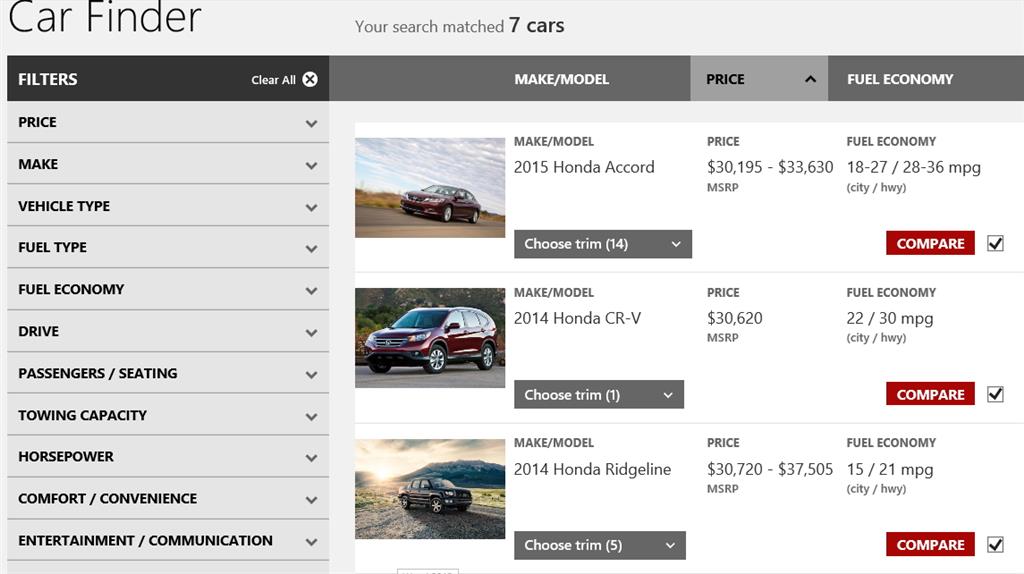
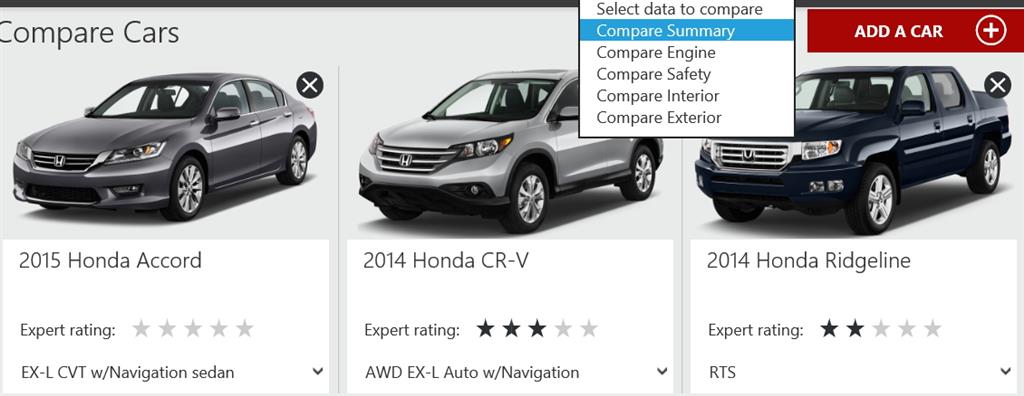
You will be able to see side-by-side results:
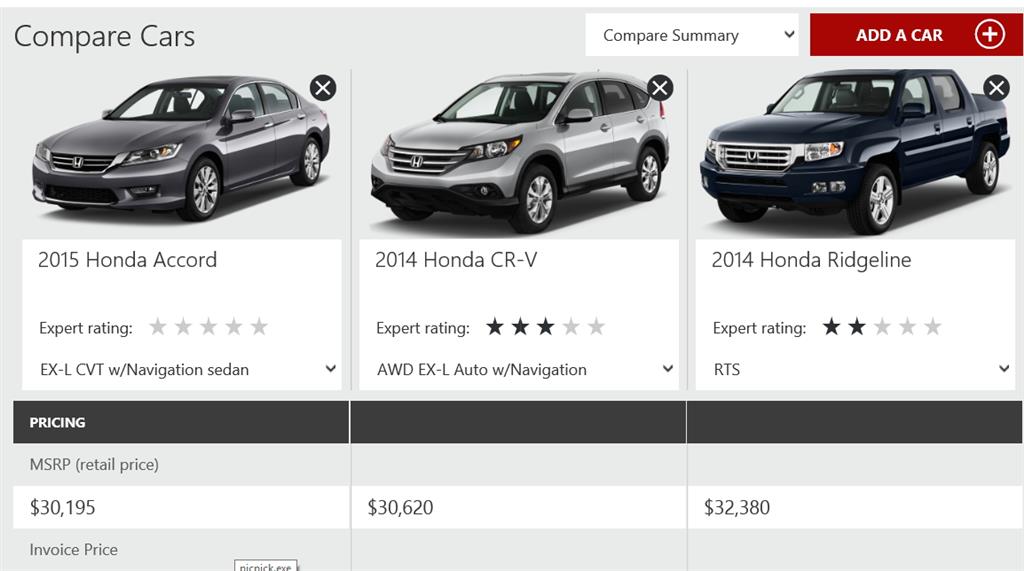
You may also select data to compare such as Compare Summary, Compare Engine, Compare Safety, Compare Interior and Compare Exterior:
Hope this helps.
Thanks,
Adriana
' cx='32' cy='32' r='32' /%3E%3Ctext x='50%25' y='55%25' dominant-baseline='middle' text-anchor='middle' fill='%23FFF' %3EA%3C/text%3E%3C/svg%3E)
