I. (Potential) Fix: detect the adware's hidden folder; use some advanced uninstall tool or adware cleaner to force it to go
- learn how to make the best of WTM (see the suggestion from Le Boule)
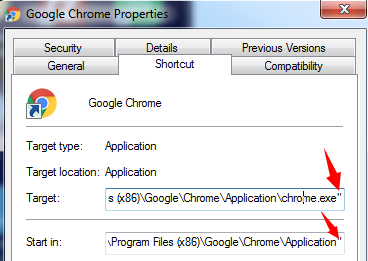
- Check out your browser's properties (erase pubmatic-related URL in it)
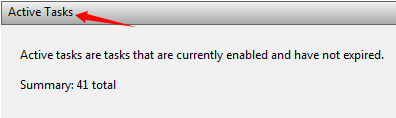
Don't miss out the following system settings: Schedule (check out the Active Tasks), said Startup (filesystem & registry).
Meantime, the workaround is to replace that URL with your preferred domain.
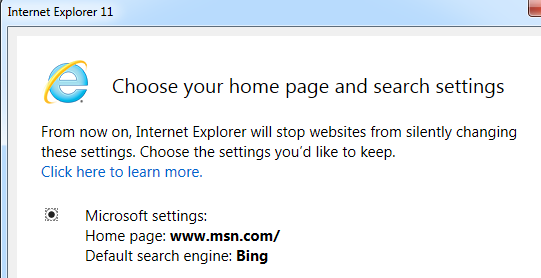
So, BTW, what's the hijacked browser? IE, FF and/or Chrome?
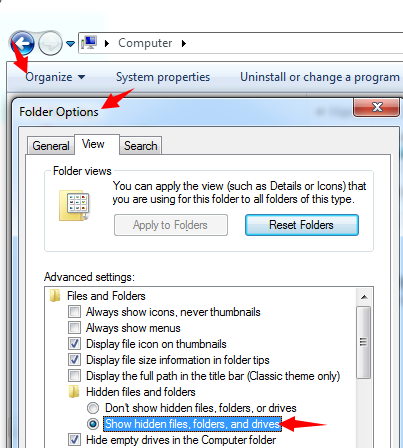
- Search and delete all (hidden) items that associated with pubmatic. You can unhide Windows' protected items, search... clean any related items (in Safe Mode w/ Networking - recommended). Moreover, you update your MBAM and/or other virus protection to
the latest version, perform a full scan later or in your free time.
- Please contact/chat a valid tech help like <ad for Norton chat removed> , if you still can't fix it for yourself.
II. Preventive measures
Apparently, the mentioned URL is a browser hijackware, not malware. It could frequently installed along with some sponsored installation package, from bloated freeware to adware powered exe and to downware/ custom installer.
Take the said uTorrent as an example here, an inexperienced user would get the following junkware even hijackware installed: Conduit Protect, µTorrent Browser Bar, and more
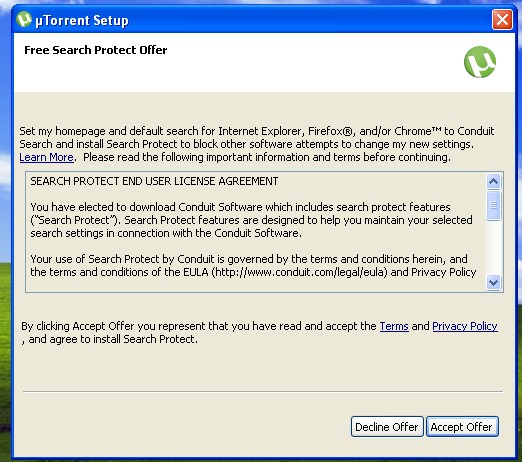
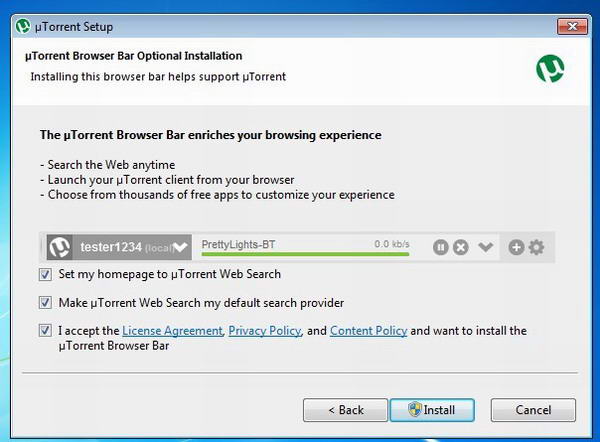
Users might consider paying $4.95/year to avoid those partners from uTorrent. Or, you can also learn avoid installing bloatware, adware and/or riskware in the internet.
To keep foistware, riskware even true malware at bay, you must be very careful when surfing the web, installing any other 3rd-party downloads. Because even some legit computer program like Bing Desktop could change your browser settings.
PS: Hit here and read related discussion.
' cx='32' cy='32' r='32' /%3E%3Ctext x='50%25' y='55%25' dominant-baseline='middle' text-anchor='middle' fill='%23FFF' %3EA%3C/text%3E%3C/svg%3E)
