Share via

The rules engine reported a failed VL activation attempt restart unexpectedly

Anonymous
2017-12-31T05:41:19+00:00

After update into windows 10 from 8.1 .Now, i am facing problem ,it restarts unexpectedly one or three times in a day.Its a genuine  windows.

I tried safe boot ,but nothing helped out.Please anyone of them help me to resolve this issue.Its restart when i am in work if it happens again it may  

lead to hard drive issue .so ,before that  please give me a solution.

Windows for home | Windows 10 | Windows update

Locked Question. This question was migrated from the Microsoft Support Community. You can vote on whether it's helpful, but you can't add comments or replies or follow the question.

0 comments No comments

4 answers

Sort by: Most helpful
  1. Anonymous
    2017-12-31T10:32:57+00:00

    Hi,

    There might be corrupted system files or incorrect registry keys on your computer, causing this one to happen. We recommend that you do the following system scans to detect and resolve any underlying factors that causes this error:

    Method 1:  

    System file checker is a utility in Windows that allows users to scan for corruptions in Windows system files and restore corrupted files.

    Run system file checker (SFC) and see if it helps. Please follow these steps:  

    1. Press Windows + X keys and click command prompt (admin).
    2. Type the following command in command prompt and press Enter.

    sfc /scannow

    If it does not help, use method 2.

    Method 2:  

    Run DISM tool and check the issue. Please follow these steps:  

    1. Press Windows + X keys and click command prompt (admin).
    2. Type the following command in command prompt and press Enter.

    *DISM.exe /Online /Cleanup-image /*Scanhealth  

    DISM.exe /Online /Cleanup-image /Restorehealth

    Let us know how it goes.

    1 person found this answer helpful.
    0 comments No comments
  2. Anonymous
    2018-01-09T13:17:15+00:00

    I did a Reset .For one or two days it was normal,it didn't restart.After that restart happening unexpectedly.

    When i reset my pc it solved startup problems,but it fail to resolve restart problem.

    whenever restart occurs i checked the eventviewer there was an error at a time when restart occurs.I noted it and one of the error wasATI EEU PnP start/stop failed .For that i disabled it.After that i thought it would resolve my problem but it does n't.Next time when restart occurs i checked through eventviewer i got this error.

    0 comments No comments
  3. Anonymous
    2018-01-04T07:37:21+00:00

    Well you have not stated on your initial post that you have done the system diagnostic tests we have provided.

    Since the StartUp repair didn't work for you, we need to do the following troubleshooting using an installation media and prepare for a PC reset. Kindly visit the link provided here for guidance on how to do so: Recovery options in Windows 10.

    Let us know if you need further assistance.

    0 comments No comments
  4. Anonymous
    2017-12-31T14:26:35+00:00

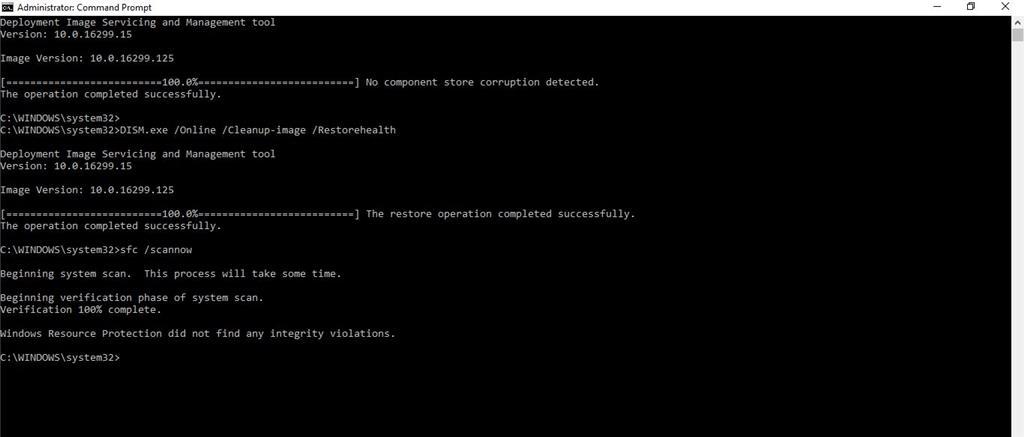
    Those things i had done already.

    but, you asked me to do i done it again.

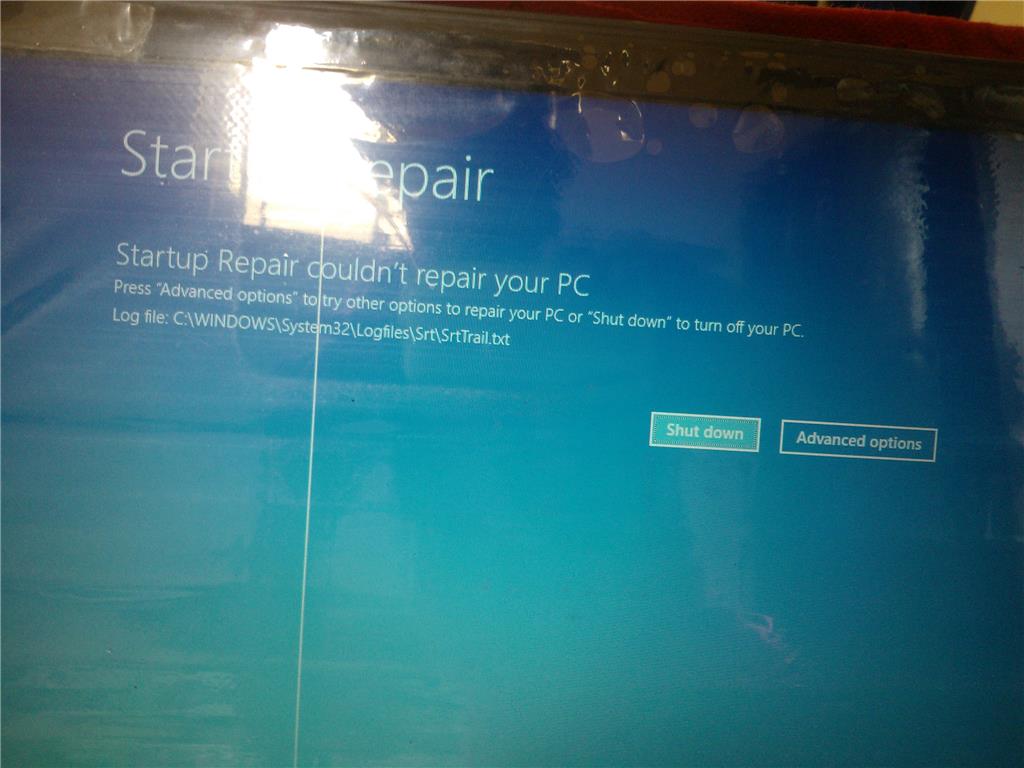
    And i am also facing startup problem.It didn't solved by startup repair.

    Log file result

    Startup Repair diagnosis and repair log


    Last successful boot time: ‎12/‎31/‎2017 6:52:07 AM (GMT)

    Number of repair attempts: 1

    Session details


    System Disk = \Device\Harddisk0

    Windows directory = C:\WINDOWS

    AutoChk Run = 0

    Number of root causes = 1

    Test Performed: 


    Name: Check for updates

    Result: Completed successfully. Error code =  0x0

    Time taken = 0 ms

    Test Performed: 


    Name: System disk test

    Result: Completed successfully. Error code =  0x0

    Time taken = 15 ms

    Test Performed: 


    Name: Disk failure diagnosis

    Result: Completed successfully. Error code =  0x0

    Time taken = 125 ms

    Test Performed: 


    Name: Disk metadata test

    Result: Completed successfully. Error code =  0x0

    Time taken = 3094 ms

    Test Performed: 


    Name: Disk metadata test

    Result: Completed successfully. Error code =  0x0

    Time taken = 63 ms

    Test Performed: 


    Name: Target OS test

    Result: Completed successfully. Error code =  0x0

    Time taken = 218 ms

    Test Performed: 


    Name: Volume content check

    Result: Completed successfully. Error code =  0x0

    Time taken = 2016 ms

    Test Performed: 


    Name: Boot manager diagnosis

    Result: Completed successfully. Error code =  0x0

    Time taken = 0 ms

    Test Performed: 


    Name: System boot log diagnosis

    Result: Completed successfully. Error code =  0x0

    Time taken = 16 ms

    Test Performed: 


    Name: Event log diagnosis

    Result: Completed successfully. Error code =  0x0

    Time taken = 140 ms

    Test Performed: 


    Name: Internal state check

    Result: Completed successfully. Error code =  0x0

    Time taken = 0 ms

    Test Performed: 


    Name: Check for pending package install

    Result: Completed successfully. Error code =  0x0

    Time taken = 8969 ms

    Test Performed: 


    Name: Boot status test

    Result: Completed successfully. Error code =  0x0

    Time taken = 16 ms

    Root cause found: 


    Boot status indicates that the OS booted successfully.


    0 comments No comments