
Okay, I replaced the real slui.exe with a fake slui.exe and now it displays the Activate Windows UI fine. No more crashing
This browser is no longer supported.
Upgrade to Microsoft Edge to take advantage of the latest features, security updates, and technical support.
' cx='32' cy='32' r='32' /%3E%3Ctext x='50%25' y='55%25' dominant-baseline='middle' text-anchor='middle' fill='%23FFF' %3EA%3C/text%3E%3C/svg%3E)
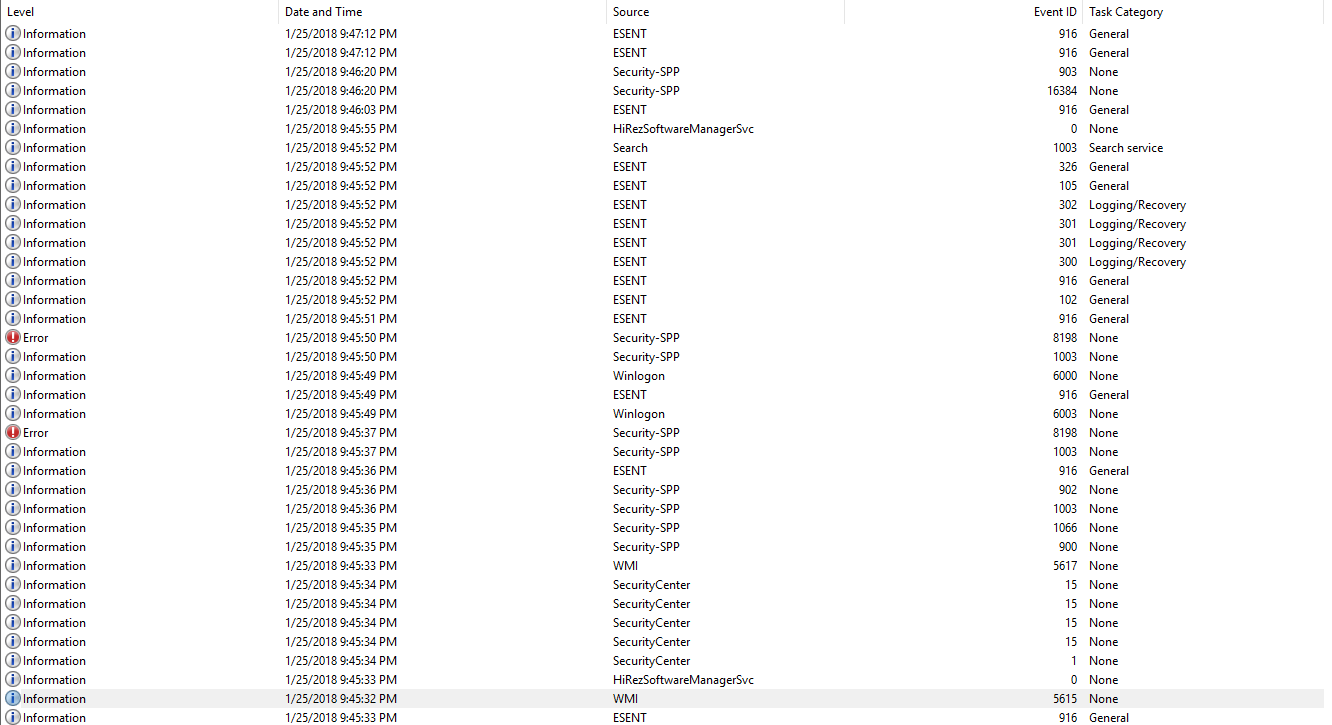
I have an ISO version of windows 10 pro that isn't activated. Ever since a couple weeks ago, my computer has been constantly restarting. I looked into the event manager, and found out that it was caused my the Program Security service. It seems to be crashing when it opens the "Activate Windows" notification.
(It restarted twice while trying to write this)
Locked Question. This question was migrated from the Microsoft Support Community. You can vote on whether it's helpful, but you can't add comments or replies or follow the question.
Okay, I replaced the real slui.exe with a fake slui.exe and now it displays the Activate Windows UI fine. No more crashing
doesn't work- it still restarts
$200?
I've already spent $600 on this computer
https://www.microsoft.com/en-us/software-download/windows10
I clicked on Download tool now, downloaded it onto a flash drive, and booted up with the flash drive in the BIOS
See if it happens in the built in Administrator account:
Open Start
Type: cmd
Right click CMD
Click Run as administrator
At the command prompt, type:
net user administrator /active:yes
Hit Enter
Close command prompt, restart, then try signing into the Administrator account.