I was running Windows 8 (Not 8.1) for quiet sometime and I had nothing wrong with it..Howere I also had Windows 10 on another DVD,I had tried installing it in the past,but there was apparently something old with my old GPU (AMD Radeon HD 5450) that didn't
allow it to install the drivers.
In device manager,I could not find the GPU under the Display Adopter list,Instead there was the "Microsoft Standar Display Adopter" or something like that,and there was no sign of AMD Radeon HD 5450..There was either a problem with recognizing it or the
drivers were missing...Idk.I re-installed Windows 8 and everything was fine again.
Anyways, so, recently I was tempted to try my luck again.But this time somewhere in the middle of the setup (before getting into copying files and stuff,still was choosing the setup setting I think)the screen started to give me red pixel lines like this:
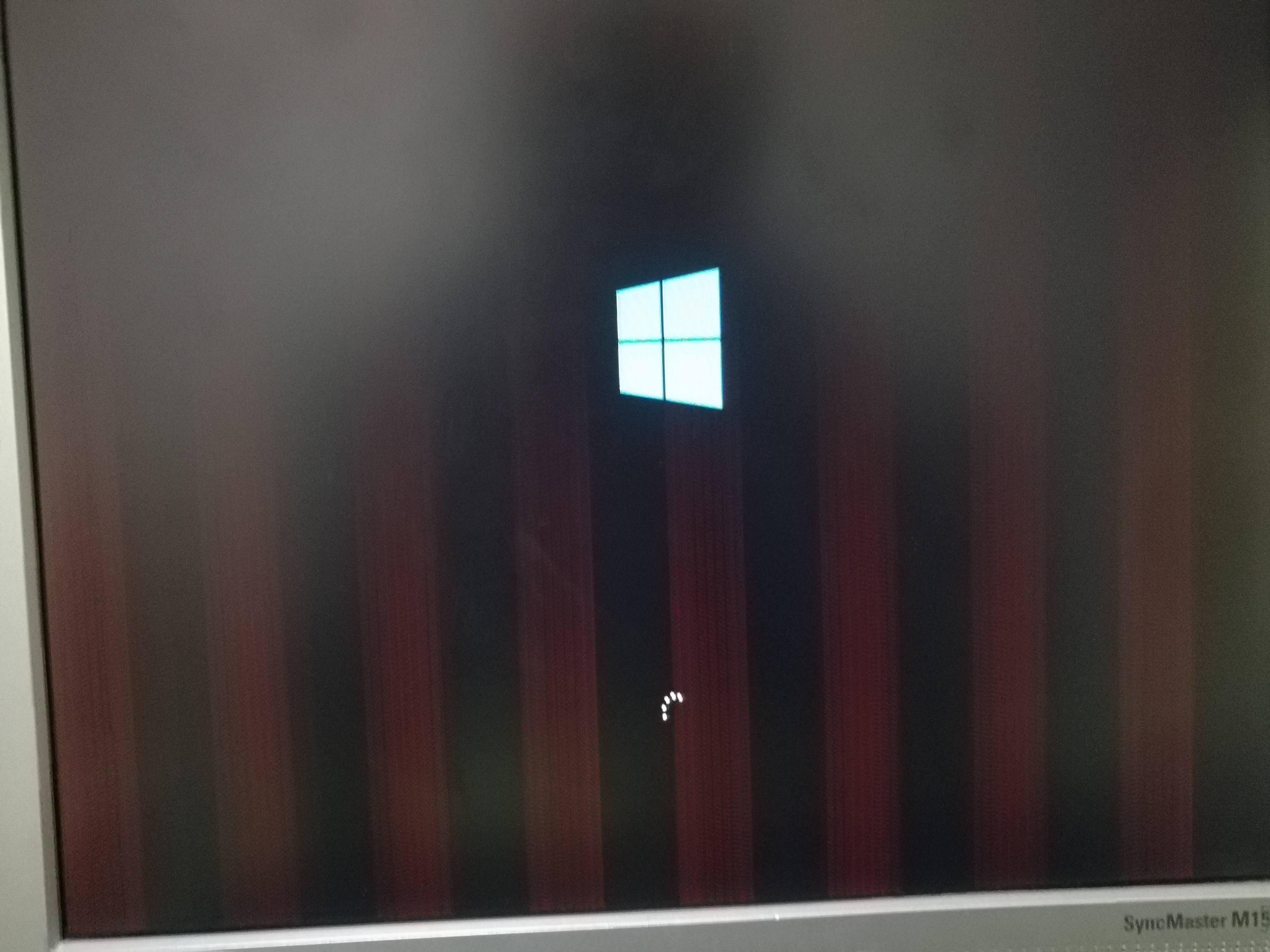
(And there were a few othe graphical glitches on black screens when the computer was loading up later/on boot screen.)
So after the installation was completed,the red lines were much stronger,and the rest was the samelink as in the past.The GPU was not recognized.
However this time I had much more searching on the web,somewhere it was said that updating windows would fix that,but due to my country/internet speed,the update was stucked at 17% even though it had taken a long time already.
Rather than that I tried installing the driver from several sites including AMD itself,and everytime I was getting the same results:
The screen would start flickering in the midst of the installation,showimg me red dots,blank screen,etc. Forever.Sometimes I had to restart the PC myself,and sometimes the TDR_Failure_atikmpag.sys error showed up automatically.In anycase,I had to go in
safe mode and uninstall the drivers using DDU everytime so I could start Windows normally.
But this wasn't my only try,I also downloaded the ISO of Windows 8.1 this time,hoping this one will work like 8 did.(Everytime I installed a version of Windows,I formatted C Drive completely.)But surprisingly,the red lines were still there when the installation
was over,and the GPU was not recognized again..besude it was probably the latest version of 8.1 so I don't think updating it would help it install my drivers.
Again I did the same thing I did with Win10:
Installing different drivers and deleting them again as they didn't work/made the blue screen showup.
But,the last time I was trying toinstall the driver,like usual the blank screen keeped happening,so I gave up and decided to install Win8 again..but sadly this time I didn't delete the drivers,so that means the BSoD wasn't fixed,and I started installing
Win8 and didn't go to safe mode to deletemake the driver.
Now the problem is
I have Win8 half installed,the computer restarted for the first time,and I still keep getting the BSoD with TDR_Failure,even though I formatted Drive C....Also the red lines weren't fixed until now.
So I wanted to start safe mode using advanced setting,but it's giving me an error saying :Windows Can't complete installation in safe mode.etc(It's not a blue screen error.)
So now I'm stuck with the blue screen every time I start the PC.Can't either fix it because of the incomplete installation of windows.I tried resetting PC using the advanced settings of blue screen..and no results.The same thing is happening no matter what
I do.
I don't know why there is a problem with this GPU in win8.1 or 10. It's said to be suppprted by them.
But that's not thea real problem now,I'm stuck with a half installed Windows and there seems to be no way.........
So anyone can help me?Thanks.
' cx='32' cy='32' r='32' /%3E%3Ctext x='50%25' y='55%25' dominant-baseline='middle' text-anchor='middle' fill='%23FFF' %3EA%3C/text%3E%3C/svg%3E)
