Share via

When I add details (title, contributing artists) to an MP3 file, they won't stay there. Why is this occurring?

Anonymous
2018-03-28T11:36:00+00:00

I'm wanting to add a title and contributing artist to an MP3 file, because this is how I format and store music. Here are some pictures and a description of what's happening:

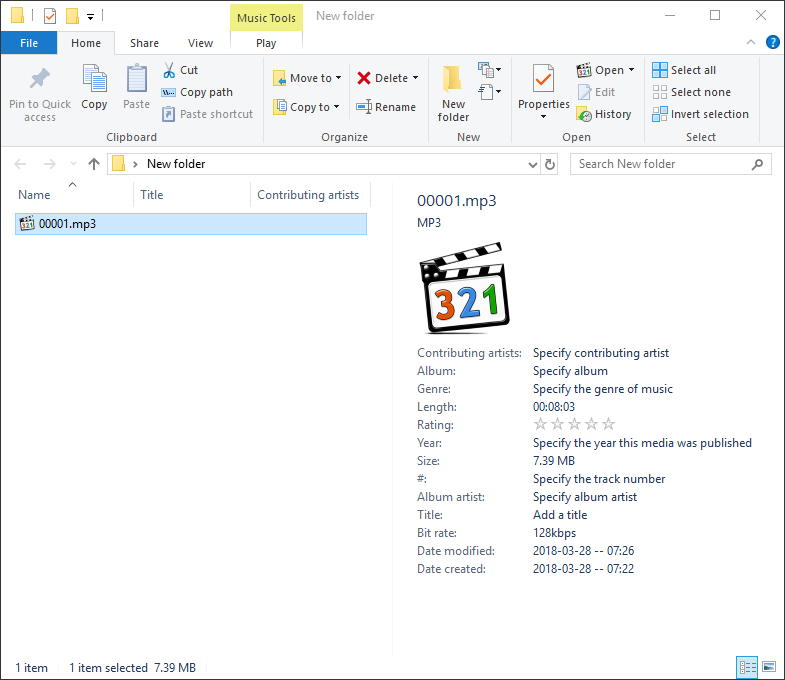
Here's the file. Notice, no EXIF data added so far. Just a file name.
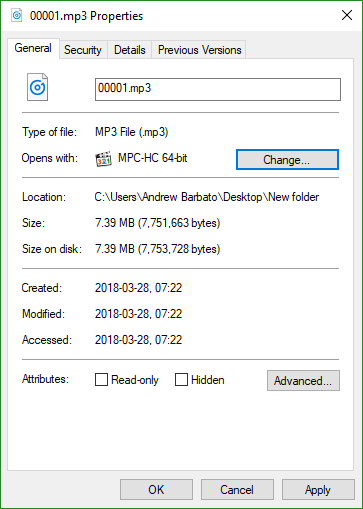
It's not in read-only mode, either.
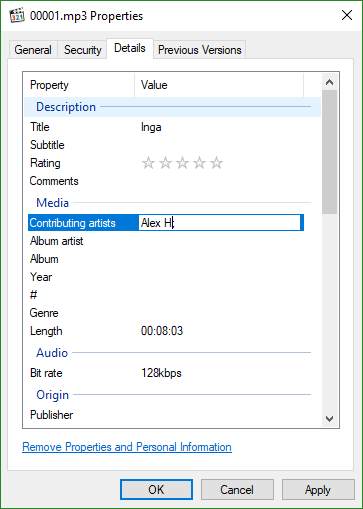
So I go to details and I can indeed edit them.
Applying them appears to work as well (although causes no changes to the file from the folder view).
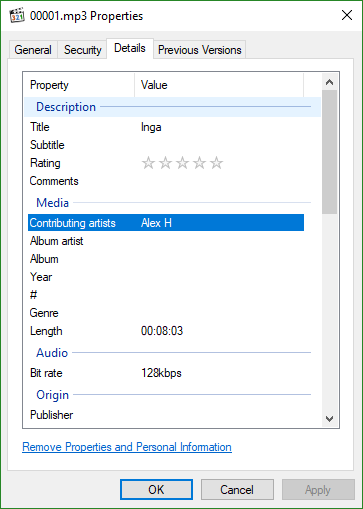
But as soon as I hit OK... back to square one. Blank EXIF data from the folder view, and nothing in details when I open properties again.
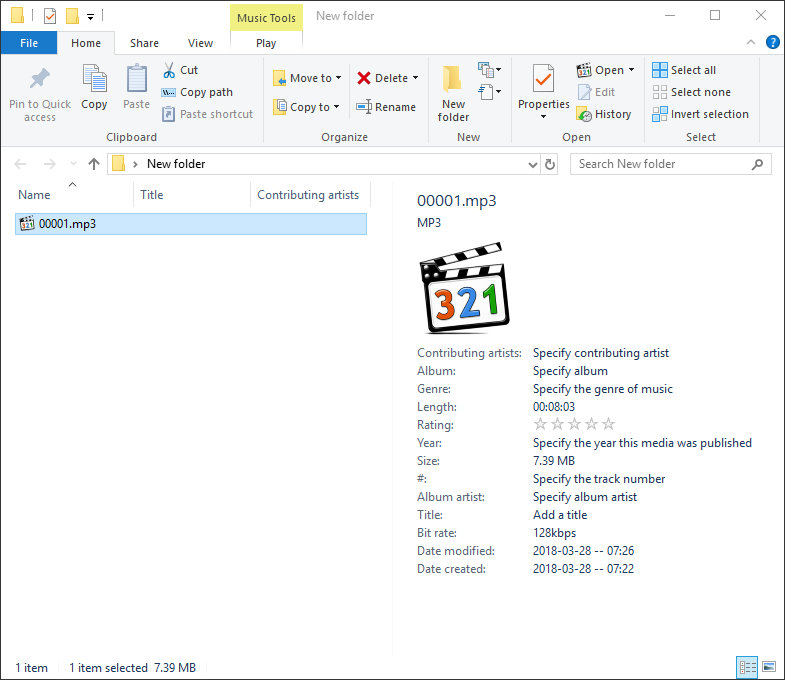
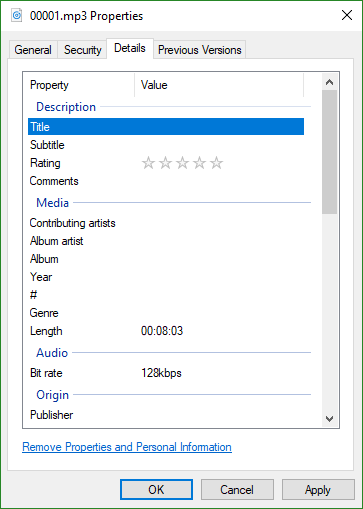
Does anyone have any ideas what might be causing this and/or how to resolve it so I can save the changes successfully?

Thanks for any assistance.

Windows for home | Windows 10 | Files, folders, and storage

Locked Question. This question was migrated from the Microsoft Support Community. You can vote on whether it's helpful, but you can't add comments or replies or follow the question.

0 comments No comments

6 answers

Sort by: Most helpful
  1. Anonymous
    2018-03-28T11:42:32+00:00

    Where on your hard drive are these MP3 files stored?

    If its in OneDrive, that might be why.

    Could you also check the properties of the file to see if it is set to read only? If it is, uncheck it.

    I would also try one of the the free MP3 tag editors to edit instead. Scroll down to the section 'Free MP3 Tagging Programs'

    https://www.online-tech-tips.com/free-software-...

    2 people found this answer helpful.
    0 comments No comments
  2. Anonymous
    2018-03-29T10:40:44+00:00

    Hmmm, ok. Your Mp3’s - i’m Sure they all live in the same folder. Just for the sake of trying something different, can you try to copy/paste one to the desktop. See if you can change the details while it resides there.

    *one step further* - take a minute and create a new user account. Grab an mp3 and try to change the details under that account.

    Anything we can cross off the list (New file location, different profile) will help us get closer to our answer!

    Let me know!

    • C
    1 person found this answer helpful.
    0 comments No comments
  3. Anonymous
    2018-03-28T11:44:53+00:00

    I also found this. https://www.mp3tag.de/en/download.html

    I wonder if this app would solve our problems and allow you to set the details without an issue.

    • C
    1 person found this answer helpful.
    0 comments No comments
  4. Anonymous
    2018-03-28T12:21:25+00:00

    Hi Andrewx3n,

    I was wondering if you are trying to edit the exif while listening to the same song you are editing. Because a couple of days ago a stumbled upon that, and it will not let you edit the song exif while hearing it.

    0 comments No comments
  5. Anonymous
    2018-03-28T11:43:19+00:00

    Hi Andrew,

    Your screenshots are awesome. Thank you. I’ve never seen this issue, but I’m willing to troubleshoot to try to work through it.

    Under that particular mp3, can you click on the security tab and send a screenshot over? I wonder if the permissions on them are getting jacked up somehow? If your account doesn’t have “full control” I’d at that, apply and see it you can make the detail changes.

    I’m going to keep looking for other solutions, but give that a shot. Also, did this just start happening? Only on new mp3’s You have? Let me know!

    • C
    0 comments No comments
