Hey Guys,
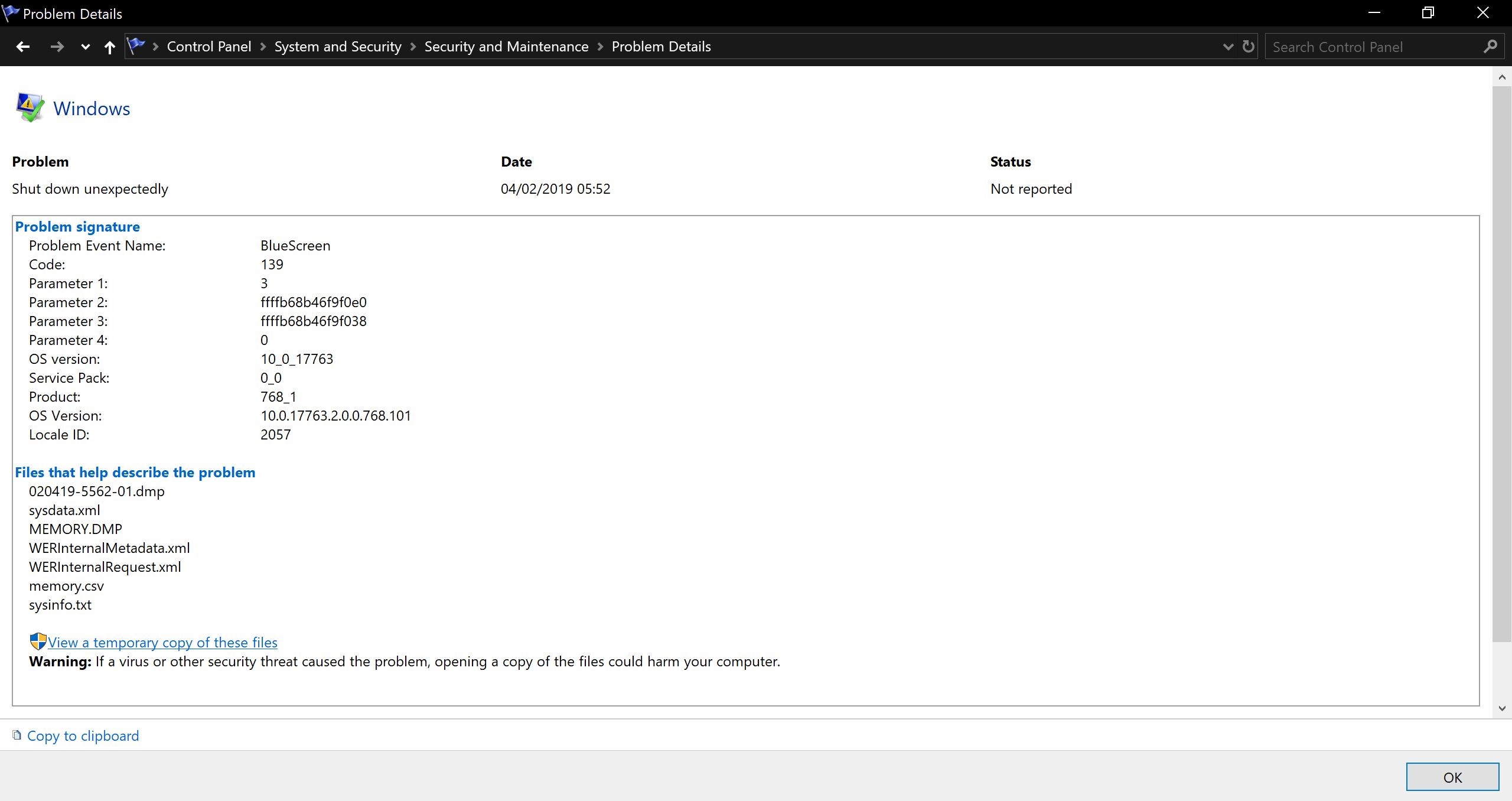
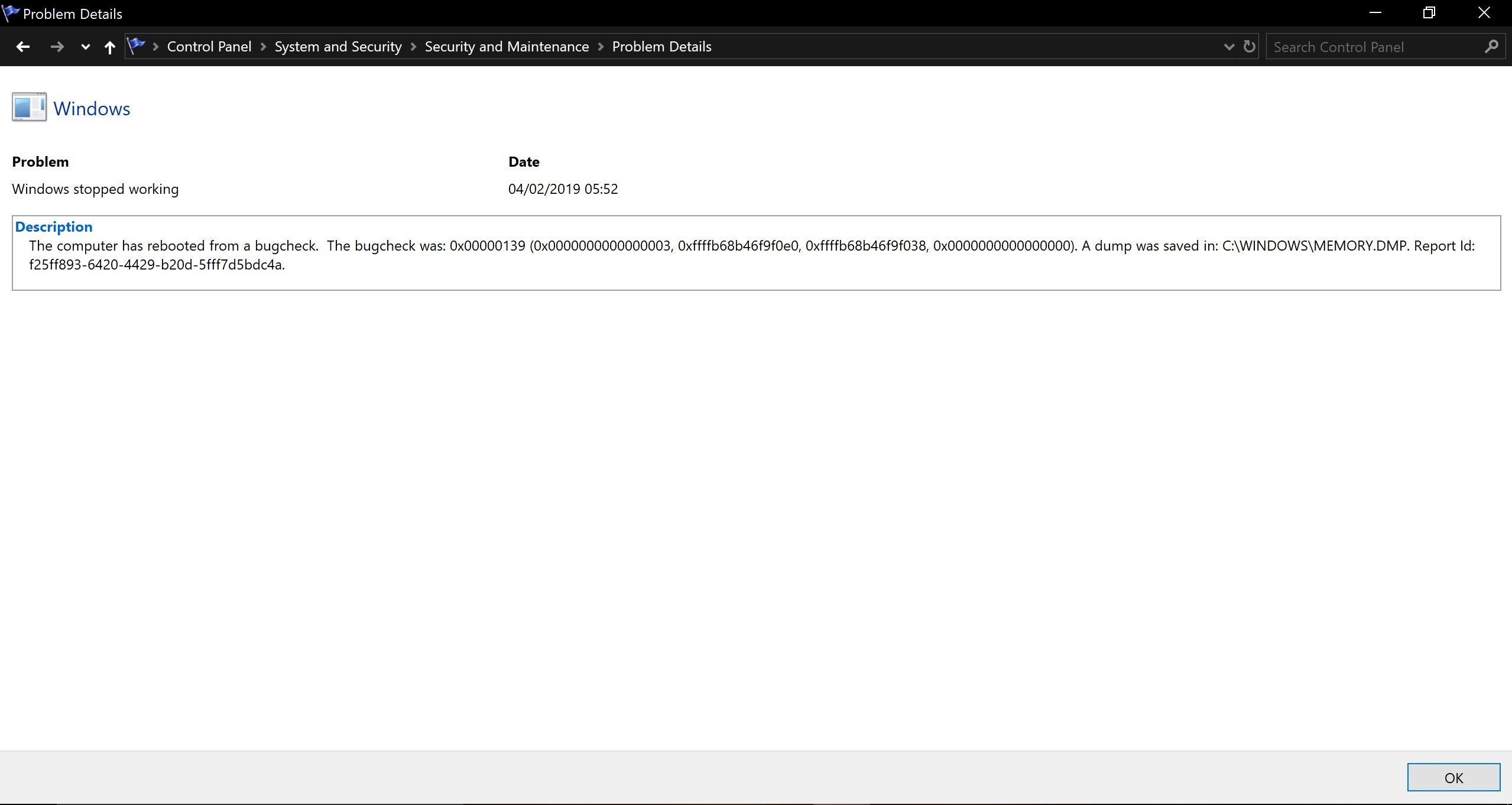
So I am having some issues with my Windows PC - everything has been working fine for a month. However yesterday upon restarting my PC i got the blue screen of death with the following errors: K ernel Security Check Failure errorwhile
the computer was rebooting from a bugcheck? Here are a couple of things I did before restarting my PC that may have caused the BSOD:
- Uninstalled Malwarebytes
- Cleared Cookies from my Chrome Browser.
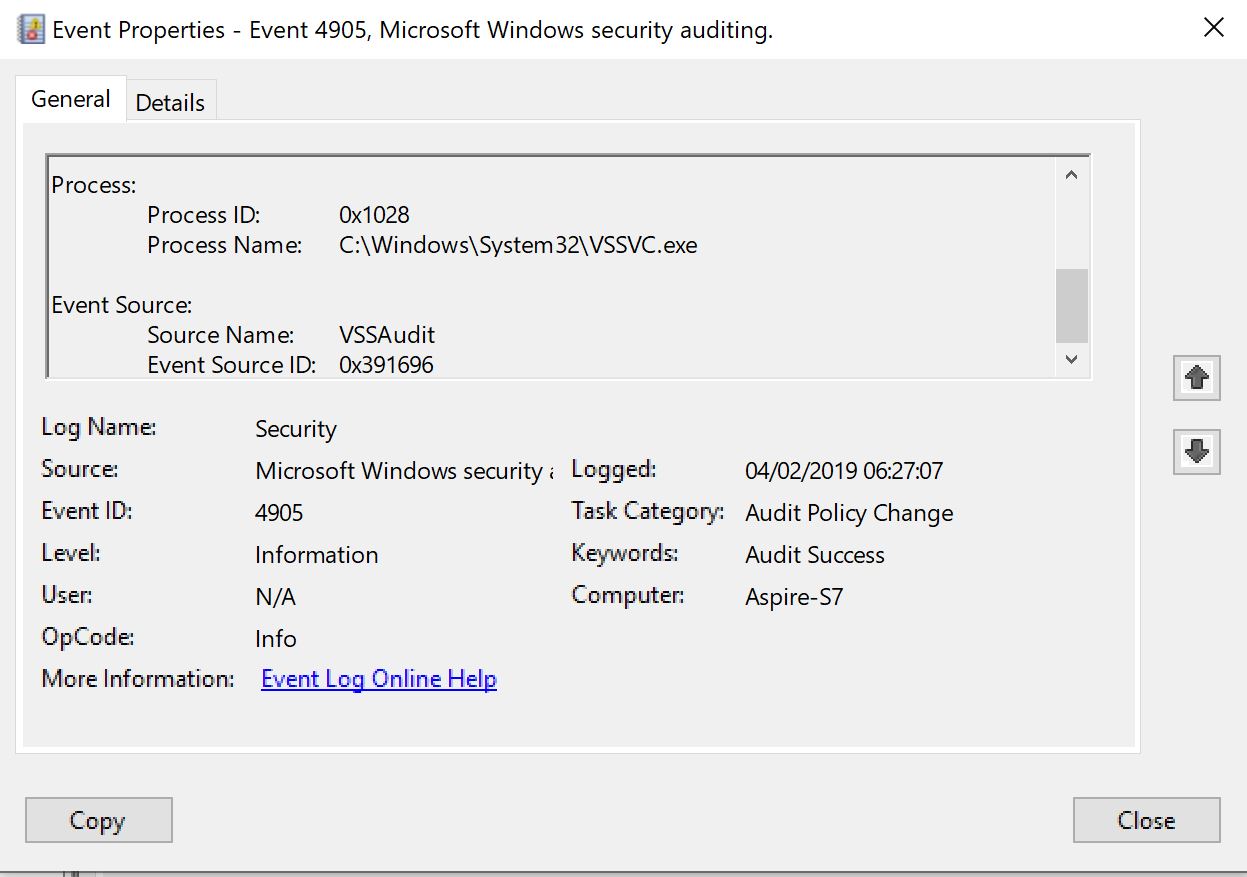
When I came back onto my PC and went into the event viewer I noticed that an hour after the initial BSOD I had some Audit Policy Change logs which stated that 'attempts were made to unregister a security event source'. I
am not sure if I currently have a rootkit, bootkit or infected driver on my PC, or if this is just the result of a malfunctioning driver or hardware. But I am worried as I have a lot of other errors logged in my event viewer that seem to also be occurring,
the following seem to be the most common:
- PerfNet event ID: 2004 -Unable to open the Server service performance object. The first four bytes (DWORD) of the Data section contains the status code.
- i8042prt event ID: 17 - The device sent an incorrect response(s) following a keyboard reset.
- **Win32k (Win32k)**event ID: 263 - A pointer device has no information about the monitor it is attached to.
- Kernel-PnPevent ID: 219 - The driver \Driver\WudfRd failed to load for the device.
- DNS Client Eventsevent ID: 1014 - Name resolution for the name www.yoyo.com timed out after none of the configured DNS servers responded.
- Kernal-EventTracing event ID: 3 - Session 'Circular Kernel Context Logger' stopped due to the following error: 0xC00000188
- Distributed COM event ID: 10005- DCOM got error '1804' attempting to start the service TokenBroker with arguments 'Unavailable' in order to run the server: Windows.Internal.Security.Authentification.Web.TokenBrokerInternal,
this error also occurs for some other services including BITS, Security Health Service, WSearch etc.
- Winlogon event ID: 6000 - The winlogon notification subscriber <GPClient? was unavailable to handle a notification event.
- TimeService event ID: 134 - NtpClient was unable to set a manual peer to use as a time source because of DNS resolution error on 'time.windows.com,0x9'. NtpClient will try again in 15 minutes and double the reattempt interval
thereafter. The error was: No such host is known. (0x80072AF9)
I was wondering if anyone could make sense of this information or has any idea what is wrong with my laptop. I have attached screenshots below. Thank You!
p.s. I have run the Windows Memory Diagnosticstool and everything came back normal.
' cx='32' cy='32' r='32' /%3E%3Ctext x='50%25' y='55%25' dominant-baseline='middle' text-anchor='middle' fill='%23FFF' %3EA%3C/text%3E%3C/svg%3E)

' cx='32' cy='32' r='32' /%3E%3Ctext x='50%25' y='55%25' dominant-baseline='middle' text-anchor='middle' fill='%23FFF' %3ESD%3C/text%3E%3C/svg%3E)