Hi everyone,
After trying tons of solutions available on the Internet, i am so desperate that I decided to create a topic.
I have purchased a D-link DNS 320l recently (its used), and after several hours of trying I cannot map the NAS as a drive.
Setup:
- D-link DNS 320l NAS device connected to Gigabyte LAN (1000) to my router TP-Link Archer C2
via UTP cable.
- PC Windows 10 Pro 64 bit, Gigabyte LAN adapter, connected to TP-link router via UTP cable.
- NAS is switched on, 1 drive is installed, blue LED is on.
NAS Firmware is
1.08
Firmware Date
04/20/2016
Network setup:
NAS IP address: 192.168.0.131 (Static, reserved IP address in router, reserved IP in Dlink NAS admin page)
PC IP address: 192.168.0.173 (same as above)
The NAS (this is how I named it during the installation) is visible in My computer, but like a UPNP device
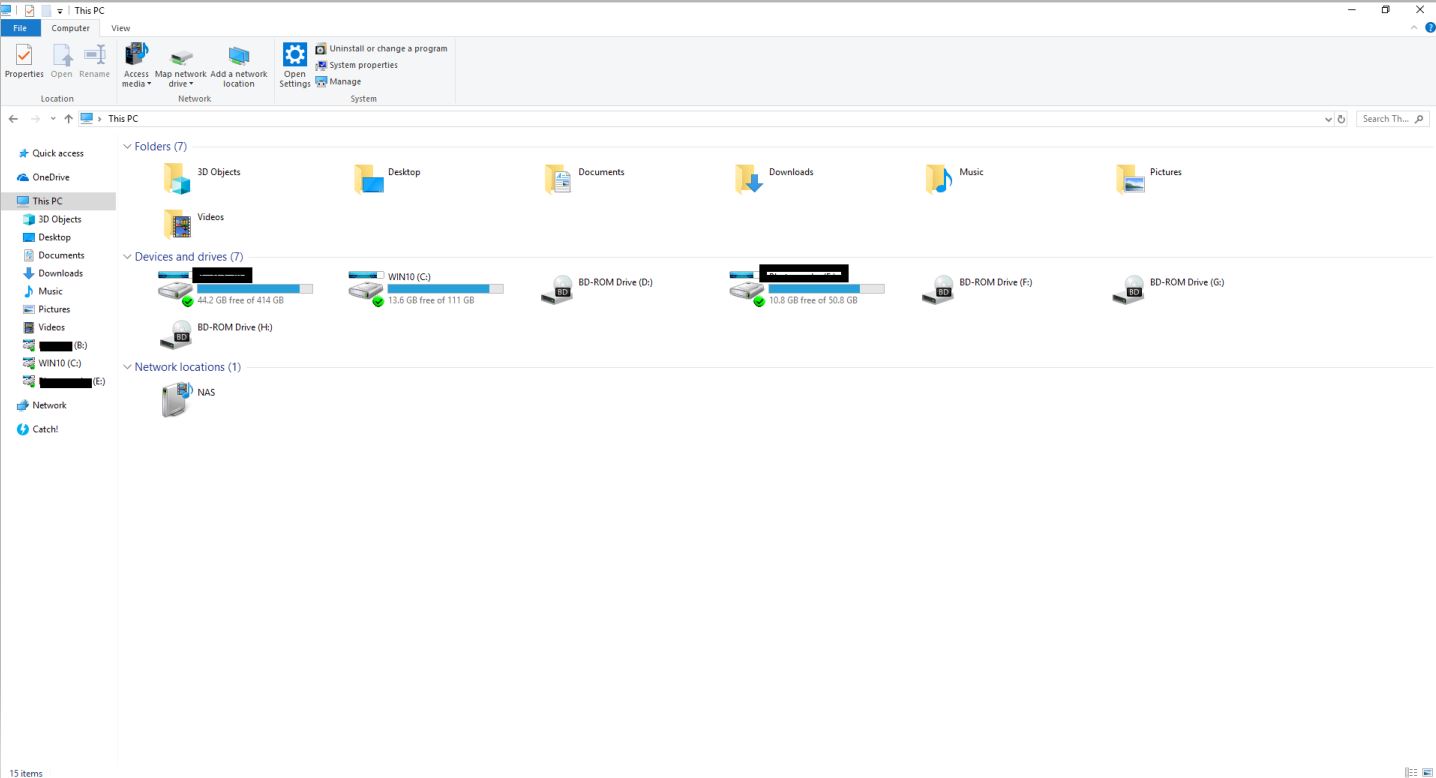
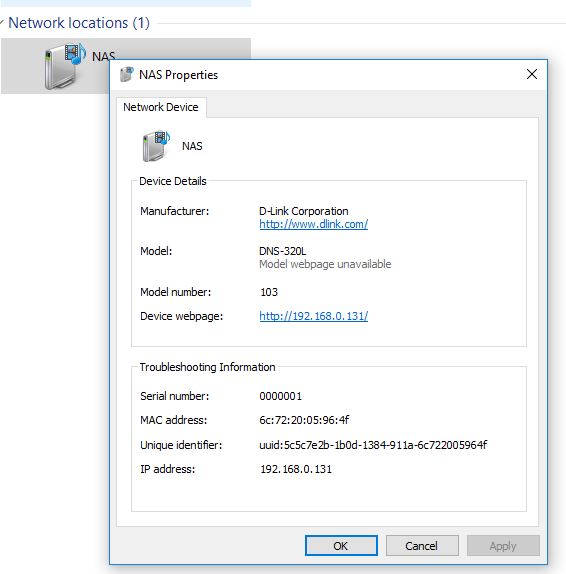
Right clicking on the icon you can see information about the NAS, so its recognized
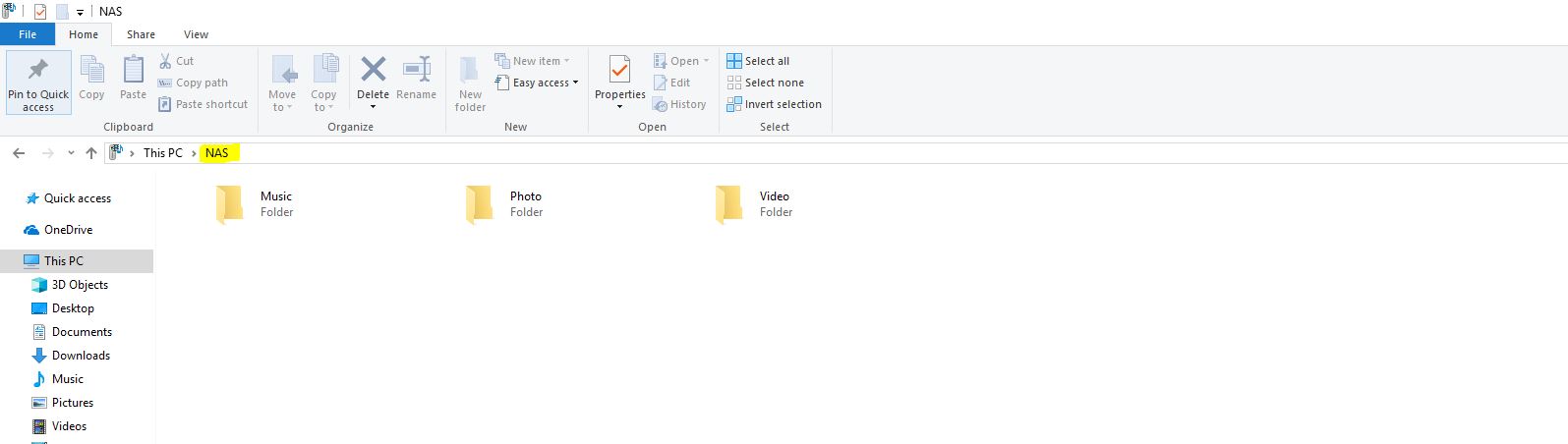
if I open it I only find 3 folders there: Music, Photo, Video. But there is no option to delete, or create any files there..
Clicking on the NAS here opens up the device's admin console from the browser.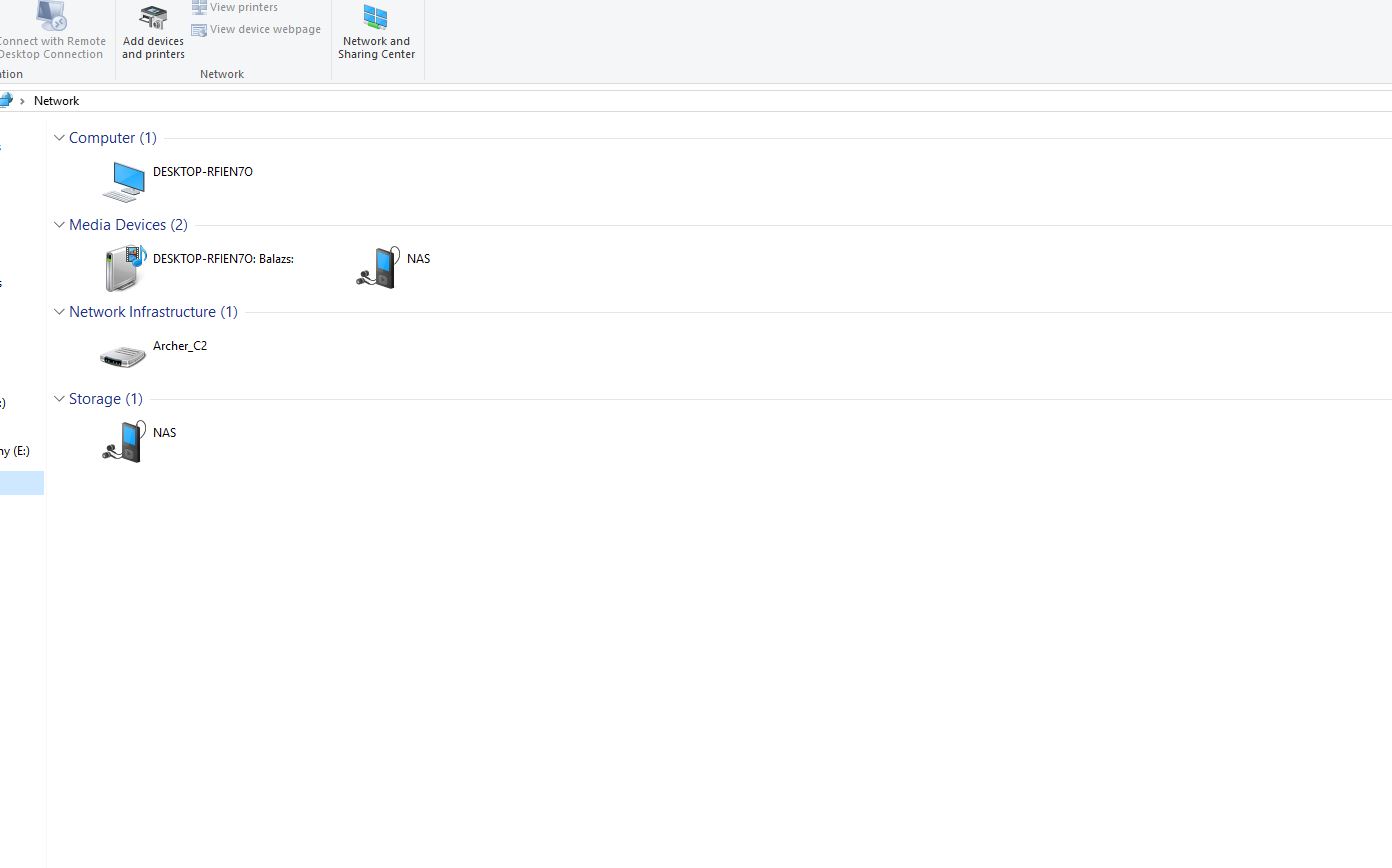
HDD is recognised , can be formatted with no issue from the admin console Wizard, or from the device's ShareCenter setup.
on the NAS admin page/Network Share settings tab I created one shared drive called Volume_1, All users have write and read rights, NFS host is pointing "*"
From my PC I can ping the NAS successfully with IP using Command prompt, with no packet loss
I tried to install the device using Share Center setup utility software, selected fix ip and set the proper settings, but at the end its not mounting up. The installation goes through successfully and its not giving any error message.
Tried several ways to map it manually from My Computer, Map network drive:
\192.168.0.131\Volume_1
\NAS\Volume_1
only the IP \192.168.0.131
etc.
Neither worked.It says Windows cannot access x...x. (address which I tried)
Diagnosing wasnt work either, there was no problem identified by Windows.
I tried to map it with and without credentials as well (NAS's credentials, local admin (myself having the Windows admin right), or creating a new user on the NAS and give rights to the user as well, no success.
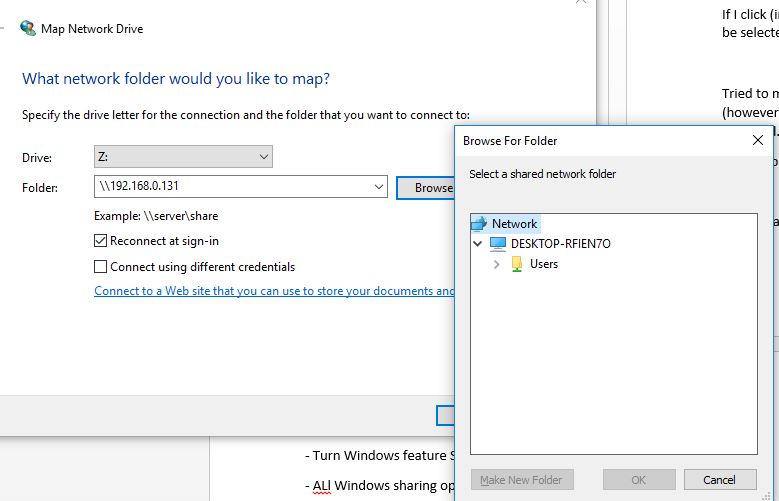
If I click (in the Map Network drive tab) on Browse I only see the Network and my PC. If I click on Network nothing happens.
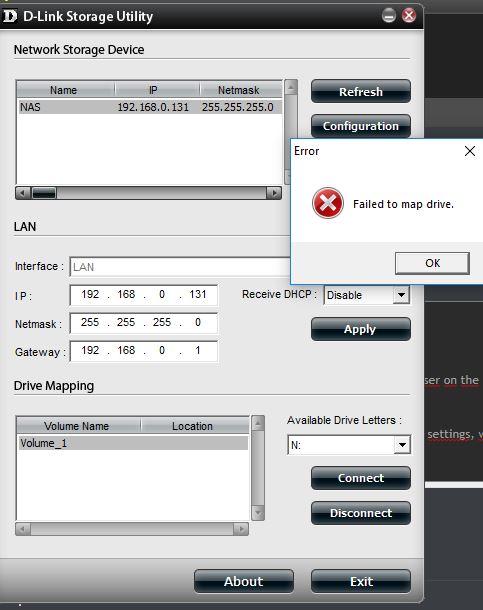
Tried to map it with the D-link Storage Utility software, but it gives the error Failed to Map drive (however it recognised the NAS and all settings, it was asking for credentials as well which I gave and it accepted.
What I also tried already:
- Turn Windows feature SMB 1.0 CIFS client and server on
- ALl Windows sharing options are enbled
- in Lan Adapter properties, IP4 properties, Advanced TCP/IP settings, WINS tab the Enable NetBios over TCP/IP option is already enabled
- Tried to reboot, reinstall NAS several times
Any idea for this issue?
' cx='32' cy='32' r='32' /%3E%3Ctext x='50%25' y='55%25' dominant-baseline='middle' text-anchor='middle' fill='%23FFF' %3EA%3C/text%3E%3C/svg%3E)
