Share via

I am not able to burn to a CD-R no matter the software or disc

Anonymous
2019-03-19T00:46:24+00:00

I have recently purchased a 50 pack of blank 52x 700mb (80 min of music) CD-Rs made by HP. However, I am--for some reason--not able to burn any data or music to any of the CDs I have tried. I have tried burning music to 23 of the CDs so far (what I have been doing this whole entire day), and it never seems to work. I have a compatible DVD/CD drive on my HP 580-023w desktop PC that even advertises on the box that it is capable of burning to CDs. I have the newest drivers for the drive, so the drive should be no issue, as I have even watched DVD movies from it before and installed software from it. Whenever I use Windows Media Player or any third-party CD burning software on my Windows 10 PC, it never works. I add the music I want (under 40 mins of music) to the Windows Media Player list, then queue to burn.

After preparing every single file... It will state 'Writing to disc' on the first track for a few seconds...
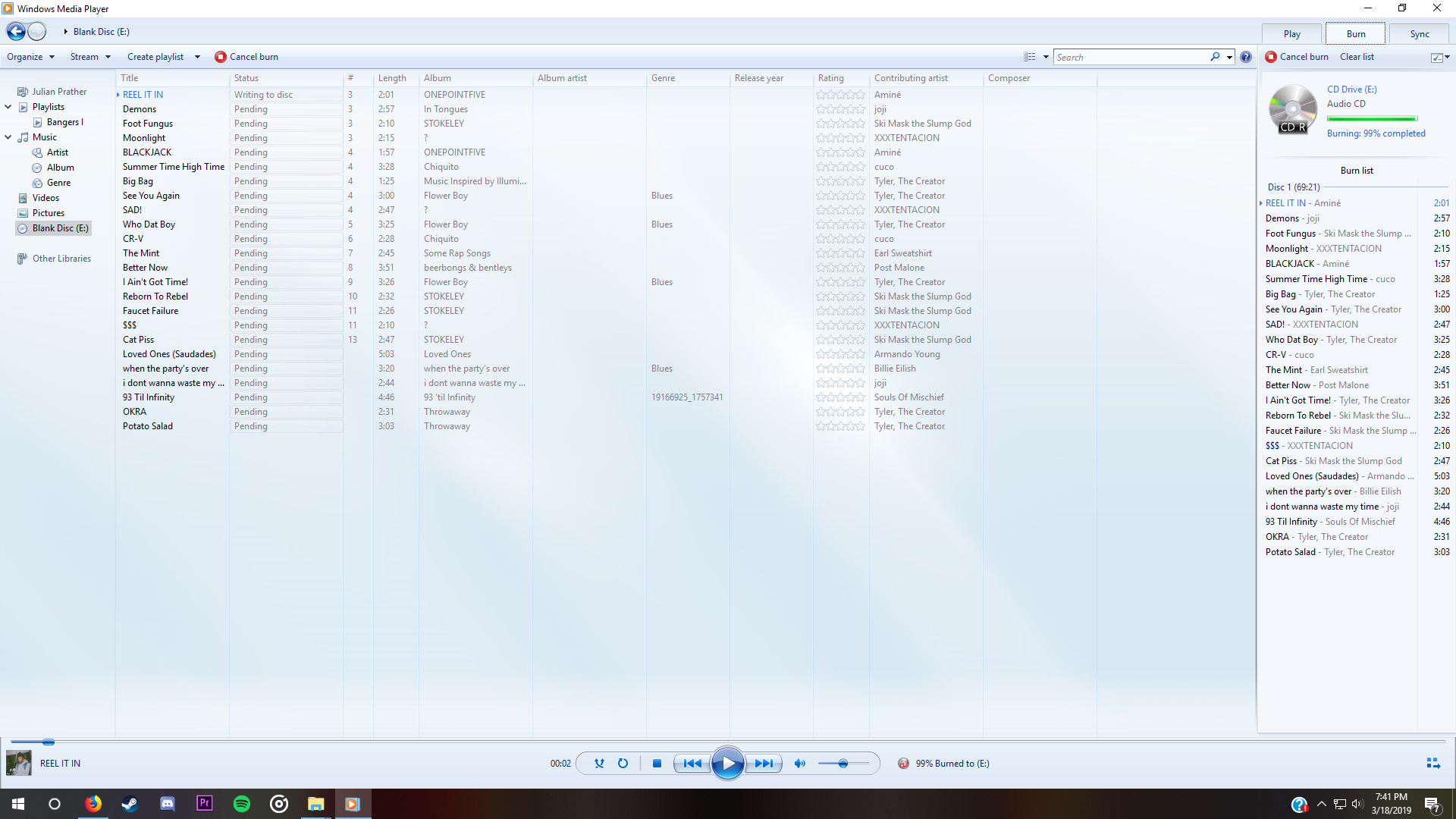
... Then it will pop up on error message stating:
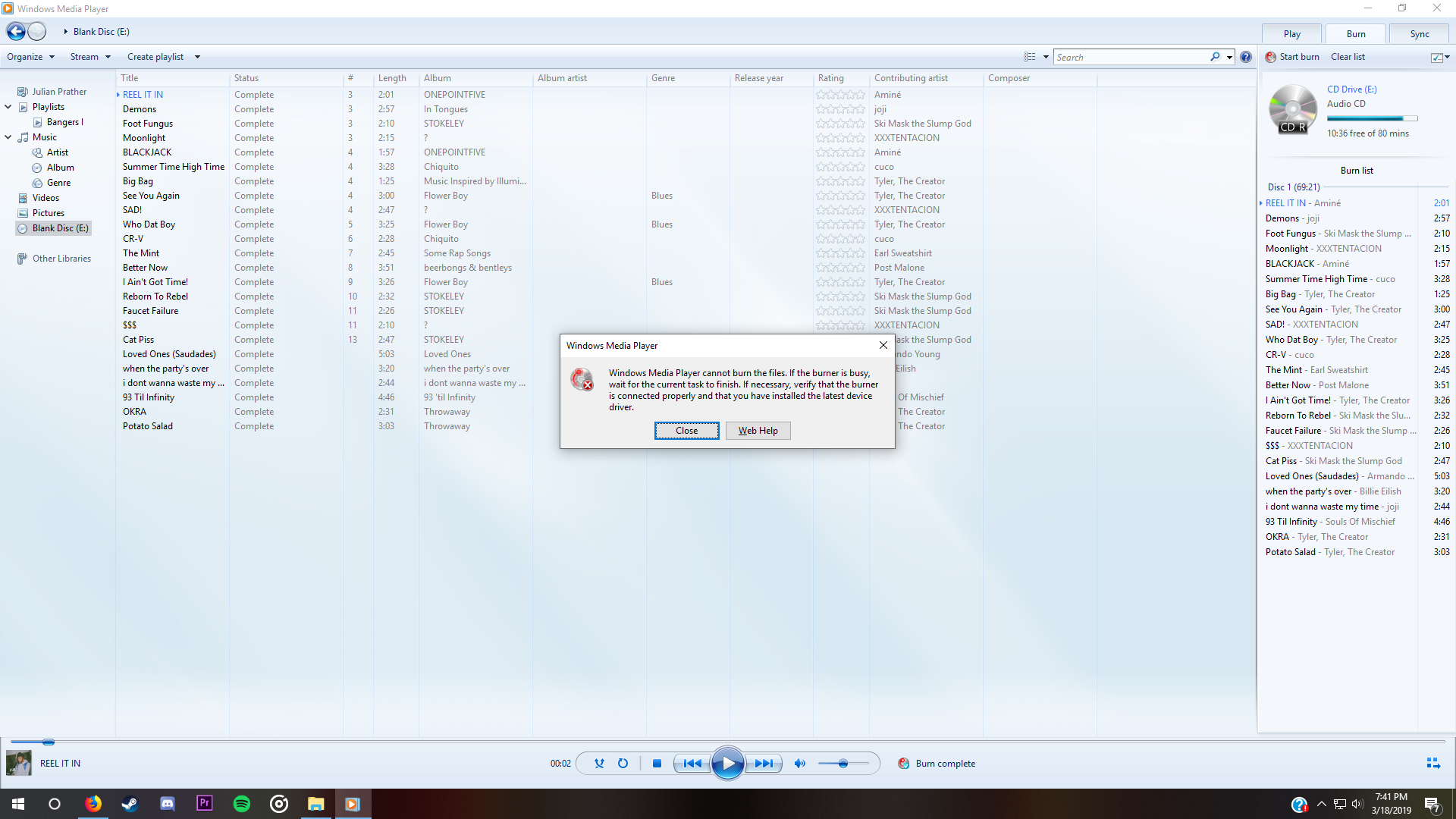
          Every other third party application I've used also has a similar generic message, with ImgBurn stating that my disc isn't writable (even though it is a CD-R meant for writing to), and CDBurnerXP stating that it, while it does detect I have a drive, that it doesn't detect that I have a CD in. I have no clue what to do.

Windows for home | Windows 10 | Devices and drivers

Locked Question. This question was migrated from the Microsoft Support Community. You can vote on whether it's helpful, but you can't add comments or replies or follow the question.

0 comments No comments

6 answers

Sort by: Most helpful
  1. Anonymous
    2019-03-19T03:22:51+00:00

    I selected a small number of songs and did the "send to" action, and selected "With a CD/DVD player" like I always do, but when I clicked next, no option to burn popped up. I had to manually go to the manage window and select to burn them. I selected Audio CD like I normally do and like you said, but I still got the same message that I have been getting.

    3 people found this answer helpful.
    0 comments No comments
  2. Anonymous
    2019-03-19T02:37:41+00:00

    Hi,

    I just tried this on my machine, but with a bit of a different method... I was trying to get this to appear...

    If you select the USB type it may cause a problem... Have you seen this pop up ?

    Anyway... I simply highlighted a number of .mp3 songs, right clicked on them, selected "Send To" the CD\DVD Drive...  This prompted the above option to appear...

    After selecting next, I got the option to burn them for Normal CD Player, or Computer...

    After selecting Normal CD Player I was redirected to a Windows Media Player screen as you posted with the list on the right side only...

    I selected Burn, and they did... Out of curiosity I'm going to check if it will play in my old fashioned Car CD Player...

    3 people found this answer helpful.
    0 comments No comments
  3. Anonymous
    2019-03-30T16:20:30+00:00

    It happens with any file. I am trying more disc, and they still won't work.

    1 person found this answer helpful.
    0 comments No comments
  4. VARADHARAJAN K 9,676 Reputation points Volunteer Moderator
    2019-03-19T14:57:41+00:00

    i have also  experienced  same issues  just 2 years before . i found that  CD disks  are  corrupted .

    i seen some manufactures  comes with builtin dvd writer does not  have  full specifications dvd writer .

    More  over custom  pc with  internal  dvd writers  like  from LG , Samsung or anyother brands .

    In their model page , all full technical  details will be  published .

    My reply  is  not  a  solution , its  just a information

    1 person found this answer helpful.
    0 comments No comments
  5. Anonymous
    2019-03-19T14:22:08+00:00

    Hi,

    I don't know what is going on there then...

    Does this happen with any type of file, or just Music ?

    0 comments No comments
