Share via

Microsoft Print to PDF regularly stops working

Anonymous
2019-03-24T05:55:48+00:00

I have a Lenovo Yoga 910. It's a great little laptop. Truly the only thing flawed about it is the Windows x64 HOME operating system. It regularly comes up with glitches and failures (often in simple core features) that take hours of troubleshooting to sort out. In case this I am here now trying to sort out why Microsoft Print to PDF is so unreliable.

I have attempted to print a webpage and now found that the Microsoft Print to PDF simply does not work. It does not work in any browser, app or program on the computer. The driver has simply failed and the print driver is no longer available.

This is the 5th or 6th time I've had this problem over the last 2-3yrs. The pattern I have noticed is that it occurs after some kind of automatic windows update (ie. you go to shutdown and get the "Update and Shutdown" prompt instead in the start menu). After restart BOOM - Microsoft Print to PDF no longer works. I have wasted hours and trawled the internet looking for solutions... there are plenty of people with the problem... not a lot of working solutions.

I have tried (and usually they have failed) the following solutions (from around the internet):

  1. Rollback to a restore point prior to the update (from safe mode bootup)
  2. the SFC/scannow and DISM from elevated CMD prompt
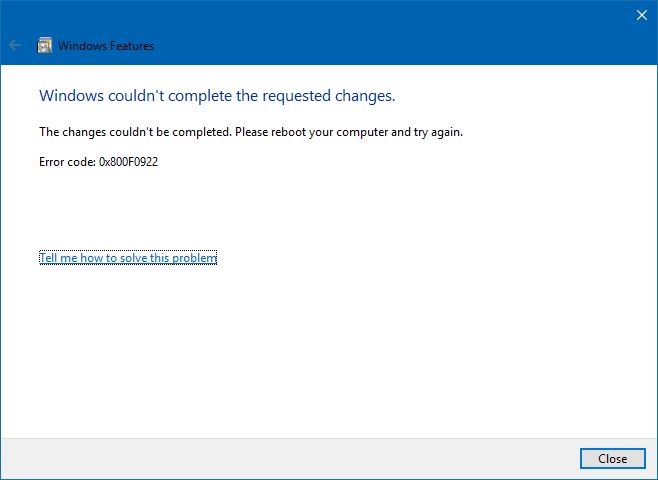
  3. remove and re-install from windows features
  4. remove and re-install manually the device driver from Control Panel > printers
  5. PLUS all the other solutions listed in the links below.

These usually make things worse and end up with a bunch of coded errors (0x0000007e etc) that point to .net framework etc or other nebulous issues when I search further.
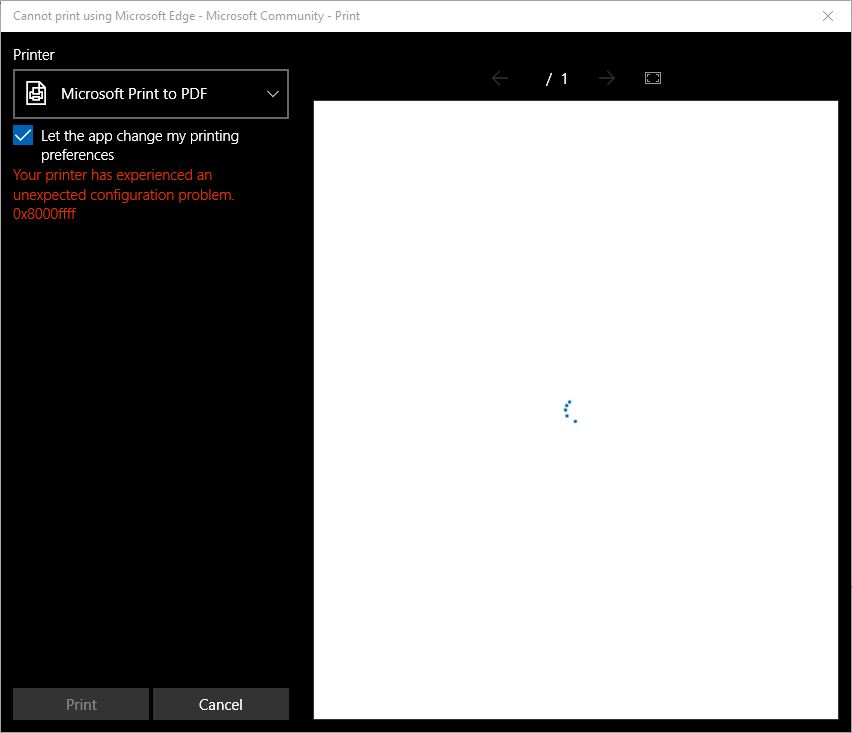
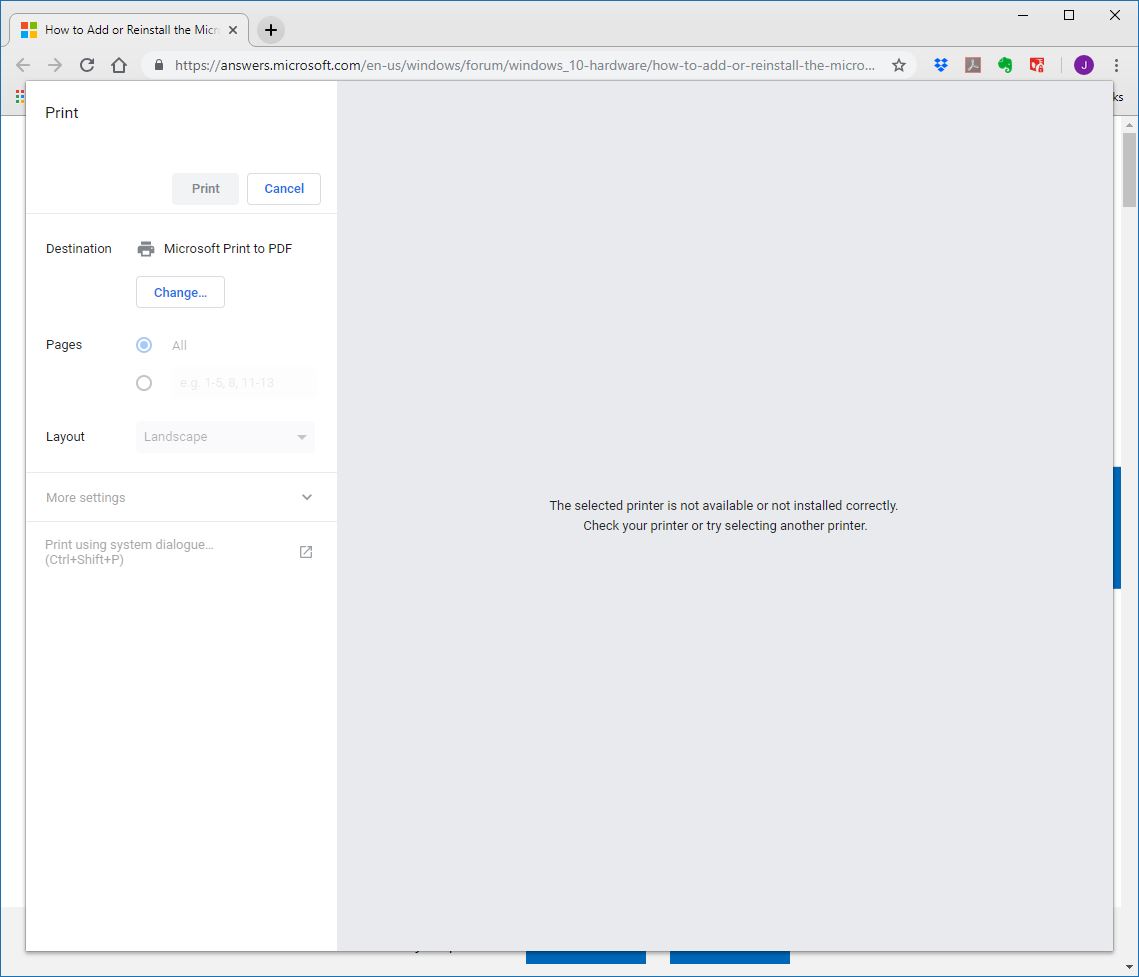
In all cases my only reliable solution is to download a windows image onto a thumb drive and do an 'in place re-install' of the operating system. I am tired of wasting my time on this. It goes without saying that I always have the latest version of windows installed and fully updated (as mentioned it is... from what I can gather... updates that appear to cause the problem)  What I want to know is:

  • Are microsoft aware of this constant issue and doing something about it? If not please acknowledge that you are aware now.
  • Why are we paying for an operating system that appears to be in constant Beta with constant issues like this going unremedied for years whilst MS concentrates on turning the OS into an advertising platform? I feel I spend so many hours trying to sort out problems with this OS that I should actually be getting paid by MS.
  • Are there any MS employees on this forum that have a solution to this issue that won't take me more hours of troubleshooting to sort out?

Here are some of the threads (and associated solutions) I have tried already trying to sort out this issue:

https://answers.microsoft.com/en-us/windows/forum/windows\_10-hardware/how-to-add-or-reinstall-the-microsoft-pdf-printer/70377c34-e50a-42be-b9f3-92345d6e25df

https://www.windows10forums.com/threads/microsoft-print-to-pdf-stopped-working-after-long-time-with-no-issues.14403/

https://www.jiho.com/en/tips/fix-microsoft-print-to-pdf-not-working.html

https://windowsreport.com/print-to-pdf-windows-10/

https://answers.microsoft.com/en-us/windows/forum/windows\_10-files/microsoft-print-to-pdf-not-working/5a3495f1-e0f4-462e-8866-3688b8202fc8

https://www.drivethelife.com/windows-10/microsoft-print-to-pdf-not-working-windows-10.html

Windows for home | Windows 10 | Devices and drivers

Locked Question. This question was migrated from the Microsoft Support Community. You can vote on whether it's helpful, but you can't add comments or replies or follow the question.

0 comments No comments

5 answers

Sort by: Most helpful
  1. Anonymous
    2019-03-24T10:15:53+00:00

    Hi,

    I am Ganesh Gandhi, an Independent Advisor, 18 years experienced windows guide. I am here to work with you on this problem.

    As you have tried most of the solutions to fix Print to pdf,

    I recommend using reliable third party PDF printer,

    Support for Acorbat XI has ended, hence i list other options.

    1. You can print to PDF with comments or without; you can print to PDF and make it double-sided
    • Try PDFelement - free software
    1. A light PDF printer that is just as reliable as more advanced ones
    • Try Foxit free software

    Do let me know if you require any further help on this. I will keep working with you until it's resolved.

    ______________________________________________

    Standard Disclaimer: There are links to non-Microsoft websites. The pages appear to be providing accurate, safe information with reference. Thoroughly research products advertised on the sites before you decide to download and install it. Watch out for ads on the sites that may advertise products frequently classified as a PUP (Potentially Unwanted Products).

    0 comments No comments
  2. Anonymous
    2019-03-24T08:30:20+00:00

    I'm sorry that I missed the link in your post.

    1. Please work through this Checklist to make sure the install is set up correctly, optimized for best performance, and any needed repairs are done: http://answers.microsoft.com/en-us/windows/wiki...
    2. If any steps cannot be performed then try whichever method works to enter Safe Mode with Networking which may work better to perform the steps: http://www.pcworld.com/article/2984712/windows/...
    3. If no Safe Mode, from the Advanced Startup Options use the Command Prompt at boot to run the Repair Commands in the Checklist: https://www.tenforums.com/tutorials/2294-advanc...
    4. If nothing else works then you can reinstall Windows while keeping your files, programs and most settings by running a Repair Upgrade. Install the Media Creation Tool from this link, choose Upgrade Now, follow the prompts: http://windows.microsoft.com/en-us/windows-10/m.... If this doesn't help, do it over and choose to Save Nothing, which comes close to a Clean Install but doesn't clear the hard drive to get it cleanest.

    The Repair Upgrade in Step 3 will also update you to the latest Version (which you need anyway) if you don't yet have it, and by the most stable method.

    1. Or you can create the bootable media to do the gold standard Clean Install in this link, which compiles the best possible install of Windows 10 that will stay that way as long as you stick with the tools and methods given: http://answers.microsoft.com/en-us/windows/wiki...

    I would make it a diagnostic install where you test performance after each group of updates, each program or app is installed, and each settings change is made, to try to isolate which exactly of these might be causing a conflict to trigger the issue.

    1. There is also an automated Refresh which reinstalls Windows while leaving out the factory bloatware that throttles Windows and causes endless issues, lets you save your files. https://www.howtogeek.com/265054/how-to-easily-...

    Feel free to ask back any questions and let me know how it goes. I'll keep working with you until it's resolved.

    ________________________________________________________
    Standard Disclaimer: There are links to non-Microsoft websites. The pages appear to be providing accurate, safe information. Watch out for ads on the sites that may advertise products frequently classified as a PUP (Potentially Unwanted Products). Thoroughly research any product advertised on the sites before you decide to download and install it. .

    0 comments No comments
  3. Anonymous
    2019-03-24T07:46:11+00:00

    Hi Vijay and Greg,

    Thanks for your quick reply. Yes... I have used the feedback hub a couple of times for this issue but alas have never had any response.

    You'll also note Greg that the link you provided is the same as the first (of 6) links I provided in my original post. I have tried this.

    Cheers.

    0 comments No comments
  4. Anonymous
    2019-03-24T06:18:28+00:00

    Hi Growler. I'm Greg, an installation specialist and 9 year Windows MVP here to help you.

    See here how to reinstall the Print to PDF function:

    https://answers.microsoft.com/en-us/windows/for...

    If you want to report this to Microsoft use the Feedback Hub app in Start Menu where developers are tasked to process consumer feedback. They will not even see it here. This is a tech forums staffed mostly by volunteers trying to help others with your problems.

    If you want to post back a Share link from your Feedback here others who see this thread can vote it up and add to it. I will also track the issue for you.

    I hope this helps. Feel free to ask back any questions and let us know how it goes. If you'll wait to rate whether my post helped you, I will keep working with you until it's resolved.

    0 comments No comments
  5. Vijay A. Verma 104.8K Reputation points Volunteer Moderator
    2019-03-24T06:15:58+00:00

    Hi Growler742

    I am Vijay, an Independent Advisor. I am here to work with you on this problem.

    These forum posts are not read by Microsoft engineers. This feedback should go to Microsoft engineers for them to consider this. You should report this to Microsoft so that Microsoft developers should look into this to consider this for a fix.

    I would recommend that you submit this request as a feedback to Windows team through Feedback Hub

    Windows Key+F

    Submit your feedback

    Do let me know if you require any further help on this. Will be glad to help you.

    0 comments No comments