Recently, I've been having issues with game play performance and whether or not my games are using my dedicated GPU instead of my integrated GPU. I now believe most of my games are using my integrated GPU instead of my dedicated one.
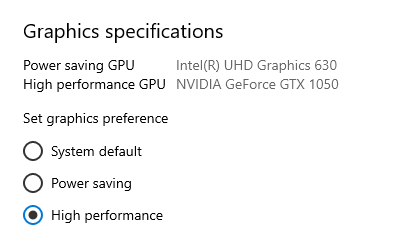
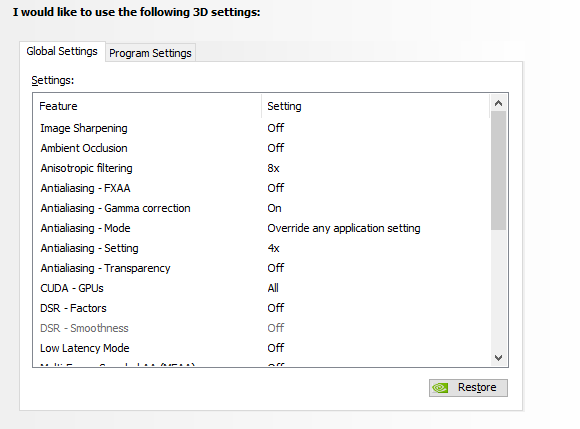
I want to set my NVIDIA GPU as the system default, but I'm unsure on how to do that. The only option I see people telling is 'go through NVIDIA control panel,' but that's simply not an option as the control panel does not give me the option to set my preferred
GPU. You can see that here:
 Is
there another way to manually set my GPU as the system default? Warm regards,
Is
there another way to manually set my GPU as the system default? Warm regards,
Manthor
' cx='32' cy='32' r='32' /%3E%3Ctext x='50%25' y='55%25' dominant-baseline='middle' text-anchor='middle' fill='%23FFF' %3EA%3C/text%3E%3C/svg%3E)
